
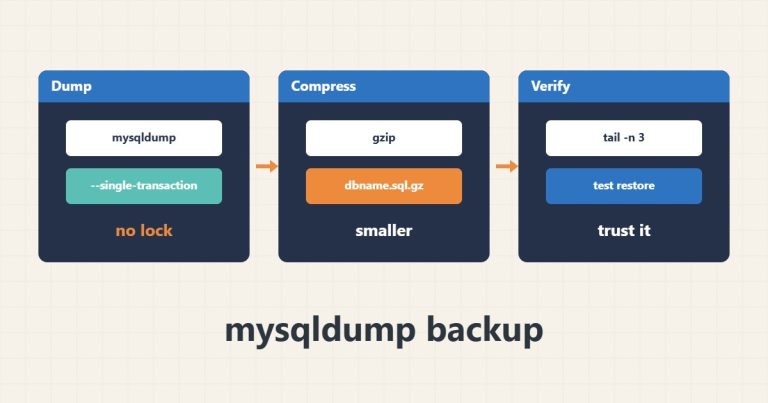
Safe Database Backups with mysqldump and –single-transaction
How to take a MySQL backup with mysqldump without locking InnoDB tables, and how to check that the output file is sound.
Read articleProfessional portfolio
Practical technical guides about servers, hosting, WordPress, email, and infrastructure.
How to take a MySQL backup with mysqldump without locking InnoDB tables, and how to check that the output file is sound.
Read article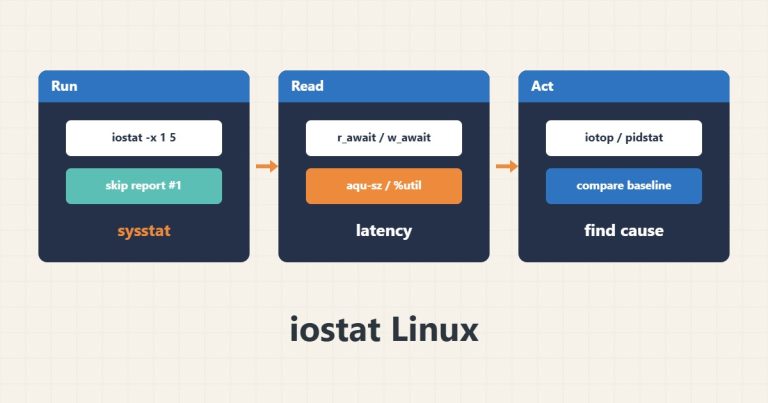
How to use iostat -x to detect disk latency and saturation on a Linux server, and tell a busy disk from a slow one.
Read article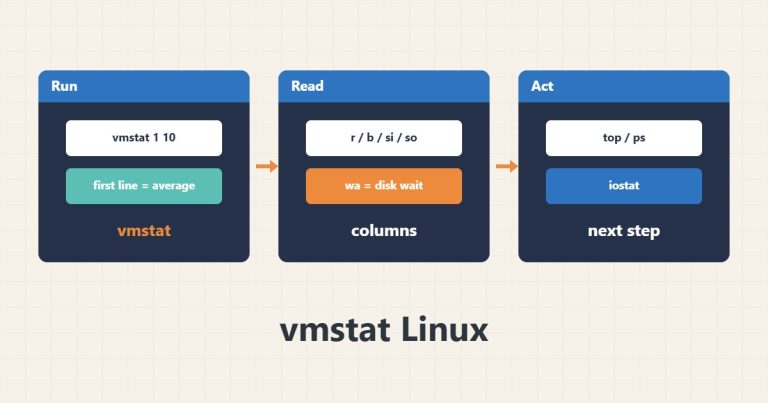
A practical guide to reading vmstat output to tell CPU shortage, memory pressure, swapping and disk wait apart on a Linux server.
Read article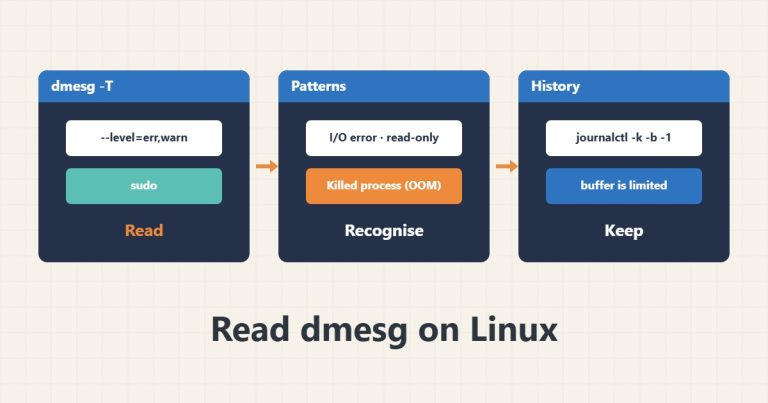
Filter kernel messages with dmesg, recognise disk I/O errors, OOM kills and network link drops and know the buffer and timestamp limits.
Read article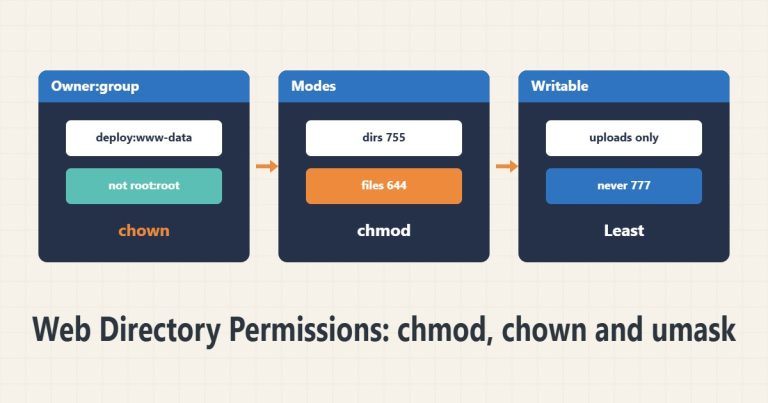
Set the right owner, group and permissions for a web directory, make only the needed folders writable, control new-file permissions with umask and setgid and never use 777.
Read article
Use Get-WinEvent with FilterHashtable to quickly filter errors in a time window or a specific event ID, save the output and avoid the old Get-EventLog.
Read article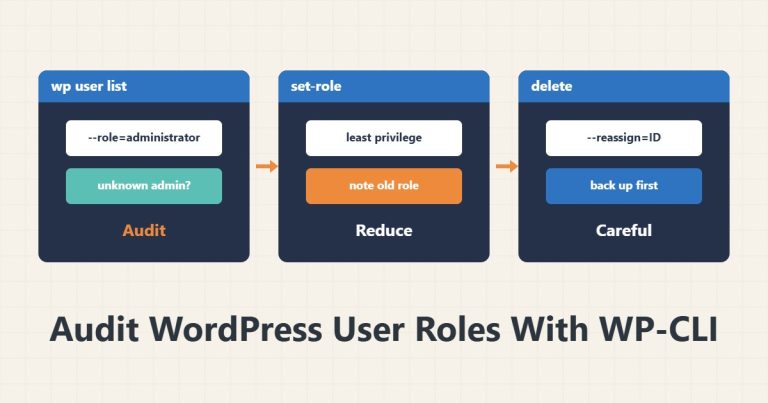
Use WP-CLI to list users and roles, find unnecessary or unknown administrators, reduce roles carefully and remember a backup and reassign before deleting.
Read article
Check the default WordPress sitemap with curl, find why it returns 404 or is empty, recognise conflicts with an SEO plugin and register the URL in robots.txt and Search Console.
Read article
Find the real upload limit across several layers: PHP, the web server and any proxy, set the right values and tell a 413 error from WordPress's own message.
Read article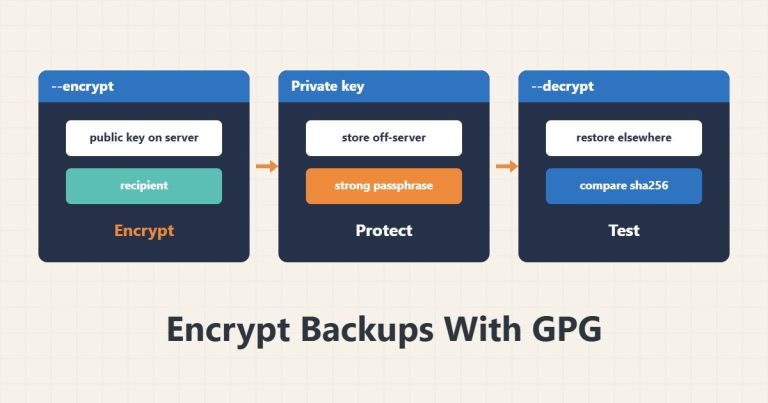
Encrypt backups with GPG, keep the public key on the server and the private key off it, test decryption and never write the passphrase in a script.
Read article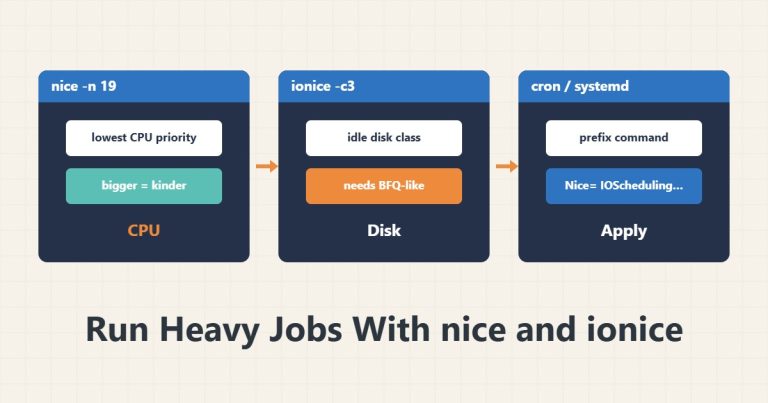
Lower CPU priority with nice and disk priority with ionice for backup and compression jobs, know the ionice limitation and apply them in cron and systemd.
Read article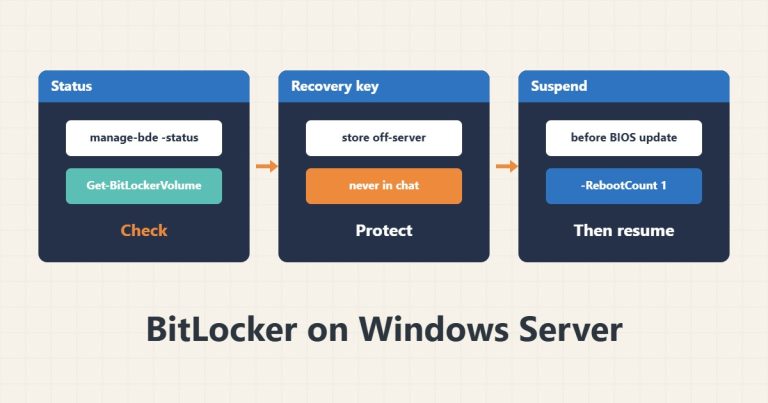
Read BitLocker status with manage-bde and Get-BitLockerVolume, keep the recovery key safe and suspend protection temporarily before a BIOS update.
Read article