
A wrong permission either locks everyone out or lets everyone in. The shortcut some people choose, 777, opens everything and is an attack path. This guide gives a simple, safe pattern for a site on Linux.
1. Read the current permissions
ls -ld /var/www/site
ls -l /var/www/site | head
stat -c '%U:%G %a %n' /var/www/site/wp-config.php
The first column is the permission, followed by owner and group. The three-digit number is for owner, group and others. Read is 4, write is 2 and execute is 1, and 7 means all.
2. The usual pattern
sudo chown -R deploy:www-data /var/www/site
sudo find /var/www/site -type d -exec chmod 755 {} +
sudo find /var/www/site -type f -exec chmod 644 {} +
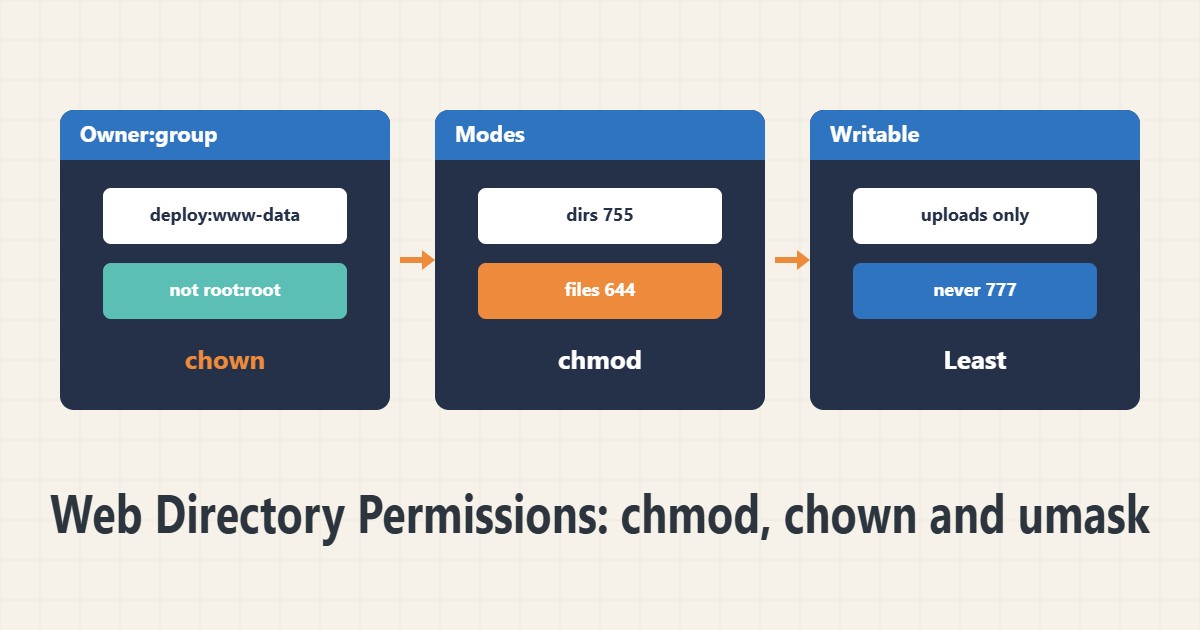
The owner is a deploy user and the group is the web server user. Directories become 755 and files 644. The names deploy and www-data are samples and differ by distribution. Reread the path before a recursive run.
3. Sensitive files
sudo chmod 640 /var/www/site/wp-config.phpClose the database configuration file to others. The web server group must be able to read it, but others must not. Permission 600 is also possible if the owner is the PHP user.
4. Make only what is needed writable
The application usually needs to write only to the upload or cache folder. The rest of the code should be read-only for the web user. If WordPress updates itself, the owner must be the PHP user, or you do the changes as the deploy user. Permission 777 is never needed.
5. umask and setgid
umask
sudo chmod g+s /var/www/site/uploads
umask sets the default permission of new files. A value of 022 makes files 644. The setgid bit on a directory makes new files take the directory’s group. For an overall security review see the Lynis report and for safe login see the SSH guide.
6. Illustrative example, not a measurement
Suppose a WordPress upload gave a permission error and someone had set 777 on the whole site. Owner and group were fixed, directories became 755 and files 644, and only the upload folder stayed writable for the PHP user. Uploads worked and the attack surface shrank. This scenario is an invented illustration, not a measurement.
7. Common mistakes
- Using chmod -R 777.
- Running a recursive chown on the wrong path.
- Leaving all code writable for the web user.
- Not restricting wp-config.php.
8. Frequently asked questions
Why is 777 bad? Any user on the system can change the file.
What does 644 mean? The owner reads and writes; others only read.
Where do I set umask? In the shell profile or the service settings.
9. Quick checklist
- Owner and group are right.
- Directories are 755 and files 644.
- wp-config.php was restricted.
- Only the needed folder is writable.
- umask and setgid were reviewed.
If you need help reviewing performance or maintaining a server, see the server management services.
More server and WordPress guides are collected in the article archive.