
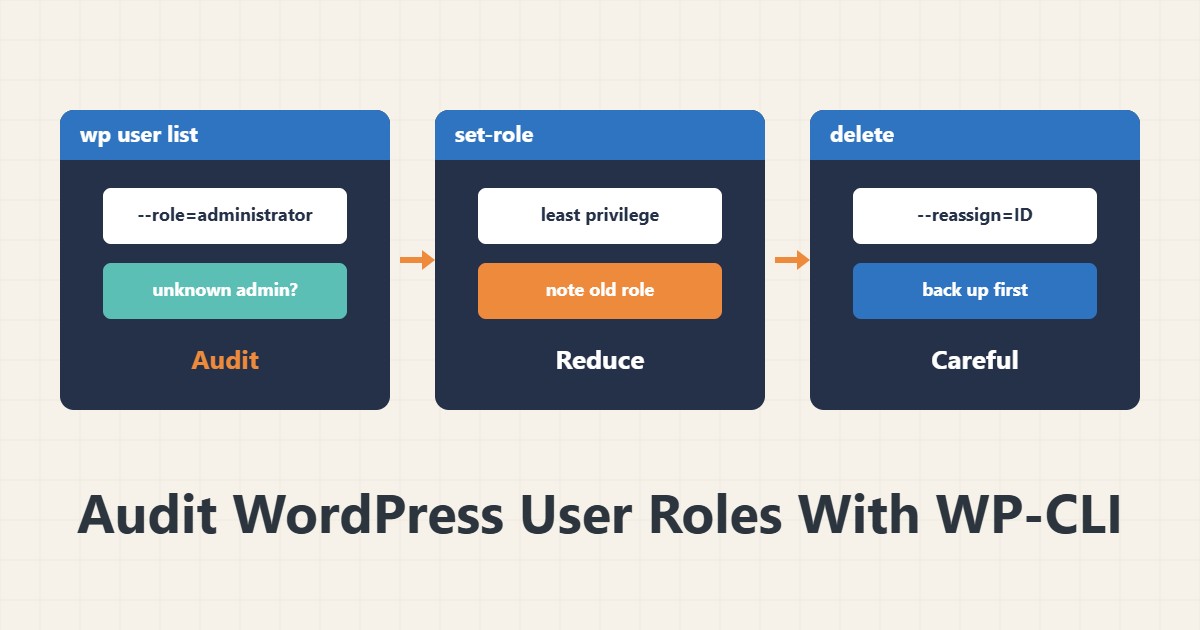
Every administrator user in WordPress is an account with full access. Over time, old accounts, departed contractors and test accounts pile up. A simple WP-CLI review can reduce the risk and reveal a suspicious account.
1. List users and roles
wp user list --fields=ID,user_login,user_email,roles,user_registered
wp user list --role=administrator
Compare the output with the list of people who really should be administrators. Pay attention to registration dates and unfamiliar emails. An administrator nobody recognises, registered close to a security incident, is suspicious.
2. Existing roles
wp role list
wp cap list editor | head
The default roles are administrator, editor, author, contributor and subscriber. Each user should have the lowest role that lets them do their job. For writing articles, author is usually enough and administrator is not needed.
3. Reduce a role
wp user set-role 12 editorThe number 12 is a sample; read the real ID from the list. Note the current role before changing so you can restore it. It is also better to tell the user before the change.
4. Delete with care
wp user delete 12 --reassign=1The reassign option gives the user’s content to another user; otherwise their posts are deleted. Back up the database before deleting. If you are unsure, instead of deleting, reset the password and reduce the role to subscriber, and decide later.
5. If a suspicious account appears
An unknown administrator can be a sign of intrusion. Do not delete the account immediately; record it first and check what it did. Change every administrator password and enable two-step login. For login attacks see Fail2ban and Site Health.
6. Illustrative example, not a measurement
Suppose a review found five administrators, of whom only two really needed it. Two accounts belonged to former contractors and one was a test account. Their roles were reduced to editor or subscriber, and the test account was deleted after a backup. This scenario is an invented illustration, not a measurement.
7. Common mistakes
- Giving everyone the administrator role for convenience.
- Deleting a user without reassign and a backup.
- Ignoring an unknown administrator account.
- Keeping a departed contractor’s account.
8. Frequently asked questions
What can an editor do? Edit everyone’s content but not settings or plugins.
What is reassign? Moving a deleted user’s posts to another user.
How often should I review? At least every few months.
9. Quick checklist
- The user list was taken.
- Unnecessary administrators were identified.
- Roles were reduced to the minimum.
- A backup was taken before deletion.
- Passwords and two-step login were reviewed.
If you need help reviewing performance or maintaining a server, see the server management services.
More server and WordPress guides are collected in the article archive.
Official references
WP-CLI: wp user list · WP-CLI: wp user set-role · WordPress documentation: roles and capabilities