
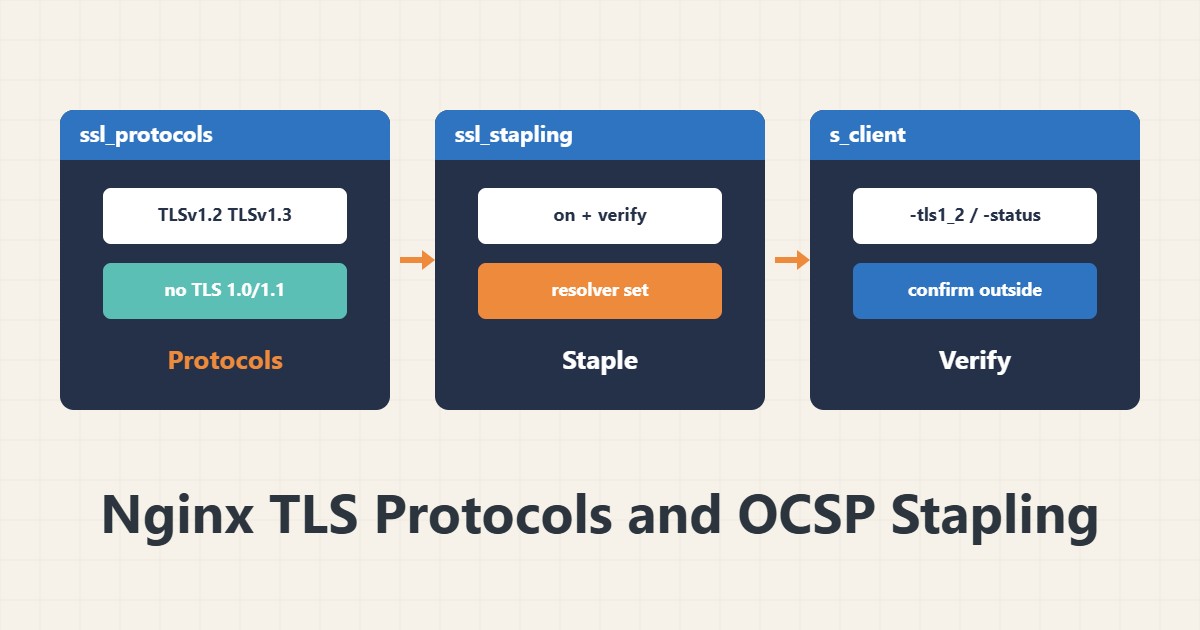
A valid certificate is not everything; old protocols and weak TLS settings can harm security and compatibility. This guide gives a reasonable minimum Nginx configuration and shows how to confirm it from outside.
1. Protocols
ssl_protocols TLSv1.2 TLSv1.3;
ssl_prefer_server_ciphers off;
TLS 1.0 and 1.1 are deprecated and modern browsers do not need them. For ciphers, recent OpenSSL defaults are usually fine; if you set a custom list, use a reputable generator such as the Mozilla SSL Configuration Generator.
2. Session settings
ssl_session_cache shared:SSL:10m;
ssl_session_timeout 1d;
ssl_session_tickets off;
A session cache makes later connections faster. Disabling session tickets is the common security recommendation unless you rotate the keys properly and regularly.
3. OCSP stapling
ssl_stapling on;
ssl_stapling_verify on;
ssl_trusted_certificate /etc/letsencrypt/live/example.com/chain.pem;
resolver 1.1.1.1 9.9.9.9 valid=300s;
Stapling means the server itself sends a fresh certificate revocation status with the handshake. It needs a reachable resolver and the right chain. Note that some certificate authorities have stopped OCSP; in that case stapling returns no response and is harmless.
4. Verify
openssl s_client -connect example.com:443 -servername example.com -tls1_2 < /dev/null
openssl s_client -connect example.com:443 -servername example.com -status < /dev/null | grep -i 'OCSP'
If TLS 1.2 is recorded you see the handshake output. Old protocols such as -tls1 should fail. Check chain problems in Nginx configuration and certificate expiry with expiry monitoring.
5. After the change
Always run sudo nginx -t and reload. If you have old clients (such as internal tools), make sure they do not depend on TLS 1.0/1.1 before removing them.
6. Illustrative example, not a measurement
Suppose after disabling TLS 1.0 and 1.1, an old script connecting to an API got a handshake error. Updating that script’s TLS library fixed it, without restoring the old protocol. This scenario is an invented illustration, not a measurement.
7. Common mistakes
- Keeping TLS 1.0/1.1 “for compatibility”.
- Copying an old cipher list from the internet.
- Enabling stapling without a resolver.
- Not testing with openssl s_client after the change.
8. Frequently asked questions
Should I enable TLS 1.3? Yes, if your OpenSSL and Nginx support it; it is faster and simpler.
Stapling gives an error message? Check the Nginx error log; usually the resolver or chain is wrong.
Should I add HSTS? After HTTPS is stable, yes; HSTS is explained separately.
9. Quick checklist
- Only TLS 1.2 and 1.3 are enabled.
- Session cache is set.
- Stapling is set with a resolver and chain.
- nginx -t and reload ran.
- Confirmed with openssl s_client.
If you need help reviewing performance or maintaining a server, see the server management services.
More server and WordPress guides are collected in the article archive.
Official references
Nginx ngx_http_ssl_module · Mozilla SSL Configuration Generator · openssl s_client documentation