
nftables replaces iptables on most modern distributions and keeps rules in one readable file. A firewall mistake can close SSH, so this guide focuses on writing small, checking syntax and applying cautiously.
1. Current state
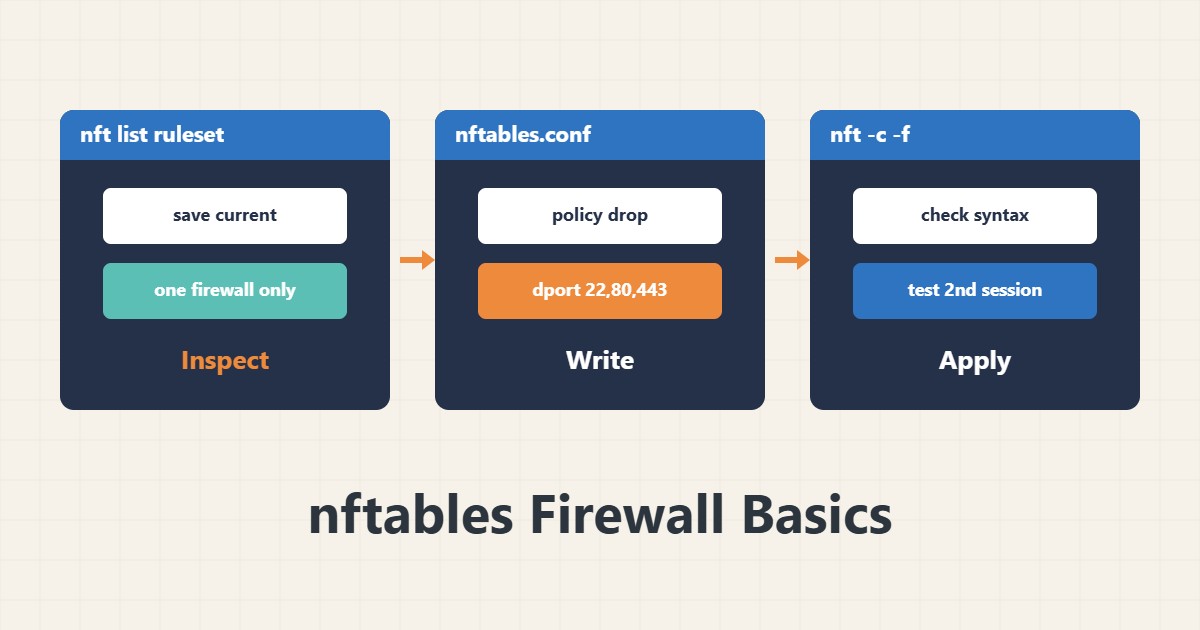
sudo nft list rulesetBefore any change, view and save the current rules. If ufw or firewalld is also active, do not write rules in two systems at once.
2. A small file
table inet filter {
  chain input {
    type filter hook input priority 0; policy drop;
    ct state established,related accept
    iif lo accept
    ip protocol icmp accept
    tcp dport { 22, 80, 443 } accept
  }
}
These rules drop incoming traffic by default and accept only replies to existing connections, loopback, ping and ports 22, 80 and 443. IPv6 may also need icmpv6 rules. Put it in /etc/nftables.conf.
3. Check the syntax
sudo nft -c -f /etc/nftables.confThe -c flag only checks and does not apply. You catch syntax errors here.
4. Apply cautiously
sudo nft -f /etc/nftables.conf
sudo systemctl enable --now nftables
Keep your current SSH session open and test from a second terminal. If your SSH port is not 22, add it to the list. Have provider console access ready. For hardening SSH see key-only login.
5. Complements
A firewall is not the only layer; add Fail2ban to curb repeated login attempts and inspect traffic with tcpdump.
6. Illustrative example, not a measurement
Suppose a new firewall was applied and the site stopped opening from outside. Checking showed port 443 was allowed only for IPv4 and the IPv6 table was separate. Using an inet table fixed it. This scenario is an invented illustration, not a measurement.
7. Common mistakes
- Applying new rules without a backup SSH session.
- Mixing ufw and hand-written nftables.
- Forgetting IPv6.
- Not saving the current rules before changing.
8. Frequently asked questions
Is nftables better than iptables? It is designed for better structure and performance, and many distributions made it the default.
What does policy drop do? It rejects anything not explicitly allowed.
Do rules survive a reboot? Only if the nftables service is enabled and the config file is saved.
9. Quick checklist
- Current rules were saved.
- Only one firewall system is active.
- nft -c reported no errors.
- Tested from a second session.
- The service is enabled at boot.
If you need help reviewing performance or maintaining a server, see the server management services.
More server and WordPress guides are collected in the article archive.