
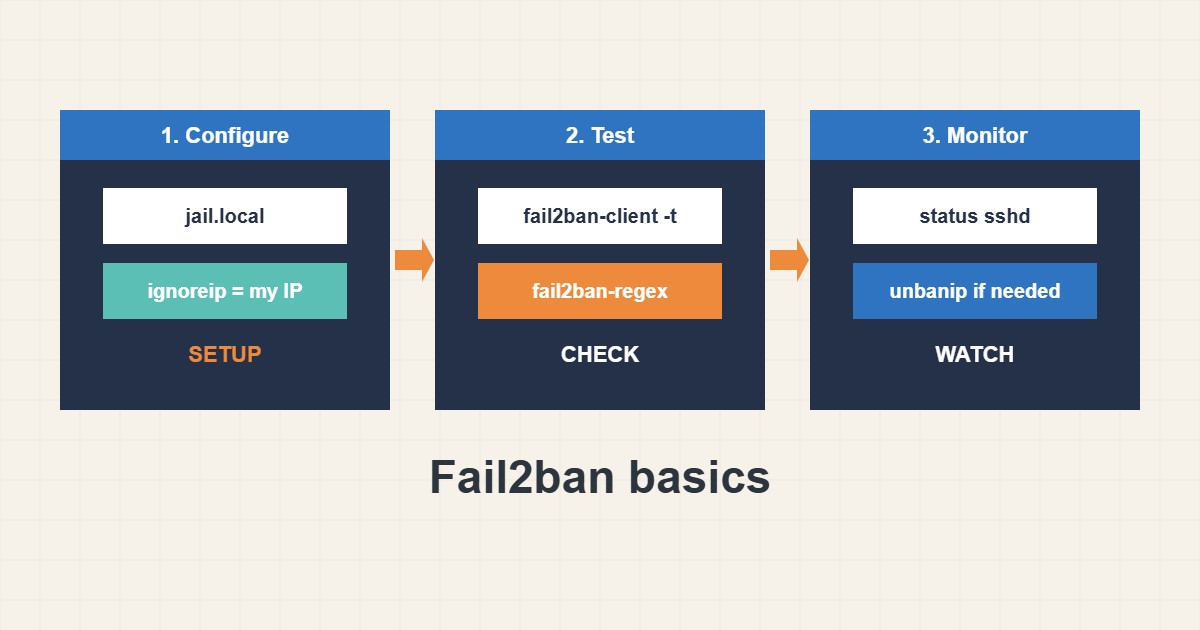
Any public SSH port receives constant password guesses. Fail2ban reads your logs and temporarily bans addresses that fail too often. It reduces noise and load, but it is not a replacement for key-only login. This guide shows a safe starter configuration, how to test it and how to avoid banning yourself. Commands follow the fail2ban documentation; I did not run them on your server, and log paths differ between distributions.
1. Use jail.local, not jail.conf
Package updates may overwrite jail.conf, so put your settings in jail.local. Start small: enable the SSH jail, whitelist your own address and keep ban times moderate:
# /etc/fail2ban/jail.local  (never edit jail.conf directly)
[DEFAULT]
bantime  = 1h
findtime = 10m
maxretry = 5
ignoreip = 127.0.0.1/8 ::1 203.0.113.10

[sshd]
enabled = true
port    = ssh
maxretry = 4
Whitelisting your fixed IP or VPN range in ignoreip is your main protection against locking yourself out.
2. Test before you restart
Check the syntax, restart the service and look at the status. The status shows how many failures were seen and which addresses are banned:
sudo fail2ban-client -t            # test the configuration
sudo systemctl restart fail2ban
sudo fail2ban-client status
sudo fail2ban-client status sshd
On newer systems the sshd jail may read the systemd journal instead of a log file; the default settings usually handle this, but check that the jail shows activity.
3. Check that filters really match
A jail that never matches protects nothing. Test the filter against your log, and know how to remove a ban:
sudo fail2ban-client set sshd unbanip 198.51.100.7
sudo fail2ban-regex /var/log/auth.log /etc/fail2ban/filter.d/sshd.conf | tail -n 8
sudo tail -n 20 /var/log/fail2ban.log
If you do get banned, unban from another route such as a provider console. Keep a second access path in mind, as described in the firewall guide.
4. Pick sensible numbers
Short bans with a few retries stop most noise. Overly strict values hurt real users and yourself:
ignoreip =                       # your own IP is not whitelisted: you can ban yourself
maxretry = 1                     # one typo and you are banned
bantime = -1                     # permanent bans pile up and are hard to review
Use longer bans only for repeat offenders, and prefer key-only SSH, which makes password guessing pointless.
5. What fail2ban does not do
It slows down brute force from single addresses. It does not stop distributed attacks, fix weak passwords or patch vulnerable software. Combine it with updates, key authentication and a minimal firewall. Review the log now and then to see what is being blocked.
6. Illustrative example, not a measurement
Imagine a server (made-up) whose auth log fills with failed logins from a few addresses. After enabling the sshd jail with maxretry 4 and a one-hour ban, the status shows a handful of banned addresses and the log noise drops. The admin’s office IP is in ignoreip, so a mistyped password never causes a self-ban.
7. Common mistakes
- Editing jail.conf instead of jail.local.
- Not whitelisting your own address.
- Setting maxretry to 1.
- Using permanent bans without review.
- Not testing the filter against the log.
- Relying on fail2ban instead of key-only SSH.
8. Frequently asked questions
Does fail2ban replace a firewall? No. It adds temporary rules to the firewall based on log patterns.
How do I unban an address? Use fail2ban-client set JAIL unbanip ADDRESS.
Why are no addresses banned? The filter may not match your log format or the jail may read the wrong source. Run fail2ban-regex.
Is it still useful with key-only SSH? It reduces log noise and load, but the security benefit is smaller.
9. Quick checklist
- Create jail.local.
- Whitelist your own IP.
- Enable the sshd jail.
- Run fail2ban-client -t.
- Check the jail status.
- Test the filter with fail2ban-regex.
- Keep a second access path.
If you need help reviewing performance or maintaining a server, see the server management services.
More server and WordPress guides are collected in the article archive.
Official references
Fail2ban wiki · jail.conf(5) manual · fail2ban-client(1) manual · fail2ban-regex(1) manual