
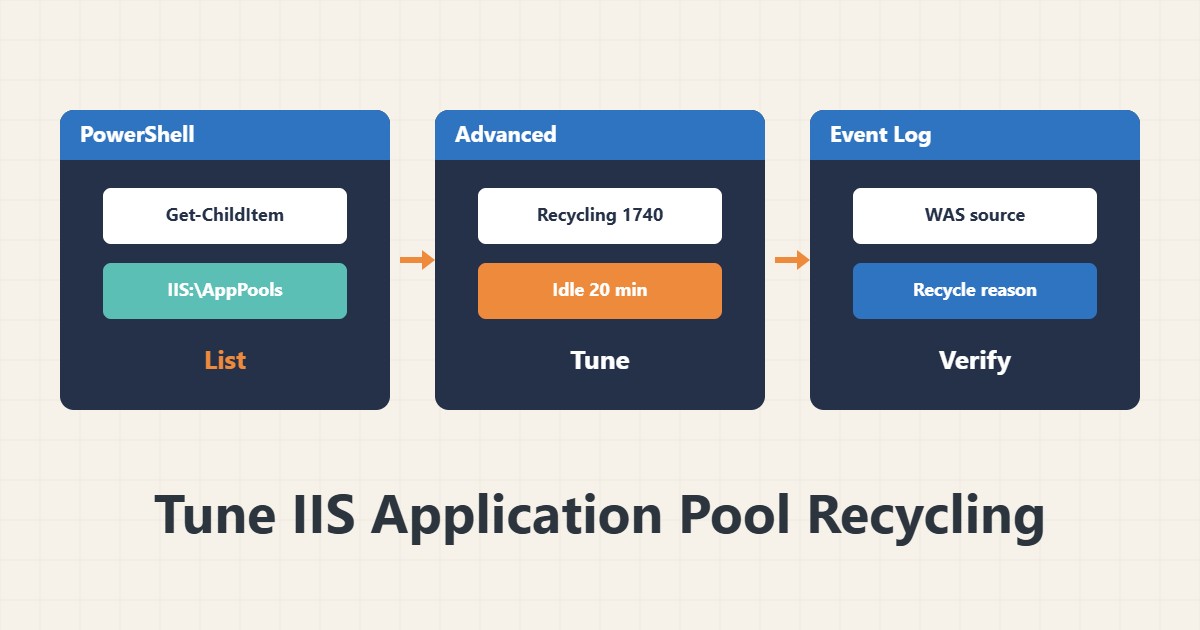
If your IIS site is sometimes slow to start or sessions suddenly vanish, the Application Pool has probably recycled. That is normal behaviour, but you should know when and why it happens. This guide shows how to see it and keep it under control.
1. See the current state
In an elevated PowerShell:
Import-Module WebAdministration
Get-ChildItem IIS:\AppPools
You get each pool’s name and state. In IIS Manager, right-click a pool under Application Pools and choose Advanced Settings. Menu names vary a little between versions.
2. The defaults that matter
- Regular Time Interval: by default a pool recycles every 1740 minutes (29 hours).
- Idle Time-out: 20 minutes by default; an idle pool shuts down and the next request is slow.
- Overlapped Recycle: a new process starts before the old one stops, so downtime stays short.
3. Find the recycle reason in the Event Log
Get-WinEvent -FilterHashtable @{LogName='System'; ProviderName='WAS'} -MaxEvents 20 | Format-Table TimeCreated, Id, Message -WrapThe messages say whether the pool recycled because of time, a memory limit or a manual request. If the pool only drops after errors, the problem is in the application, not in the schedule.
4. Tune with intent
If a slow first request hurts, raise Idle Time-out or set Start Mode to AlwaysRunning. Move scheduled recycling to a quiet hour. Set a Private Memory Limit only after you have measured a leak; a needlessly low limit causes frequent recycling.
5. Manual restart and monitoring
For one specific pool:
Restart-WebAppPool -Name "MySite"Use Windows performance counters to watch memory trends, and re-measure after safe Windows Server updates.
6. Illustrative example, not a measurement
Suppose a pool recycled every 29 hours and users complained around noon. After moving the recycle time to 03:00, the noon complaints stopped. This scenario is an invented illustration, not real data or a measurement.
7. Common mistakes
- Disabling recycling without knowing its effect on a memory leak.
- A short Idle Time-out on a low-traffic site.
- Restarting all of IIS instead of one pool.
- Guessing without reading the WAS events.
8. Frequently asked questions
Does recycling take the site down? With Overlapped Recycle downtime is usually brief or none, but in-memory sessions are lost.
What does AlwaysRunning do? It starts the pool after a service restart without waiting for the first request.
What memory limit should I set? There is no fixed number; derive it from the pool’s real usage and the server’s memory.
9. Quick checklist
- Pools listed.
- Recycle interval and Idle Time-out read.
- WAS events reviewed.
- Recycling moved to a quiet hour.
- Memory is monitored after the change.
If you need help reviewing performance or maintaining a server, see the server management services.
More server and WordPress guides are collected in the article archive.
Official references
Microsoft Learn: IIS recycling settings · Microsoft Learn: IIS processModel (idle time-out)