
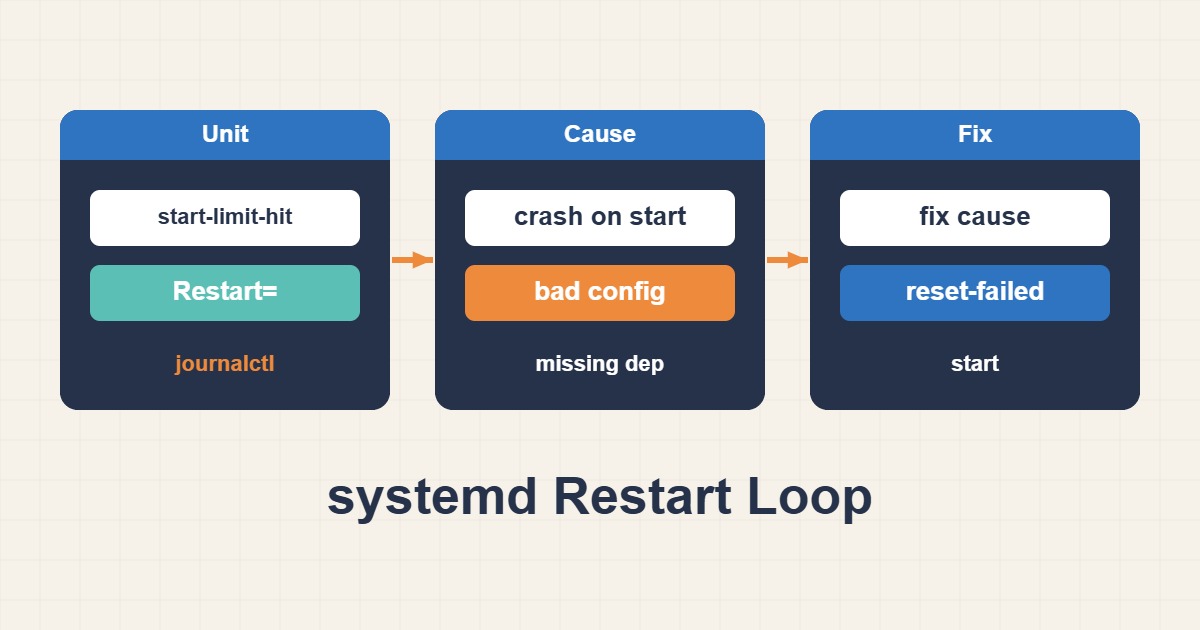
When a service crashes immediately and systemd keeps restarting it, the start-rate limit eventually stops the loop. reset-failed only clears counters; the root cause is usually visible in the exit code, journal, dependencies, permissions, or unit configuration.
Capture status and exit code
Record Result, ExecMainStatus, and restart timing before changing the unit.
systemctl status myapp.service --no-pager -l
systemctl show myapp.service -p Result -p ExecMainStatus -p NRestarts
Read the journal from the first failure
The final line is rarely enough. Inspect the current boot and the period before the start limit was hit.
journalctl -u myapp.service -b --no-pager
journalctl -u myapp.service --since "30 min ago"
Inspect the effective unit and overrides
Restart=always can turn a configuration error into a loop. Review the merged unit and every drop-in.
systemctl cat myapp.service
systemd-analyze verify /etc/systemd/system/myapp.service
Reset the limit only after the fix
After correcting the binary, permissions, environment, or dependency, clear failed state and start once.
sudo systemctl daemon-reload
sudo systemctl reset-failed myapp.service
sudo systemctl start myapp.service
systemd checklist
- Capture status and exit code.
- Read the current-boot journal.
- Inspect the unit and drop-ins.
- Test dependencies and permissions.
- Reset failed state after the fix.
Frequently asked questions
Does reset-failed fix the service?
No. It only clears failed state and rate-limit counters.
Why does the command work manually but fail in systemd?
The unit may use a different user, environment, working directory, PATH, and permissions.
Is Restart=always a good default?
Not for every failure. on-failure with a delay and rate limit is usually safer.
Related guides
Official documentation
Sources last reviewed: ۳۰ سپتامبر ۲۰۲۶