
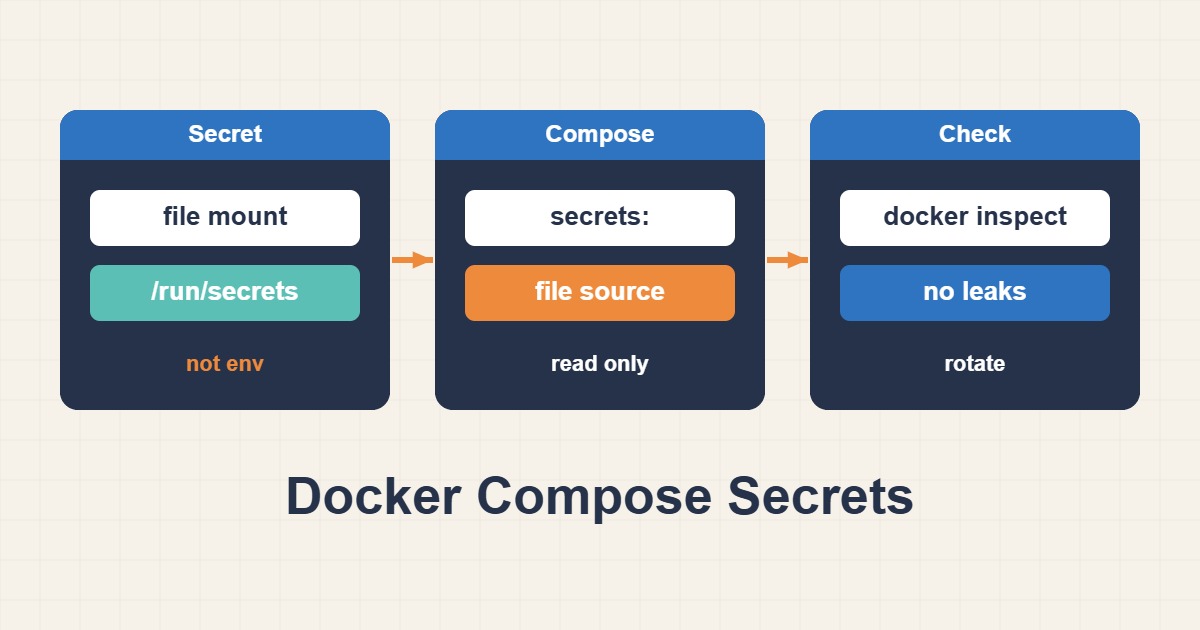
Environment variables are convenient, but credentials can leak through container inspection, diagnostics or support bundles. Docker Compose can instead mount a secret file only into selected services. This reduces accidental exposure without magically encrypting the source file on the host. The important change is how the application receives its credential, not simply renaming a variable.
1. Define the trust boundary
This guide concerns local Compose, not the encrypted Swarm secret store. Host administrators and users allowed to read the source file can still obtain the value. Keep that file outside Git, image layers and web-served directories. Check the application documentation first: variables ending in _FILE are conventions supported by some images, not an automatic feature of every program.
2. Grant the mount to one service
The example is a configuration pattern; replace the image with a reviewed version of your application. Provision the source file through your approved secret process before starting the service. Do not put its actual value in a shell command, Compose file or chat. A top-level declaration does not grant every service access: the service-level secrets list provides the explicit grant.
services:
  app:
    image: your-approved-app:version
    environment:
      DB_PASSWORD_FILE: /run/secrets/db_password
    secrets:
      - db_password
secrets:
  db_password:
    file: /srv/private/app-db-password.txt
3. Check ownership and the application user
File-backed Compose secrets use bind mounts. Do not assume the long-syntax uid, gid or mode settings will remap host-file ownership. Check the host permissions and the actual application UID/GID. Mode 600 is useful only when the correct owner can read the mounted file; a nonroot application with a different UID may lose access. Do not solve this by making the secret world-readable.
4. Test without printing the value
Validate the Compose configuration, then recreate only the intended service. For images with a shell, run test -r as the application user. Success proves readability, not that the credential is accepted by the database. Verify an actual application connection and its health check separately. Inspect sanitized errors rather than using cat, printenv or debug logging that exposes the secret.
docker compose config --quiet
docker compose up -d --force-recreate app
docker compose exec app sh -c 'test -r /run/secrets/db_password'
docker compose ps
5. Rotate, roll back and accept the change
Prepare the replacement with correct ownership and coordinate database and application changes. An application may read the file only at startup, and atomically replacing the host file does not necessarily refresh an existing bind mount. Recreate the service according to the tested procedure and verify a new connection. Keep a protected rollback route until acceptance. Success means no credential value in the environment, no mount in unrelated services, and a working application using the new credential.