
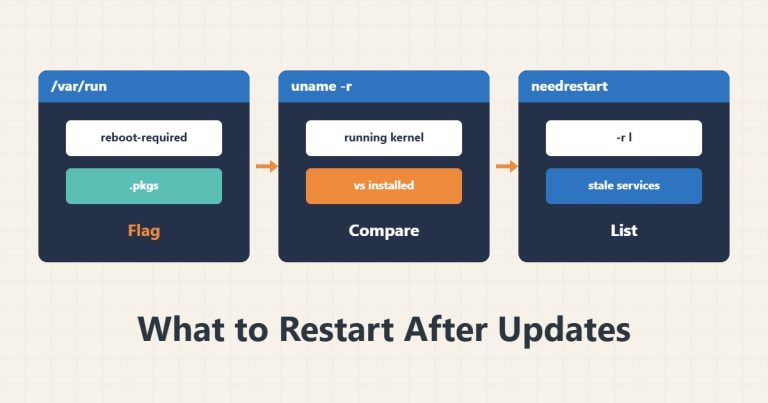
needrestart and reboot-required: What to Restart After an Update
After apt upgrade, use needrestart to find services still running old libraries and know when a reboot is truly needed.
Read articleProfessional portfolio
Practical technical guides about servers, hosting, WordPress, email, and infrastructure.
After apt upgrade, use needrestart to find services still running old libraries and know when a reboot is truly needed.
Read article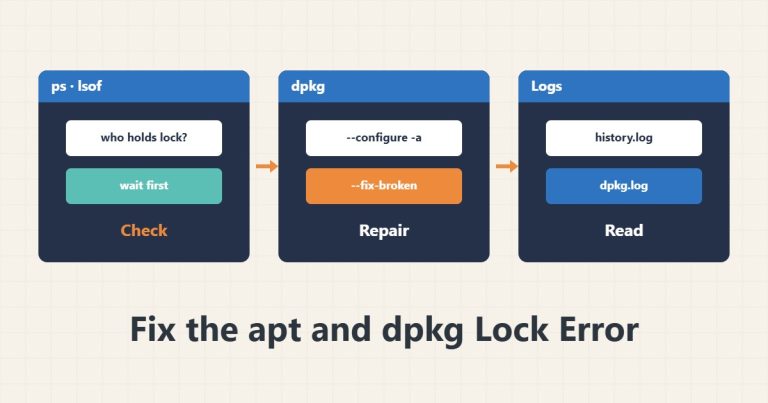
Understand "Could not get lock" without blindly deleting lock files, and run dpkg --configure -a and apt --fix-broken install correctly.
Read article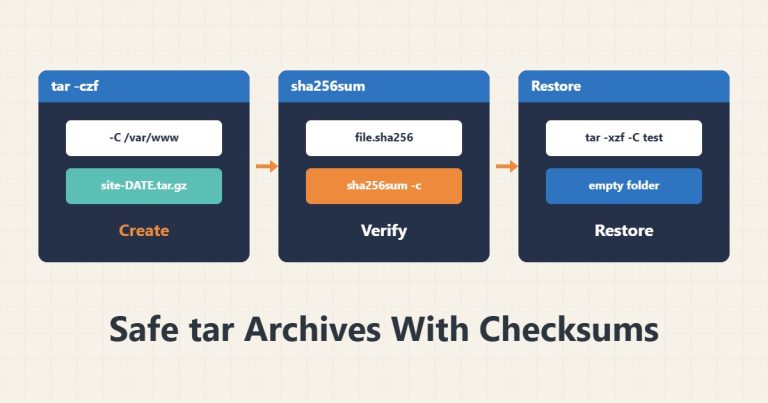
Create a tar.gz archive, inspect it without extracting, confirm integrity with sha256sum and restore it in a safe location.
Read article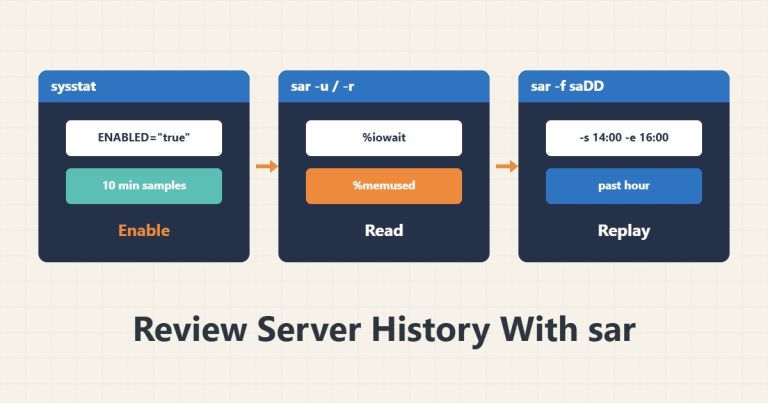
Enable sysstat and use sar to see what CPU, memory, disk or network looked like during a past slowdown.
Read article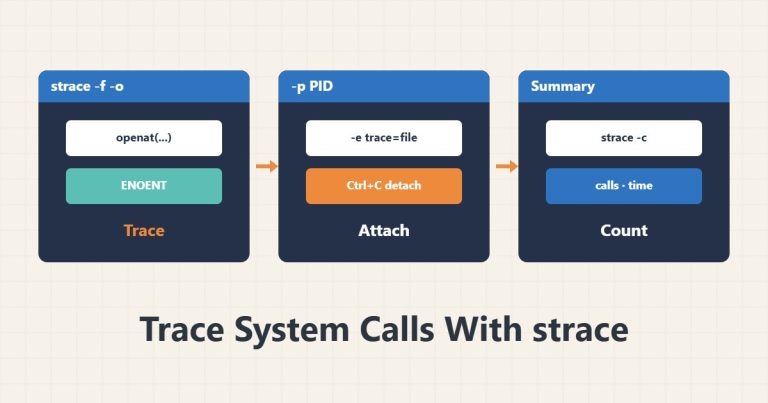
Trace a process's system calls with strace and find ENOENT and EACCES errors without changing the program.
Read article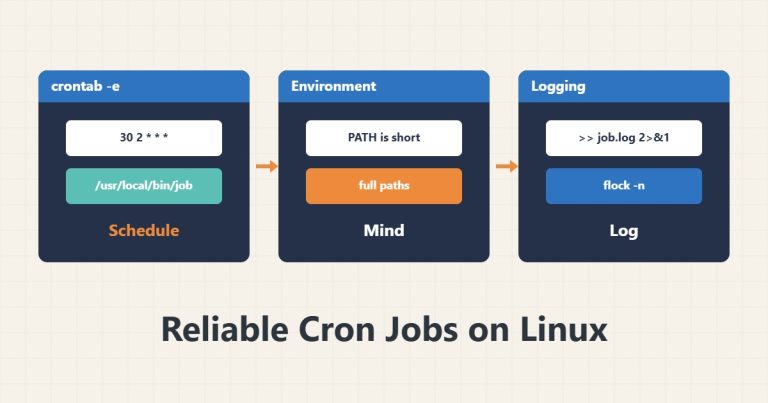
Learn crontab syntax, the minimal cron environment, output logging and flock to prevent overlap, so scheduled jobs stop failing silently.
Read article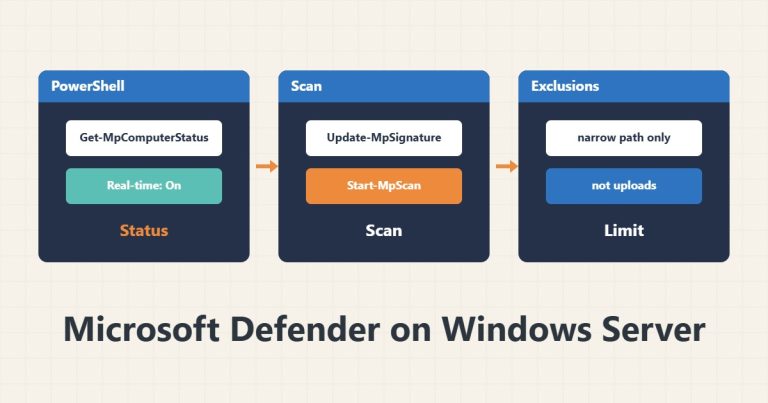
Read Microsoft Defender status with PowerShell, run scans and signature updates, and define minimal, low-risk exclusions.
Read article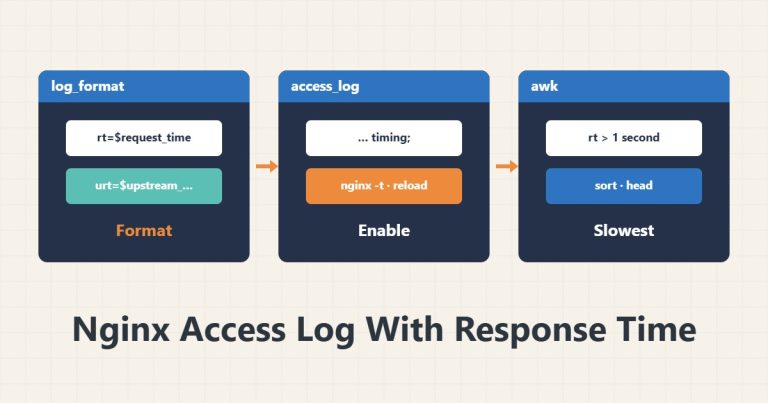
Record request time and upstream time in the Nginx log with a custom log_format and find the slowest paths with awk.
Read article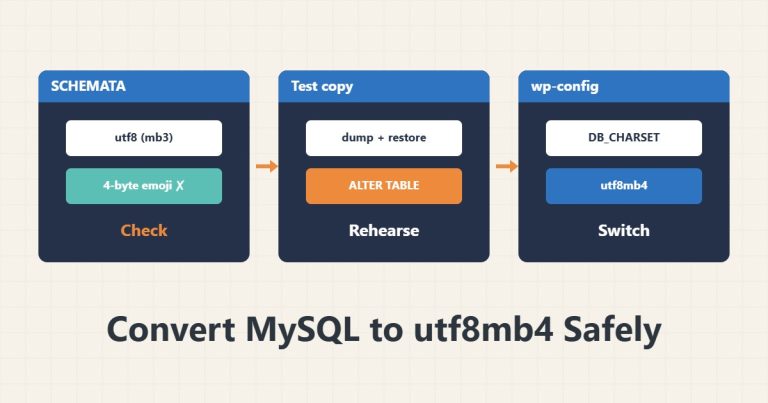
Read database and table character sets and collations, back up before converting to utf8mb4, and test on a copy so emoji and characters do not break.
Read article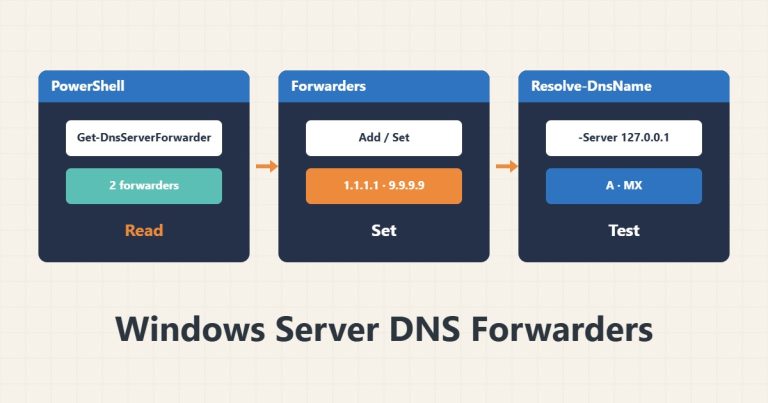
Read and set DNS forwarders on Windows Server with PowerShell, clear the DNS cache and check answers with Resolve-DnsName.
Read article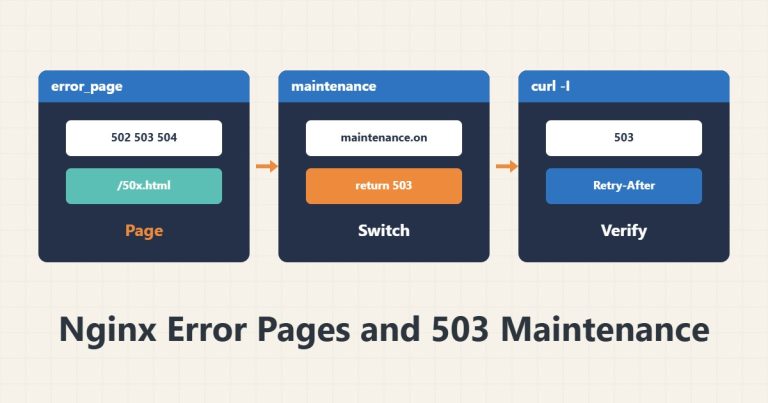
Build custom error pages in Nginx and a safe maintenance mode with a 503 status and Retry-After so search engines do not see a broken site.
Read article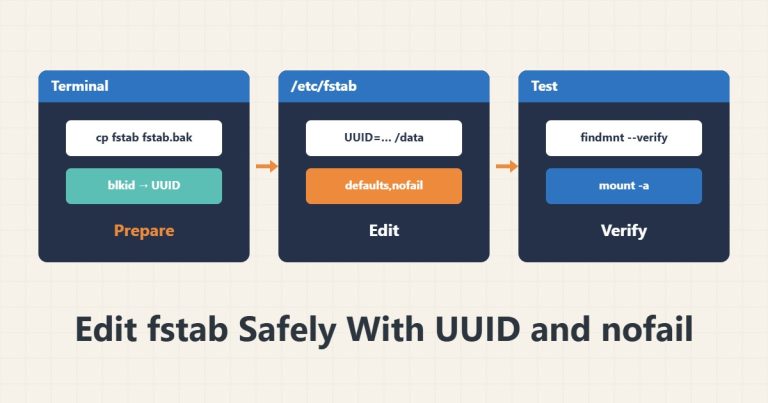
Write fstab entries with UUIDs and nofail, test with mount -a and findmnt --verify before rebooting, and avoid a stuck boot.
Read article