
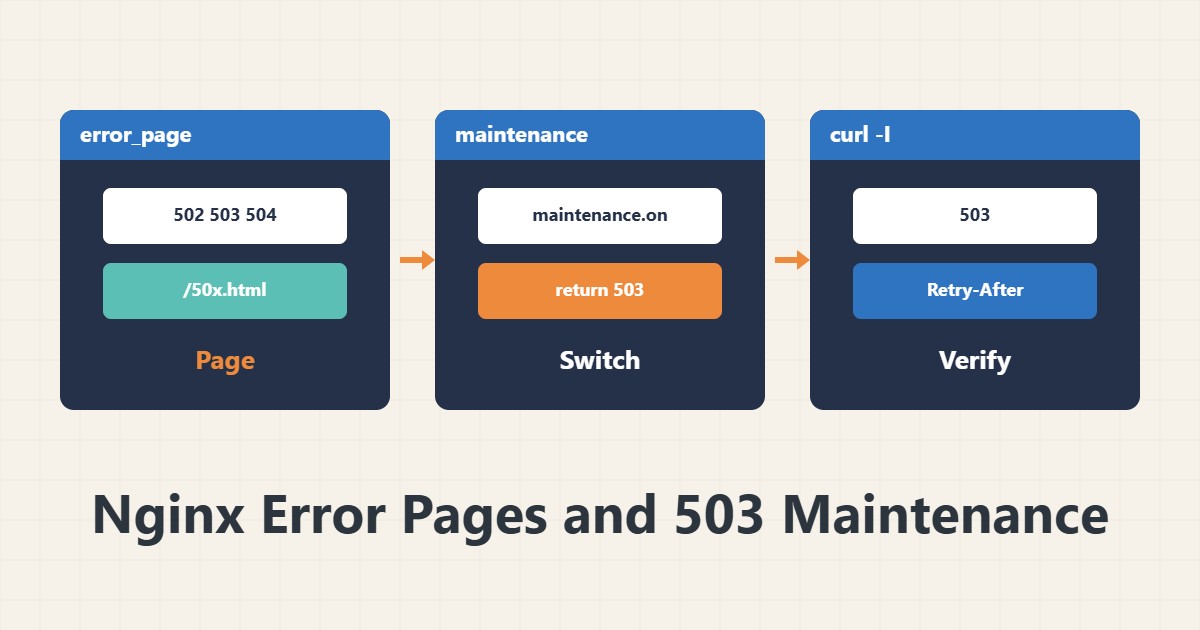
When your app server falls over, or you close the site briefly for maintenance, visitors see a raw error page. A few lines of Nginx let you show a tidy page and tell search engines the situation is temporary.
1. A simple error page
Create a static HTML file and register it for server-side errors:
error_page 502 503 504 /50x.html;
location = /50x.html {
    root /var/www/errors;
    internal;
}
The page must be static and self-contained; if it depends on the broken application it will fail too.
2. Errors behind a proxy
When Nginx fronts an application, the application’s own error responses pass through unchanged by default. To replace them with error_page, set proxy_intercept_errors on;. Without it, only Nginx’s own errors, such as failing to reach the upstream, use your page. See Nginx as a reverse proxy for the proxy setup.
3. Maintenance mode with 503
error_page 503 @maintenance;
location @maintenance {
    root /var/www/errors;
    add_header Retry-After 3600 always;
    rewrite ^ /maintenance.html break;
}

if (-f /var/www/maintenance.on) {
    return 503;
}
Creating the file maintenance.on puts the site into maintenance and deleting it brings the site back, with no config edit. The 503 code tells bots the state is temporary; serving 200 for a maintenance page can damage indexing. If admins need access from a specific IP, add that separately and test it.
4. Test it
sudo nginx -t && sudo systemctl reload nginx
touch /var/www/maintenance.on
curl -I https://example.com/
You should see 503 and a Retry-After header. Then remove the file and confirm 200 again. Block order matters, so review location matching order.
5. Illustrative example, not a measurement
Suppose maintenance.on is created for a ten-minute database upgrade. Visitors see the maintenance page and curl shows 503 with Retry-After. This scenario is an invented illustration, not a measurement.
6. Common mistakes
- Returning 200 for the maintenance page.
- Making the error page depend on the failing application.
- Forgetting proxy_intercept_errors behind a proxy.
- Leaving maintenance.on in place after the work.
7. Frequently asked questions
What value should Retry-After have? Seconds until the next attempt; use a realistic estimate of the maintenance time.
Is if safe in Nginx? return inside if is a common safe pattern; avoid complex directives inside if.
Do admins also see the maintenance page? Yes, unless you add a separate exception.
8. Quick checklist
- Static HTML page created.
- error_page and an internal location set.
- Intercept enabled for proxied apps.
- nginx -t and reload done.
- curl showed 503 with Retry-After, then 200 after removing the file.
If you need help reviewing performance or maintaining a server, see the server management services.
More server and WordPress guides are collected in the article archive.
Official references
Nginx error_page directive · Nginx proxy_intercept_errors · Google Search Central: HTTP status codes