
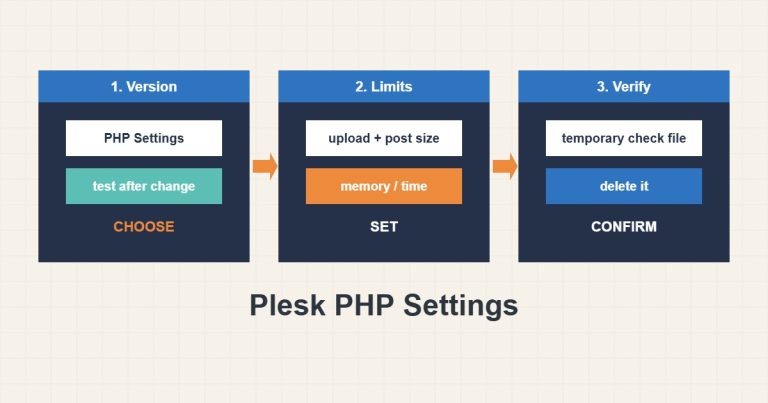
Plesk PHP Settings: Version, Handler, Upload and Memory Limits
Choose the PHP version and handler per domain in Plesk, raise upload and memory limits correctly and verify they apply.
Read articleProfessional portfolio
Practical technical guides about servers, hosting, WordPress, email, and infrastructure.
Choose the PHP version and handler per domain in Plesk, raise upload and memory limits correctly and verify they apply.
Read article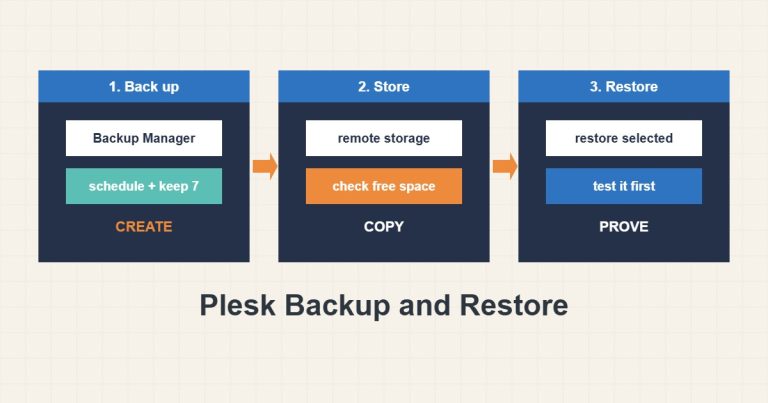
Back up in Plesk, set a schedule and retention, keep a copy off the server and test restores before you need them.
Read article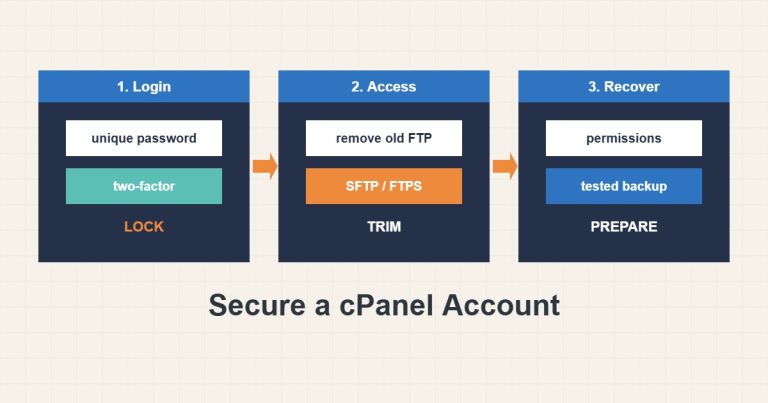
Review passwords, two-factor, old FTP users, Directory Privacy, IP blocking, permissions and backups to secure a cPanel account.
Read article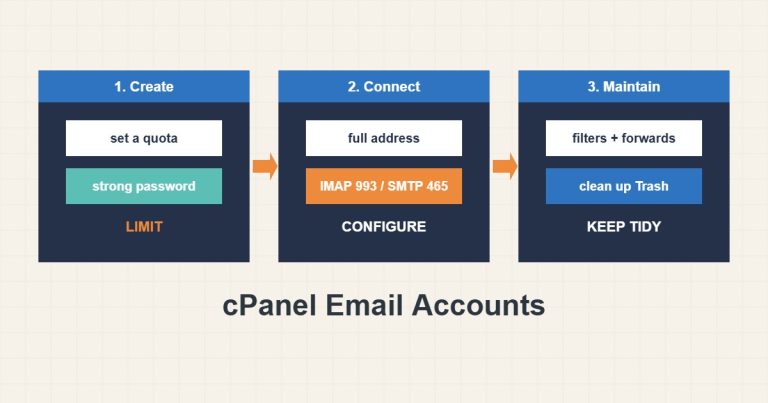
Create cPanel mailboxes with a quota and strong password, give correct IMAP and SMTP settings and review forwarders and filters.
Read article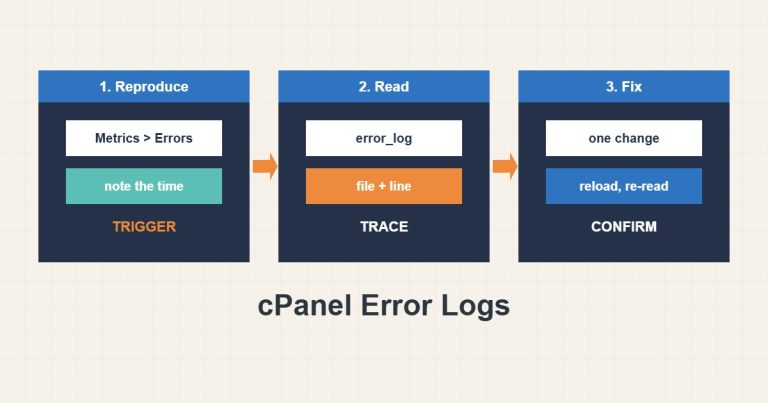
Find the cPanel and PHP error logs, read a message down to the plugin that caused it and turn on WordPress logging without showing errors.
Read article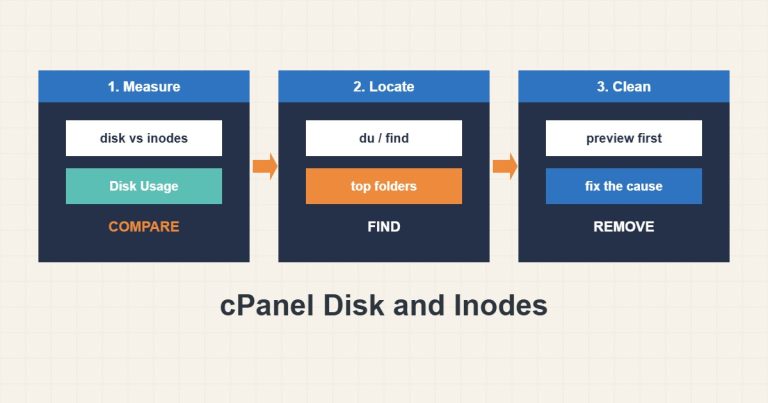
Separate disk usage from inode usage in cPanel, find the biggest folders and clean only what is clearly safe, with a preview first.
Read article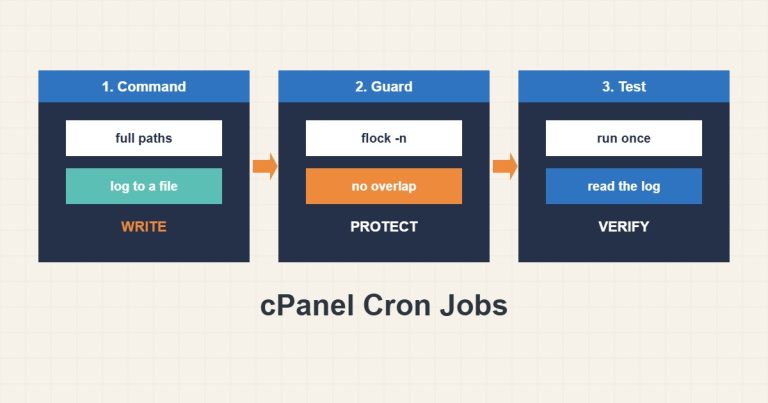
Write cPanel cron jobs with full paths, a log file and a flock guard so they cannot overlap or fail silently.
Read article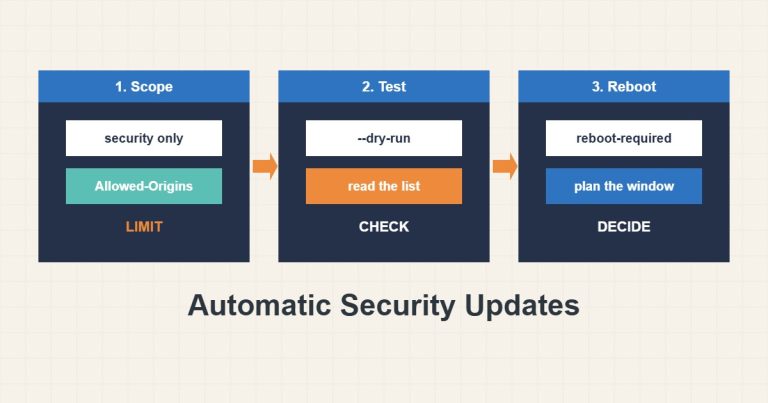
Configure unattended-upgrades for security patches only, test with a dry run, read the log and plan reboots on purpose.
Read article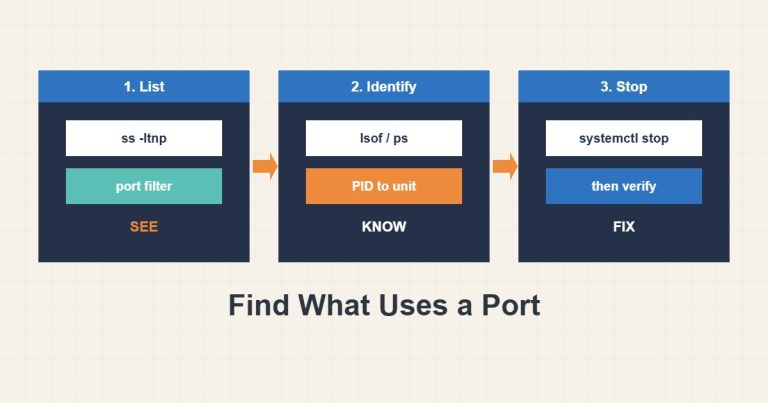
Use ss and lsof to find which process holds a port, read the bind address and free the port without killing the wrong service.
Read article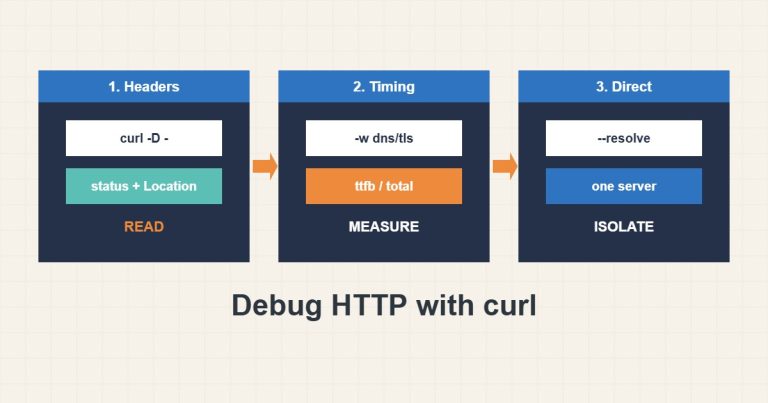
Use curl to read headers, follow redirects, measure each stage and inspect the TLS certificate, so you can separate network, CDN and server problems.
Read article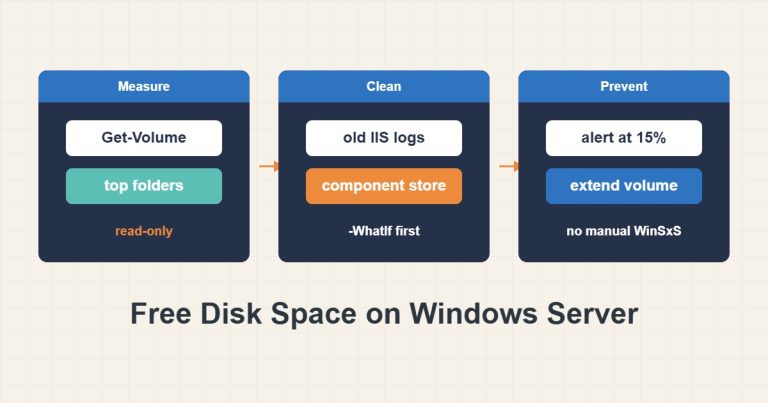
Measure space with PowerShell, delete old logs with -WhatIf, clean the component store with DISM, handle the update cache and grow the disk.
Read article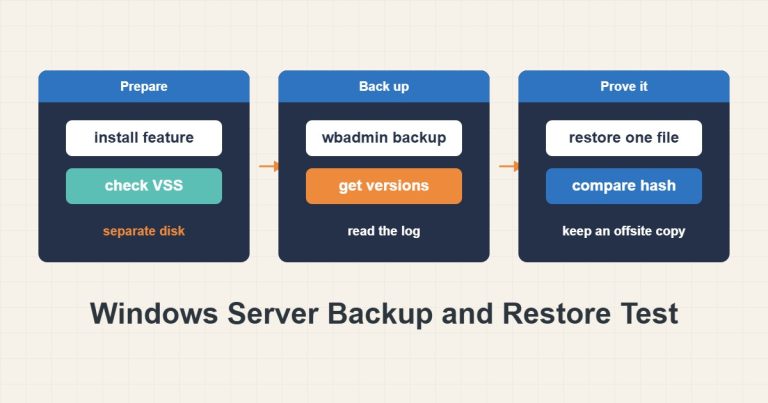
Install Windows Server Backup, check VSS, back up to a separate disk with wbadmin, restore one file as a test, read the log and schedule safely.
Read article