
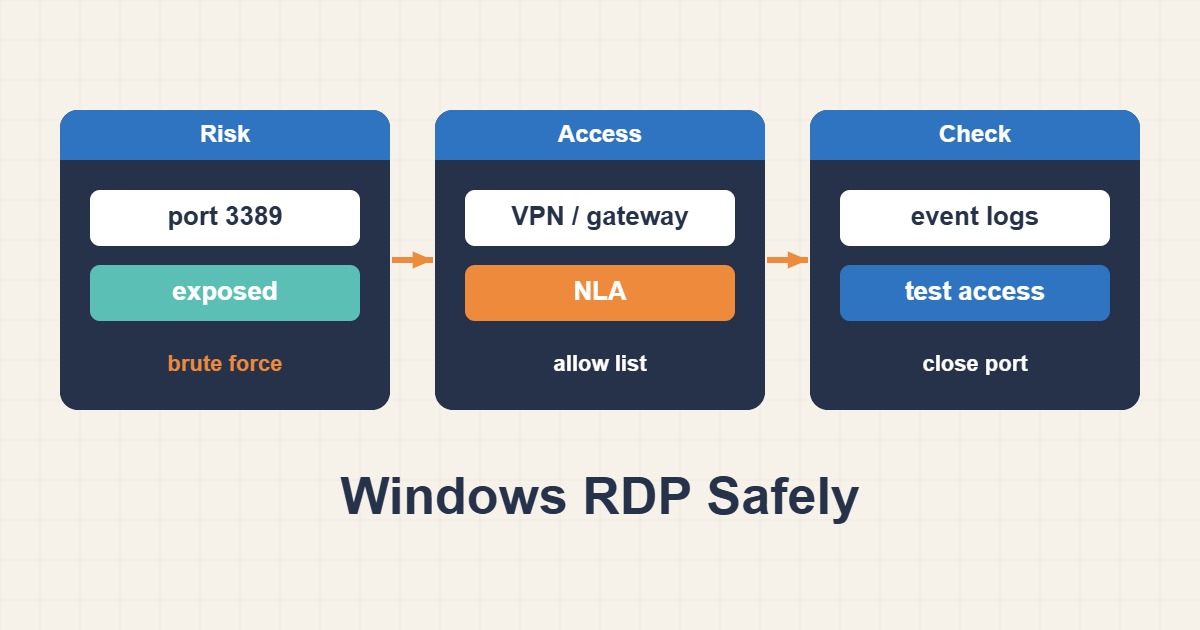
DNS, routing, the listener, NLA and account authorization are separate suspects. Diagnose them individually while preserving a backup management path before changes.
Scope and prerequisites
Keep provider console, approved VPN or WinRM access available as a fallback. Domain controllers require especially careful policy coordination. Replace server.example.test and use the actual RDP port if customized. Do not put passwords in scripts, command history or diagnostic output.
1. Collect evidence
On the client, test name resolution and TCP connectivity. If TCP fails, investigate routing, security groups and firewalls before credentials. If TCP succeeds, check the listener, then NLA, lockout, Remote Desktop rights and event logs. Access denied and a connection timeout are different failure classes.
Resolve-DnsName server.example.test
Test-NetConnection server.example.test -Port 3389
# Run these on the target server through approved console access:
Get-Service TermService
Get-NetTCPConnection -State Listen -LocalPort 3389
qwinsta
2. Make a controlled change
On the server, inspect TermService and port ownership; a listening socket is not proof that RDP owns it. Enable Remote Desktop through approved UI or Group Policy. If a rule is needed, restrict it to the management subnet and correct profile. A narrow new rule does not neutralize an existing broad allow rule.
# Example ONLY: verify the VPN CIDR and active firewall profile first.
New-NetFirewallRule -Name "RDP-Admin-VPN" -DisplayName "RDP from admin VPN" `
  -Direction Inbound -Action Allow -Protocol TCP -LocalPort 3389 `
  -RemoteAddress 10.20.0.0/24 -Profile Domain
3. Verify the outcome
Connect through the trusted VPN with an authorized account and verify a usable session. For authentication failures, examine clock synchronization, domain availability and NLA policy rather than disabling NLA as a shortcut. Restarting TermService can disconnect active sessions and requires coordination plus console access.
Get-WinEvent -LogName "Microsoft-Windows-TerminalServices-RemoteConnectionManager/Operational" -MaxEvents 20
# Roll back only this example rule if it was created:
# Remove-NetFirewallRule -Name "RDP-Admin-VPN"
Rollback and prevention
Rollback only the rule created for this change and preserve a policy-approved firewall export. Do not leave 3389 publicly exposed; use an RD Gateway or VPN with MFA. Monitor failed logons and unexpected source networks, and confirm repair with both logs and a real connection.
Technical references
For related checks in this workflow, see Troubleshoot IPv6 Websites When IPv4 Works and Diagnose Linux Packet Loss and Path MTU Problems.