
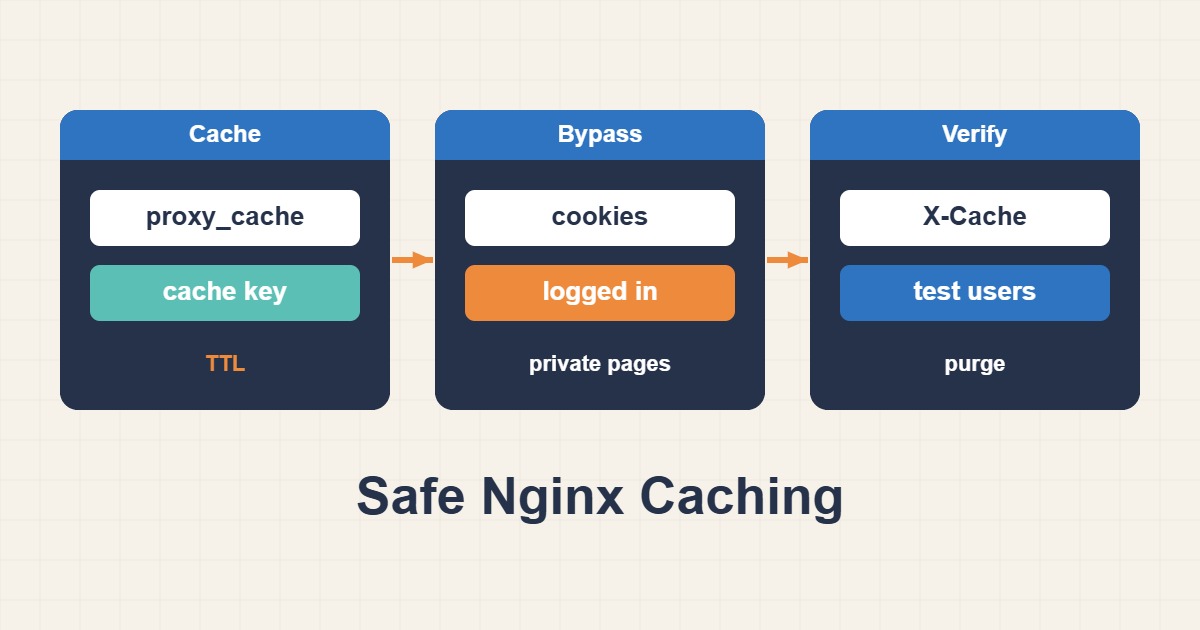
Define public routes first, then control cache reads and writes independently. This conservative example targets an HTTP backend; it is not a drop-in fastcgi_cache configuration for PHP-FPM.
Scope and prerequisites
Only /public/ is cached, and any Cookie, Authorization header, query string or non-GET/HEAD method bypasses it. This sacrifices hit ratio for a safer starting point. Never sweep login, cart, checkout and personalized API endpoints into a broad public-cache location.
1. Collect evidence
Inspect backend Cache-Control, Set-Cookie and Vary headers; they carry application policy. Do not blindly ignore them to improve performance. Compare authenticated and anonymous responses and identify sensitive markers such as names, CSRF tokens and cart contents before enabling caching.
curl -sI https://example.com/public/
curl -sI -H "Cookie: test=1" https://example.com/public/
2. Make a controlled change
proxy_cache_bypass prevents reading cached data; proxy_no_cache prevents saving the response. Use both. Separate hosts, schemes and URIs in the key. Provision the cache directory and Nginx permissions first; the 512m capacity and one-minute TTL are illustrative, not universal sizing advice.
# http context
proxy_cache_path /var/cache/nginx/public keys_zone=public:10m max_size=512m inactive=10m;
map $request_method $skip_method { default 1; GET 0; HEAD 0; }
# inside server
location /public/ {
    proxy_pass http://127.0.0.1:8080;
    proxy_set_header Host $host;
    proxy_cache public;
    proxy_cache_key "$scheme$host$request_uri";
    proxy_cache_valid 200 1m;
    proxy_cache_bypass $http_cookie $http_authorization $args $skip_method;
    proxy_no_cache $http_cookie $http_authorization $args $skip_method;
    add_header X-Cache $upstream_cache_status always;
}
3. Verify the outcome
Repeated anonymous public requests should move from MISS to HIT. Requests with cookies, authorization or query strings should bypass and never return another user’s private data. Test logout and content changes. X-Cache provides visibility but cannot alone prove isolation; compare response bodies as well.
sudo nginx -t && sudo systemctl reload nginx
curl -sI https://example.com/public/
curl -sI https://example.com/public/
Rollback and prevention
If content leaks, disable caching for the affected route first, then purge the identified zone using your established procedure and investigate. Do not delete unrelated files. Optimize hit ratio only after session-isolation tests pass; cookie exceptions must reflect the actual application and storefront.
Technical references
For related checks in this workflow, see Restore Real Client IPs Behind a Trusted Proxy in Nginx and Fix Stale PHP Code After Deployment with OPcache.