
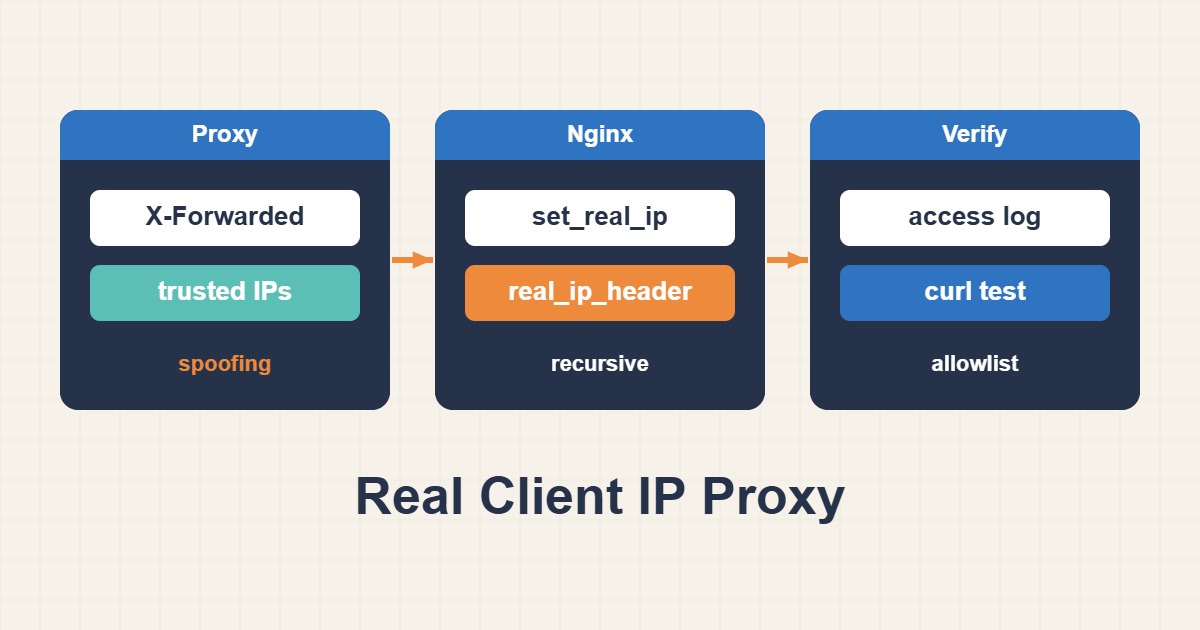
Restore client addresses only across a defined trust boundary. Trusting arbitrary forwarded headers lets clients spoof the identity used by security controls.
Scope and prerequisites
Confirm the Real IP module exists. Obtain CIDRs from the provider’s official list and your actual topology; 10.20.0.0/24 is only a lab proxy subnet. Document each trusted hop in a multi-proxy chain instead of trusting the internet or every private address.
1. Collect evidence
Compare direct traffic with traffic through the proxy. Record the TCP peer, the selected forwarded header and rewritten client address separately. X-Forwarded-For chain order matters. CF-Connecting-IP is meaningful only when the connection genuinely originates from trusted Cloudflare ranges.
nginx -V 2>&1 | grep http_realip_module2. Make a controlled change
For an internal proxy that correctly manages X-Forwarded-For, use the example below. Substitute the correct provider header and CIDRs for Cloudflare. Recursive mode selects the last non-trusted address within a trusted chain. Never configure 0.0.0.0/0 or the IPv6 equivalent as trusted senders.
# http context: replace with your actual trusted proxy range
set_real_ip_from 10.20.0.0/24;
real_ip_header X-Forwarded-For;
real_ip_recursive on;
log_format realclient "$remote_addr peer=$realip_remote_addr $request status=$status";
access_log /var/log/nginx/realclient.log realclient;
3. Verify the outcome
Logs should show the client in remote_addr and the proxy in realip_remote_addr. Also send a spoofed header directly from an untrusted source: it must not rewrite remote_addr. Verify both address families and confirm rate limiting uses the intended rewritten address.
sudo nginx -t && sudo systemctl reload nginx
curl -I -H "X-Forwarded-For: 198.51.100.55" https://example.com/
Rollback and prevention
Ignoring a spoofed header is not the same as blocking its connection; origin firewalling is a separate policy. Keep provider ranges current and account for monitoring and management access. Roll back the scoped configuration and reload after validation without changing unrelated security controls.
Technical references
For related checks in this workflow, see Configure WebSockets Behind Nginx and Fix Upgrade Failures and Safe Nginx Proxy Caching Without Leaking Private Pages.