
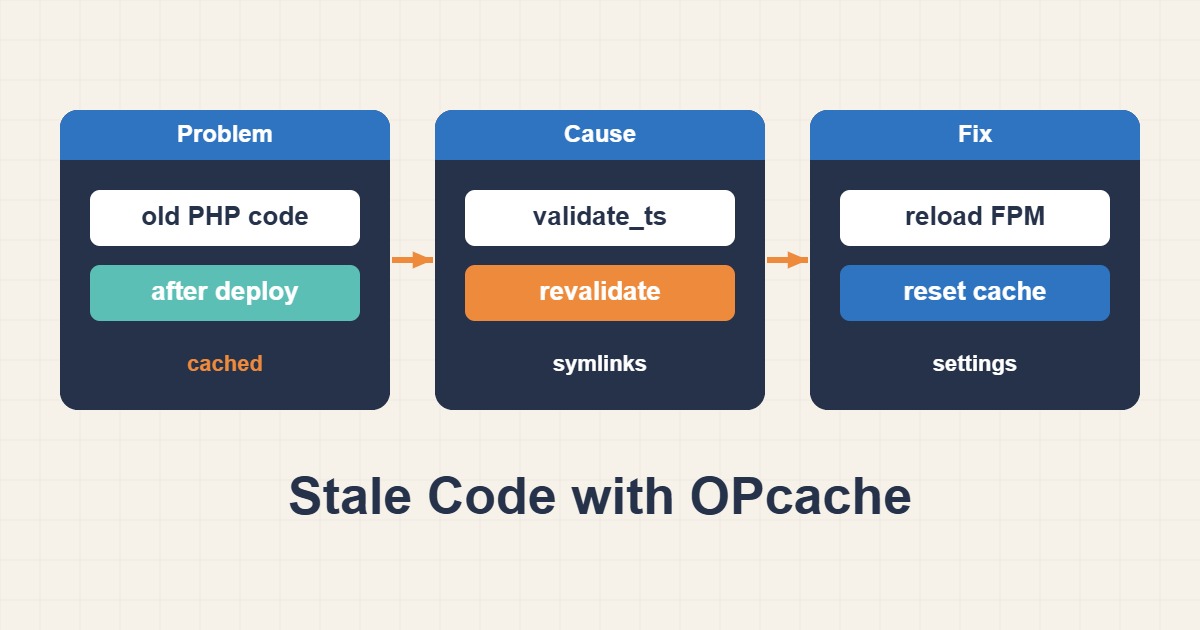
CDN caches, page caches and release paths are others. Diagnose opcode caching and build coordinated deployments without exposing phpinfo or a public reset endpoint.
Scope and prerequisites
Identify the PHP version, FPM service and effective configuration for the web SAPI. CLI php -i can differ from FPM. Read status and configuration only through a protected administrative mechanism. Replace the example php8.3-fpm service with the installed version and confirm the actual release path.
1. Collect evidence
Compare an internal release identifier with the file path, then bypass CDN and page caching in controlled tests. Inspect validate_timestamps and revalidate_freq in the effective web configuration. With timestamp validation disabled, file changes are not automatically noticed. A high cache hit rate does not prove code freshness.
systemctl list-units "php*-fpm.service"
# CLI values are clues, not proof of the web SAPI configuration.
php --ini
php -v
2. Make a controlled change
For in-place file updates, enabled timestamp validation is a reasonable starting point. Immutable deployments with validation disabled need a web-SAPI refresh integrated into rollout. Calling opcache_reset from CLI usually does not reset FPM’s cache. Do not create a public reset endpoint or serve partially copied releases.
; Example for environments using in-place file updates
opcache.enable=1
opcache.validate_timestamps=1
opcache.revalidate_freq=2
3. Verify the outcome
Validate FPM configuration and refresh using the distribution’s supported procedure. Restart can interrupt a single-instance service; use rolling replacement where replicas exist. All replicas should report the expected release identifier. Test public pages, authenticated workflows, background jobs and rollback rather than only the homepage.
# Substitute the actual installed PHP/FPM version.
sudo php-fpm8.3 -t
# Planned restart may interrupt requests on a single instance.
sudo systemctl restart php8.3-fpm
systemctl is-active php8.3-fpm
Rollback and prevention
Rolling back files without a corresponding OPcache refresh can mix versions. Preserve configuration and release checksums. Size memory_consumption from measured use and script counts; increasing it does not fix stale code. Release mismatch and post-deployment errors matter more than hit ratio alone.
Technical references
For related checks in this workflow, see Migrate WordPress URLs Safely with WP-CLI Search-Replace and Safe Nginx Proxy Caching Without Leaking Private Pages.