
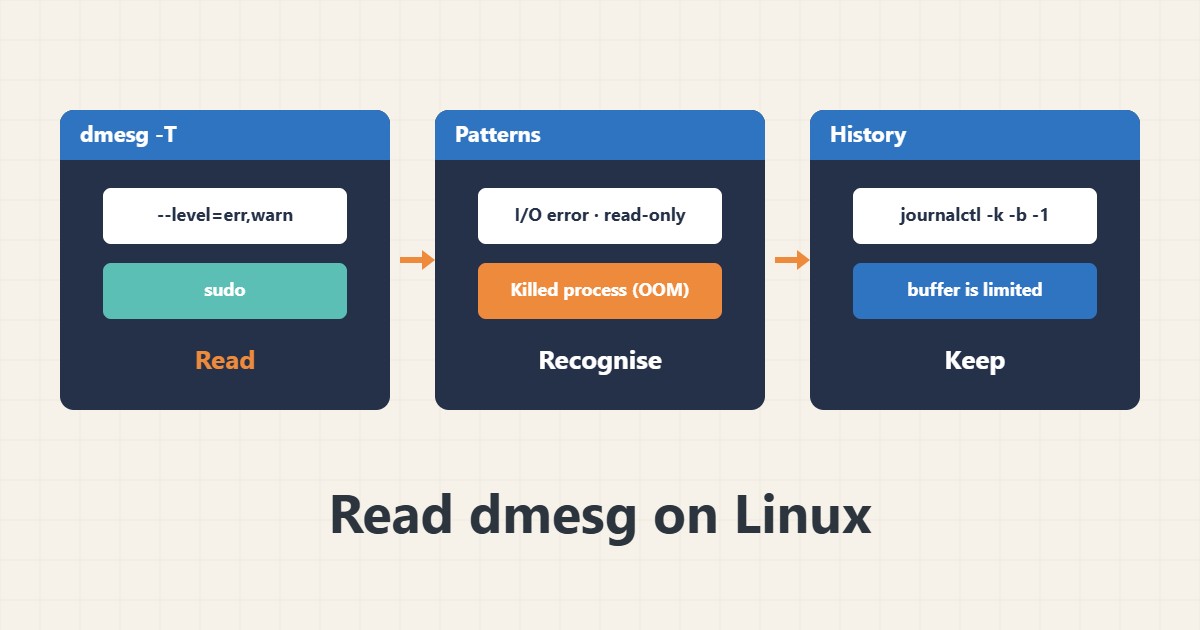
Some problems do not appear in application logs because they come from the kernel: a disk error, memory shortage or an unplugged network cable. The dmesg command shows the kernel message buffer. Reading it is the first step for hardware and resource problems.
1. Basic reading
sudo dmesg -T --level=err,warn | tail -50
sudo dmesg -w
The -T option gives human-readable time and --level filters message level. The -w option follows new messages live. On some systems reading is closed to normal users and sudo is needed.
2. Disk errors
sudo dmesg -T | grep -iE 'I/O error|ext4-fs error|xfs|Remounting filesystem read-only'An I/O error message or a file system switching to read-only is a serious sign. Take a backup immediately and check the disk with smartctl. If you have RAID, check the array state too.
3. OOM and memory
sudo dmesg -T | grep -iE 'out of memory|killed process'These messages show which process the kernel killed because of memory shortage. See the cause and fix in the OOM Killer guide. Compare the time of the event with the application log.
4. Network and hardware
sudo dmesg -T | grep -iE 'link is down|link is up|nic|firmware'Network link flaps or NIC firmware errors show up here. Frequent link down usually points to a cable, switch port or card. For more network review see the ip command.
5. Limits
The dmesg buffer has limited size and old messages are overwritten, so after a restart or a long time they may be gone. For history across restarts use journalctl -k -b -1 and see the journalctl guide. Times from the -T option can be slightly inaccurate after system suspend.
6. Illustrative example, not a measurement
Suppose a server lost its database service every few days. dmesg showed the kernel killed the mysqld process at a specific time because of memory shortage. After reducing memory use and setting a cap, it did not recur. This scenario is an invented illustration, not a measurement.
7. Common mistakes
- Not looking at dmesg when application logs show nothing.
- Dismissing an I/O error as noise.
- Assuming dmesg has everything after a restart.
- Treating -T times as perfectly exact.
8. Frequently asked questions
Why is dmesg empty? You may lack privileges or the buffer was cleared.
How does dmesg differ from journalctl -k? journalctl keeps history across restarts.
Is an I/O error always a failed disk? No; it can be a cable or controller.
9. Quick checklist
- dmesg was run with sudo.
- Err and warn levels were filtered.
- Disk and OOM messages were checked.
- Time was compared with the app log.
- History was checked with journalctl -k.
If you need help reviewing performance or maintaining a server, see the server management services.
More server and WordPress guides are collected in the article archive.
Official references
dmesg manual page · journalctl manual page · Linux kernel: sysctl kernel (dmesg_restrict)