
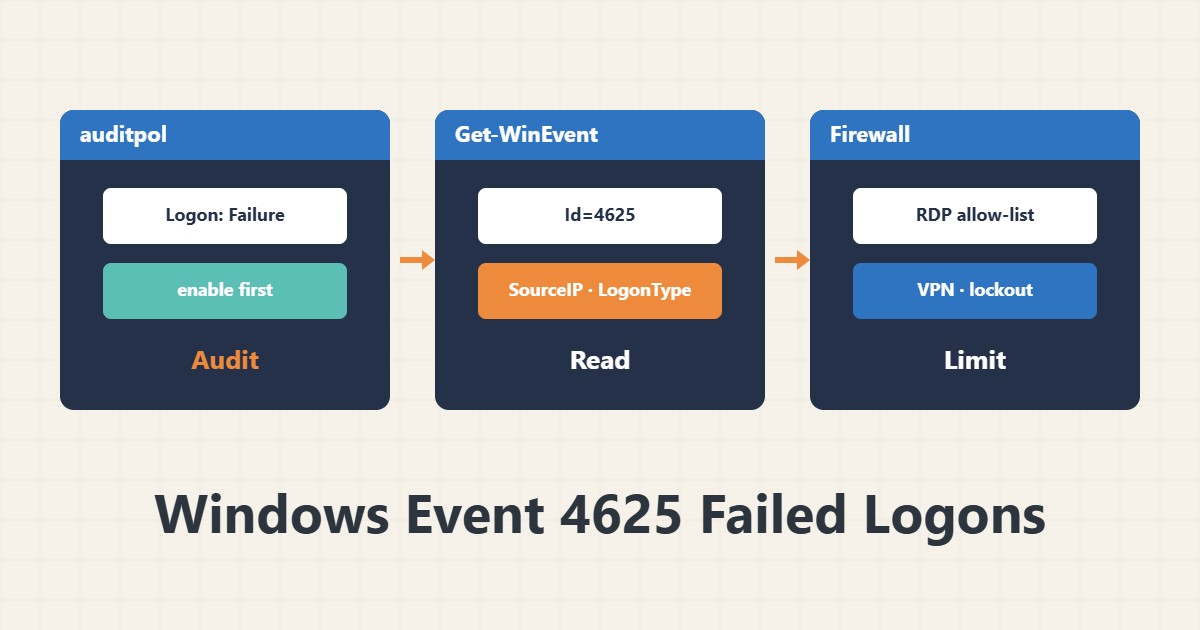
If your Windows server has RDP exposed to the internet, it probably sees failed logons every day. Event 4625 in the Security log records them. This guide shows how to read it, see the pattern and reduce the risk.
1. Make sure auditing is on
auditpol /get /category:"Logon/Logoff"Logon should be set to Failure (and preferably Success). Without auditing, event 4625 is not recorded. Category names differ a little between versions.
2. Read the events
Get-WinEvent -FilterHashtable @{LogName='Security'; Id=4625} -MaxEvents 200 |
  ForEach-Object {
    [pscustomobject]@{
      Time = $_.TimeCreated
      User = $_.Properties[5].Value
      LogonType = $_.Properties[10].Value
      SourceIP = $_.Properties[19].Value
    }
  } | Format-Table -AutoSize
The key fields are the user name, LogonType (3 network, 10 remote desktop) and the source address. These field indexes apply to event 4625; if your version differs, look at the event XML.
3. Group by source
... | Group-Object SourceIP | Sort-Object Count -Descending | Select-Object -First 10 Count, NameMany attempts from a few addresses, or common names (administrator, admin), indicate brute force. A few attempts from a real user are usually a wrong password.
4. What Status means
Code 0xC000006A is a wrong password for a valid user, and 0xC0000064 is a non-existent user. Many non-existent users means name guessing. Status 0xC0000234 shows an account lockout.
5. Reduce the risk
The most effective step is not to expose RDP directly to the internet; restrict it by firewall to allowed addresses or put it behind a VPN. Enable an account lockout policy and keep NLA on. Write rules with Windows Firewall in PowerShell and for a troublesome RDP host also check the Defender state.
6. Illustrative example, not a measurement
Suppose the log showed several hundred failed attempts within an hour from two external addresses using the names administrator and admin. Restricting the RDP port to allowed addresses brought the 4625 count close to zero. These numbers and the scenario are invented for explanation, not a real measurement.
7. Common mistakes
- Leaving RDP open to all IPs.
- Expecting 4625 without enabling auditing.
- Clearing the Security log before reviewing it.
- Blocking an IP without knowing it might be your own office.
8. Frequently asked questions
What does LogonType 10 mean? An interactive remote logon, usually RDP.
The Security log is too large? Increase the log size or forward events to a central server.
Isn’t account lockout a nuisance? It can also lock out a legitimate user; set the threshold sensibly.
9. Quick checklist
- Logon auditing is on.
- 4625 events were grouped by IP.
- LogonType and Status were reviewed.
- RDP is limited to allowed addresses or a VPN.
- Account lockout and NLA are enabled.
If you need help reviewing performance or maintaining a server, see the server management services.
More server and WordPress guides are collected in the article archive.