
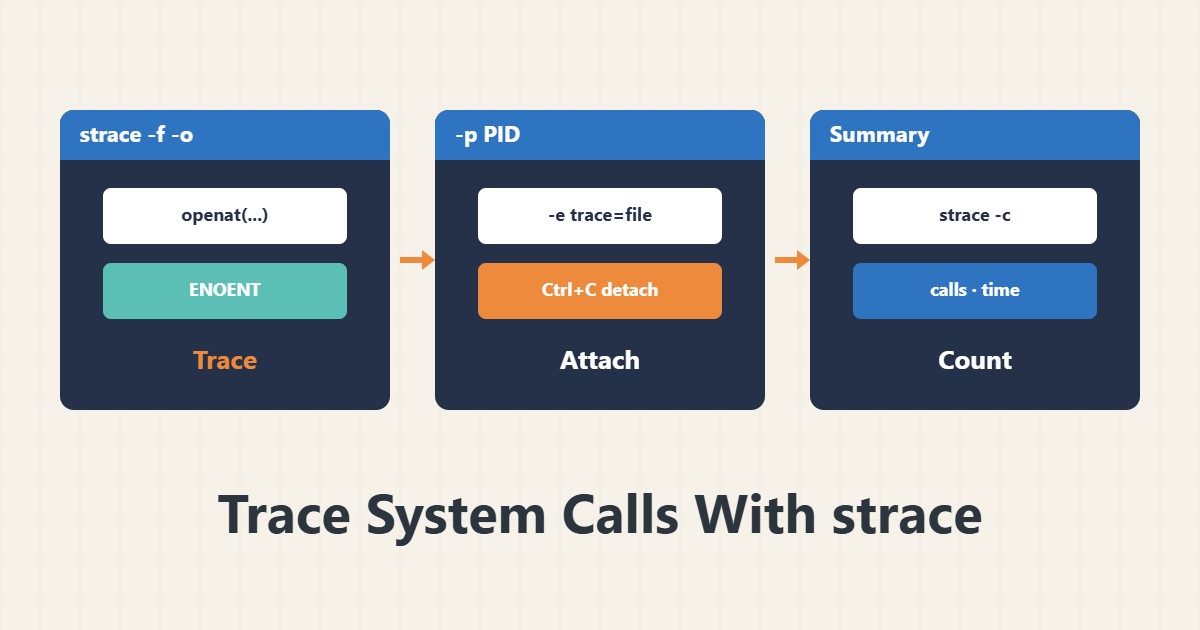
When a program fails or hangs without a clear message, strace shows what it asks of the operating system: which file, which socket, which permission. This guide covers only the safest and most useful modes.
1. A simple run
sudo apt install strace
strace -f -tt -T -o /tmp/trace.txt your-command
-f follows child processes, -tt adds precise timestamps, -T shows the duration of each call and -o writes the output to a file.
2. Attach to a running process
sudo strace -f -p 1234 -e trace=file,network -o /tmp/trace.txtUse -p to attach to an existing PID. The filter -e trace=file keeps only file-related calls so the output does not drown you. Press Ctrl+C to detach.
3. What to look for
grep -E 'ENOENT|EACCES|ECONNREFUSED' /tmp/trace.txt | headENOENT means the file or path does not exist, EACCES means permission is missing and ECONNREFUSED means the destination refused the connection. The last error before the program stops is usually the main clue. For open-file limits see Too many open files.
4. A statistical summary
sudo strace -c -f -p 1234With -c, after you detach you get a table of call counts and time, useful for telling whether time goes to disk or network.
5. Care on a live server
strace slows a process dramatically. On a busy service use it for a few seconds only, with a filter. The output file may contain paths and sensitive data; do not post it publicly. If the problem is network-related, tcpdump is a good companion.
6. Illustrative example, not a measurement
Suppose a program would not start and only printed “failed to start”. strace showed that just before exit, openat on a configuration file failed with ENOENT. Creating that file fixed it. This scenario is an invented illustration, not a measurement.
7. Common mistakes
- Leaving strace on a busy service for a long time.
- Forgetting -f and missing child processes.
- Publishing output without checking for sensitive data.
- Treating every ENOENT as an error; some are perfectly normal.
8. Frequently asked questions
Is strace safe? It only reads, but it slows the process and can change timing behaviour.
Do I need root? For other users’ processes or services, yes.
Does it replace ltrace or gdb? No; strace only shows the boundary between the program and the kernel.
9. Quick checklist
- strace is installed.
- I ran or attached with -f and -o.
- A suitable filter was set.
- I searched for ENOENT and EACCES.
- After the work I detached and removed the file.
If you need help reviewing performance or maintaining a server, see the server management services.
More server and WordPress guides are collected in the article archive.