
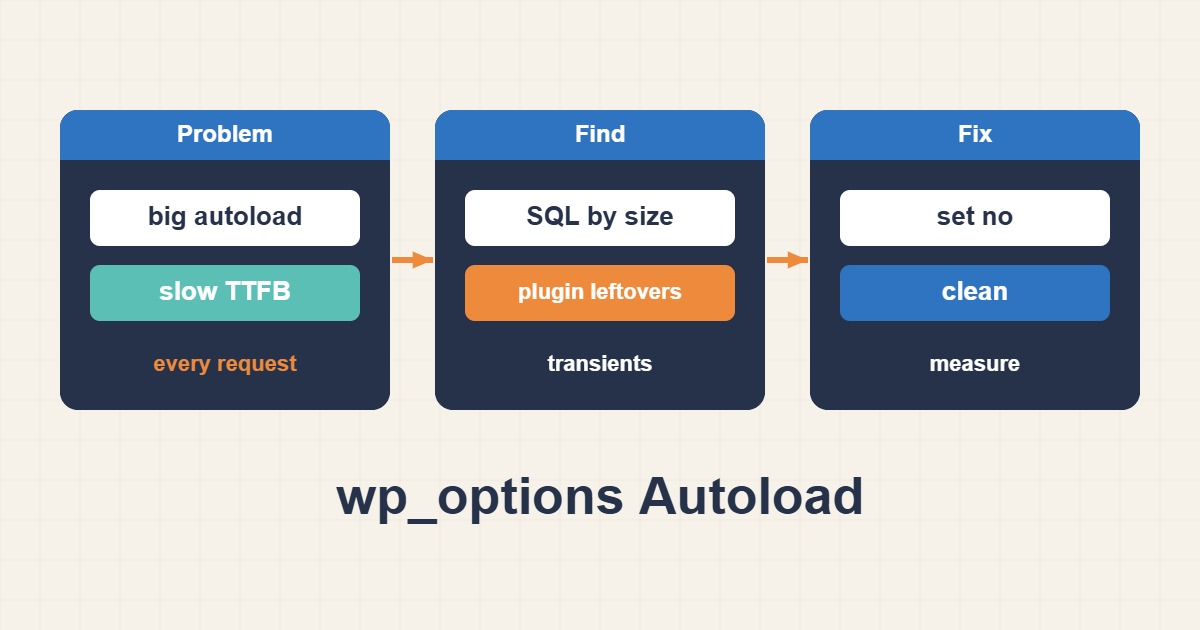
WordPress loads autoloaded options together on many requests. Large or abandoned records left by plugins can increase memory use and processing time. The safe goal is not mass deletion: identify the owner and runtime need of every option first.
Measure total autoload size
Save a baseline and use the real table prefix. Autoload values can vary by WordPress version.
SELECT autoload, COUNT(*) AS option_count, SUM(LENGTH(option_value)) AS bytes
FROM wp_options GROUP BY autoload ORDER BY bytes DESC;
List the largest options
Record each option name, size, and autoload state without deleting anything. Names often identify the owning plugin or theme.
SELECT option_name, autoload, LENGTH(option_value) AS bytes
FROM wp_options
ORDER BY bytes DESC LIMIT 30;
Confirm ownership and runtime need
Check plugin documentation, code, and staging behavior. Expired transients, removed-plugin data, or stale caches may be removable, but active settings must not be guessed.
wp option list --autoload=on --fields=option_name,size_bytes --format=table
wp option get OPTION_NAME
Make a small reversible change
Export the database first. When supported, change autoload through the Options API or WP-CLI; direct edits to serialized values can corrupt data.
wp db export before-autoload-cleanup.sql
wp option update OPTION_NAME VALUE --autoload=off
Flush relevant caches and measure again
Refresh object and page caches, then compare TTFB, memory, errors, and Site Health. Restore the backup if plugin behavior changes.
wp cache flush
wp option list --autoload=on --fields=option_name,size_bytes --format=total_bytes
Practical checklist
- Back up the database and files.
- Record total size and largest options.
- Identify the owner of every candidate.
- Test changes in staging first.
- Compare TTFB and errors after rollout.
Frequently asked questions
Should I delete every transient?
No. Some are active and expensive to rebuild. Remove only expired or verified stale entries.
Should every large option use autoload off?
No. An option required on every request may then add repeated queries; decide from actual access patterns.
Why does a deleted option return?
Its plugin or theme recreates it, so fix the generating setting or code first.
Related guides
Official documentation
{labels[4]}: {DATE}
Conclusion
Back up before deleting or changing data, confirm the cause from metrics and logs, and test the smallest reversible change in staging first.