
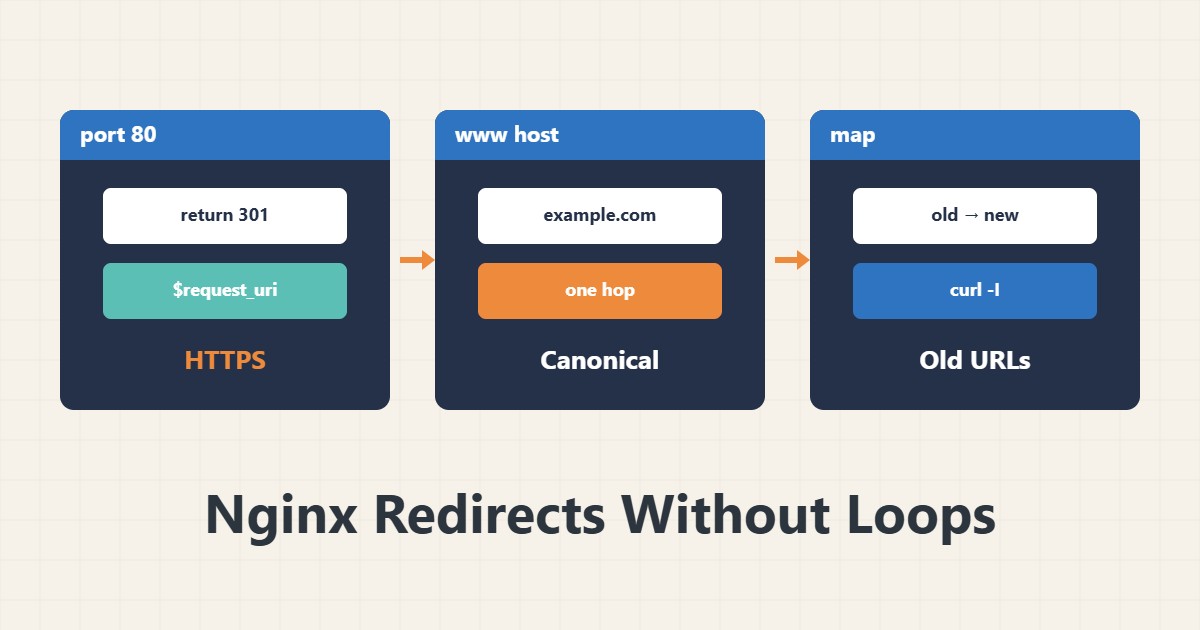
A wrong or looping redirect locks users out and hurts search ranking. In Nginx the simplest and safest tool is return, not rewrite. This guide shows three common scenarios with step-by-step tests.
1. HTTP to HTTPS
server {
    listen 80;
    server_name example.com www.example.com;
    return 301 https://$host$request_uri;
}
$request_uri keeps the path and parameters. A separate block for port 80 is simpler and more readable than if conditions.
2. www to non-www
server {
    listen 443 ssl;
    server_name www.example.com;
    # ssl_certificate ...
    return 301 https://example.com$request_uri;
}
The certificate must cover the www name too, or users see a certificate error before the redirect. Choose a direction (with or without www) once and keep it everywhere.
3. Old URLs with map
map $request_uri $new_uri {
    /old-page   /new-page;
    /blog/2019  /articles/2019;
}

server {
    if ($new_uri) { return 301 $new_uri; }
}
Put map in the http block. For dozens of URLs, a separate included file is tidier. A return inside if is a safe, common pattern.
4. Test step by step
sudo nginx -t && sudo systemctl reload nginx
curl -sI http://example.com/page?x=1 | grep -iE 'HTTP|location'
You should see 301 and the right Location. Browsers cache 301, so use 302 while testing and switch to 301 afterwards. Check block order with location matching order.
5. Loops
If you are behind a CDN or proxy that terminates HTTPS, an HTTPS redirect in Nginx can create a loop; in that case use the X-Forwarded-Proto header. See custom error pages in error pages and 503.
6. Illustrative example, not a measurement
Suppose a user opens http://www.example.com/page?x=1. With two chained redirects (HTTPS first, then removing www) they reach the target. It is better to do it in one direct redirect. This scenario is an invented illustration, not a measurement.
7. Common mistakes
- Using rewrite for simple redirects.
- Dropping query parameters by writing the target without $request_uri.
- A certificate that does not cover www.
- Choosing 301 while testing and getting stuck in the browser cache.
8. Frequently asked questions
301 or 302? 301 is permanent and cached; 302 is temporary. 302 is safer while testing.
Is a chain of redirects a problem? It slows things down; aim for a single hop.
Is if bad in Nginx? return inside if is safe; avoid complex directives in it.
9. Quick checklist
- A separate port 80 block exists.
- The www/non-www choice is made and the certificate checked.
- $request_uri is preserved.
- Code and Location were tested with curl.
- There is no loop.
If you need help reviewing performance or maintaining a server, see the server management services.
More server and WordPress guides are collected in the article archive.
Official references
Nginx return directive · Nginx ngx_http_map_module · Google Search Central: redirects