
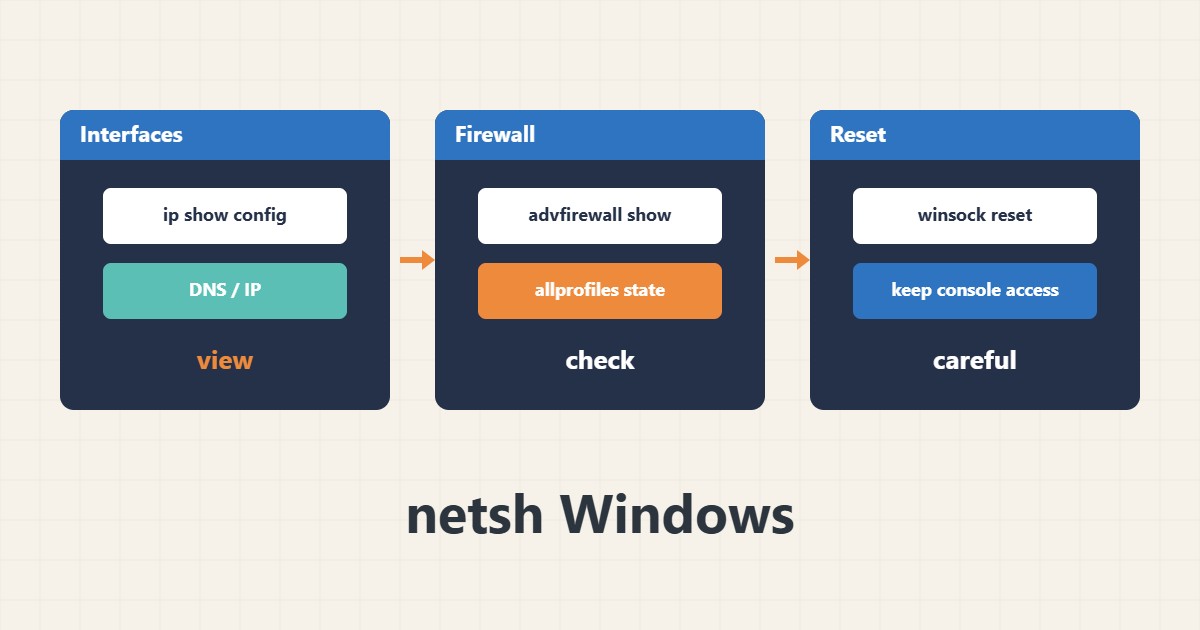
When you have no graphical access to a Windows Server or need to check several servers quickly, netsh is an old but useful tool. It shows interface settings, firewall rules and proxy state from the command line.
1. View interface settings
Run this as Administrator to see the IP and DNS registered on each interface:
netsh interface ip show config2. Firewall state
You can see whether the firewall is on for each profile. This command only displays and changes nothing:
netsh advfirewall show allprofiles state3. Resetting the stack: with care
A reset command may return network settings to defaults and needs a reboot. If you are connected over RDP, make sure you have another way in such as a console, because the connection may drop:
netsh winsock reset4. Illustrative example, not a measurement
Suppose (an illustrative case) the site is unreachable from outside after an IP change. netsh output shows the correct address but the Public profile firewall is on without an inbound rule for port 443.
5. Common mistakes
- Running a reset remotely without a fallback way in.
- Running commands without Administrator rights.
- Changing a firewall rule without recording the previous state.
6. Frequently asked questions
Is netsh deprecated? Parts of it moved to PowerShell, but it still works on many versions.
How do I save the output? Redirect it with > into a text file so you have a copy before changing anything.
7. Quick checklist
- Open CMD or PowerShell as Administrator.
- Save the interface settings.
- Check the firewall state.
- Confirm a fallback access path before any reset.
If you need help reviewing performance or maintaining a server, see the server management services.
More server and WordPress guides are collected in the article archive.
Official references
Microsoft netsh contexts · Microsoft netsh command reference