
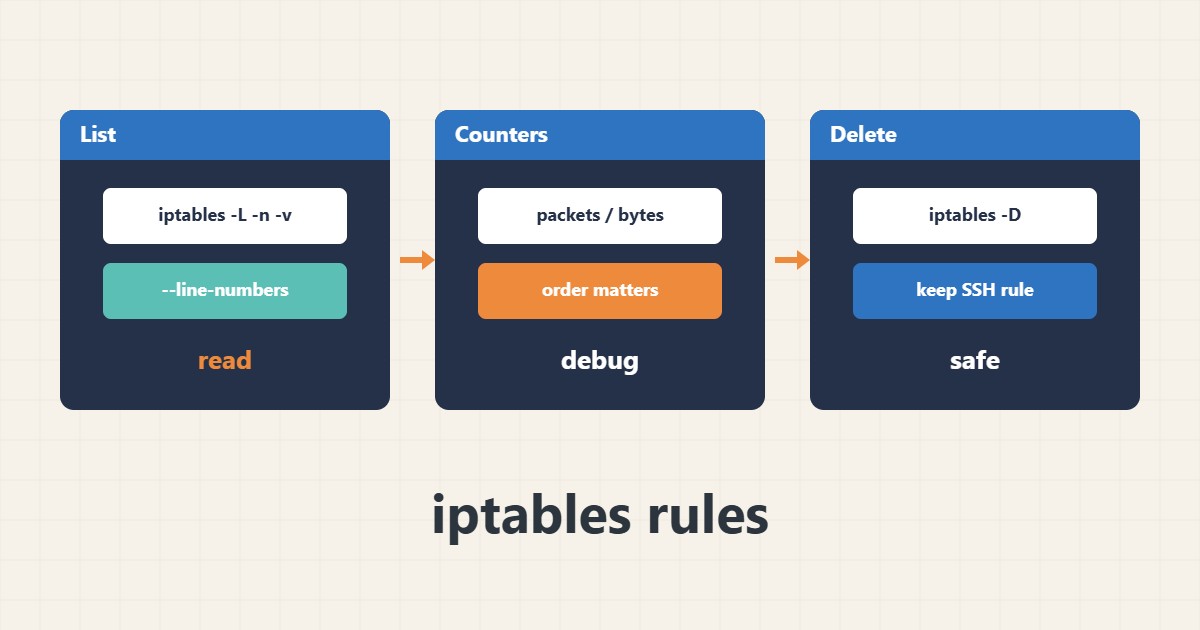
On many servers iptables is still the main firewall, either directly or behind other tools. Before any change you should be able to read the current rules and tell which one catches the traffic.
1. List rules with counters
-n avoids name resolution and -v shows packet and byte counters. –line-numbers adds each rule number:
iptables -L INPUT -n -v --line-numbers2. Reading the counters
If a rule you expect to match shows a zero counter, either traffic is caught by an earlier rule or the match is wrong. Order matters because the first match wins.
3. Delete a rule safely
Before deleting, make sure the SSH allow rule is not removed. Deletion by number works; unsaved rules disappear after a reboot, so learn the save tool of your distribution.
iptables -D INPUT 34. Illustrative example, not a measurement
Suppose (an invented figure) a DROP rule shows 12000 packets while the ACCEPT rule for port 443 sits after it. The wrong order blocks even permitted traffic.
5. Common mistakes
- Changing rules over SSH without a rollback plan.
- Forgetting to save rules after testing.
- Mixing iptables with nftables or ufw without coordination.
6. Frequently asked questions
What is the difference between iptables and nftables? nftables is the newer successor; on many distributions iptables maps onto it.
What if I lock myself out? Log in through the provider console and fix the rule.
7. Quick checklist
- List rules with -n -v –line-numbers.
- Check the order and counters.
- Confirm the SSH rule before deleting.
- Save changes persistently.
If you need help reviewing performance or maintaining a server, see the server management services.
More server and WordPress guides are collected in the article archive.