
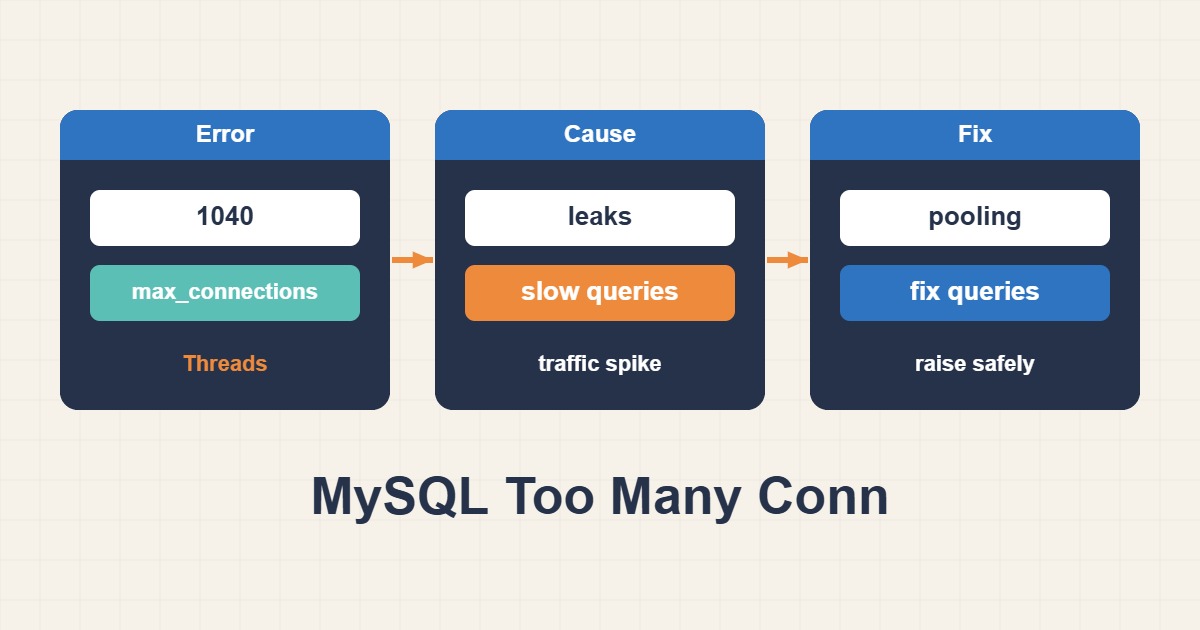
The MySQL “Too many connections” error means all usable connection slots are occupied. Raising max_connections can hide the symptom briefly, but it may increase memory pressure unless you also inspect sleeping sessions, application pools, slow queries, and connection leaks.
Measure connection pressure first
Record the configured limit, current sessions, and historical peak before changing anything. The process list identifies which account or application owns the sessions.
SHOW VARIABLES LIKE 'max_connections';
SHOW STATUS LIKE 'Threads_connected';
SHOW STATUS LIKE 'Max_used_connections';
SHOW FULL PROCESSLIST;
Find sleeping sessions and leaks
Large numbers of Sleep sessions often indicate an oversized pool, a long idle timeout, or code that does not close connections. Close in a finally block and cap each pool against total server capacity.
SELECT USER, HOST, COMMAND, COUNT(*) AS connections
FROM information_schema.PROCESSLIST
GROUP BY USER, HOST, COMMAND
ORDER BY connections DESC;
Separate slow-query pressure
A slow query holds its connection longer. Use the slow query log and Performance Schema to fix missing indexes or expensive statements before adding slots.
SHOW GLOBAL STATUS LIKE 'Threads_running';
SHOW GLOBAL STATUS LIKE 'Aborted_connects';
SHOW GLOBAL STATUS LIKE 'Connection_errors_max_connections';
Size max_connections safely
If legitimate concurrency grew, estimate per-connection memory and available CPU before increasing the limit. Persist the setting and monitor latency, swapping, and failures after rollout.
SET GLOBAL max_connections = 250;
# mysqld.cnf
[mysqld]
max_connections = 250
Reserve administration and limit accounts
Keep a restricted administrative account with CONNECTION_ADMIN and consider MAX_USER_CONNECTIONS for noisy applications or tenants.
Troubleshooting checklist
- Compare Max_used_connections with the configured limit.
- Identify the account creating excessive sessions.
- Fix pool sizing and connection leaks.
- Optimize slow queries.
- Monitor memory and latency after the change.
Frequently asked questions
Should I only increase max_connections?
No. A leak or slow query will eventually consume the larger pool again.
Why does the error appear below the global limit?
An account limit, database proxy, or application pool may be exhausted first.
Should I kill sleeping connections?
It can restore service during an incident, but verify transaction safety and fix why the application keeps them open.
Related guides
Official documentation
{review}: {D}
Conclusion
Identify the cause from metrics and logs first, apply the smallest safe change, and measure the result again.