
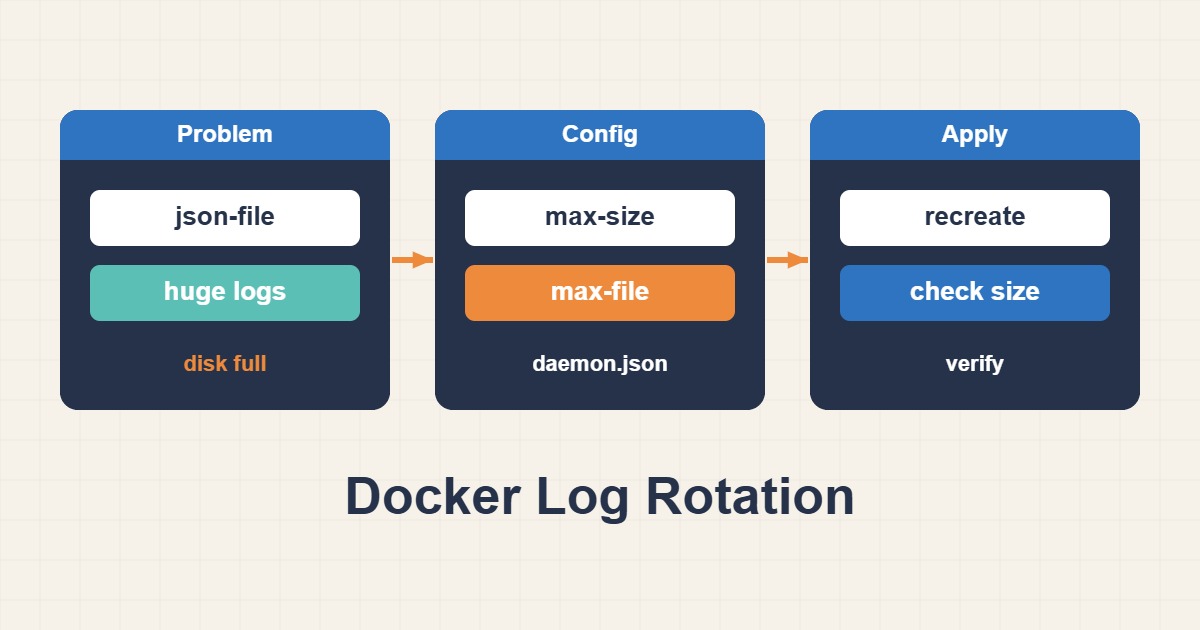
Unbounded json-file logs are a common cause. Identify the responsible workload and configure a scoped log budget; deleting volumes or truncating Docker-managed log files is not the first repair step.
Scope and prerequisites
Identify whether Compose, Swarm or another controller owns the workload. This example uses Compose. Check logging-driver compatibility with any central collector. Keep the existing service name, image, ports and volumes; merge only the logging section into the current definition instead of replacing the service.
1. Collect evidence
Separate image and volume usage from logs with docker system df. Inspect LogPath and LogConfig and measure the host filesystem. Docker’s data root may not be /var/lib/docker. Compare log growth with the required retention window before choosing size and file count.
docker system df
docker inspect --format "{{.LogPath}} {{json .HostConfig.LogConfig}}" web
df -h
2. Make a controlled change
The local driver rotates by default. The example chooses three files and a 10m limit per file, with real storage overhead beyond the nominal budget. Daemon-default changes affect newly created containers. Existing containers require planned recreation; a simple restart does not adopt different logging settings.
# Merge into the existing compose service; keep other fields.
services:
  web:
    logging:
      driver: local
      options:
        max-size: "10m"
        max-file: "3"
3. Verify the outcome
Before recreation, verify persistent data and replica readiness. Validate Compose configuration, then inspect the replacement’s effective driver, recent logs, application health and disk-growth rate. docker logs works with local, but long-term retention belongs in a separate managed destination.
docker compose config -q
# Planned recreation may interrupt a single-instance service.
docker compose up -d --no-deps --force-recreate web
docker logs --tail 50 web
docker inspect --format "{{json .HostConfig.LogConfig}}" web
Rollback and prevention
Rollback the logging stanza and recreate only the affected service. Do not use compose down -v or volume-pruning shortcuts; they can destroy needed data. Fix excessive application verbosity too. Rotation bounds the impact but cannot cure an endless retry loop or debug flood.
Technical references
For related checks in this workflow, see Persistent journald Logs and Safe Retention on Linux and Docker Healthchecks: Running Is Not the Same as Healthy.