
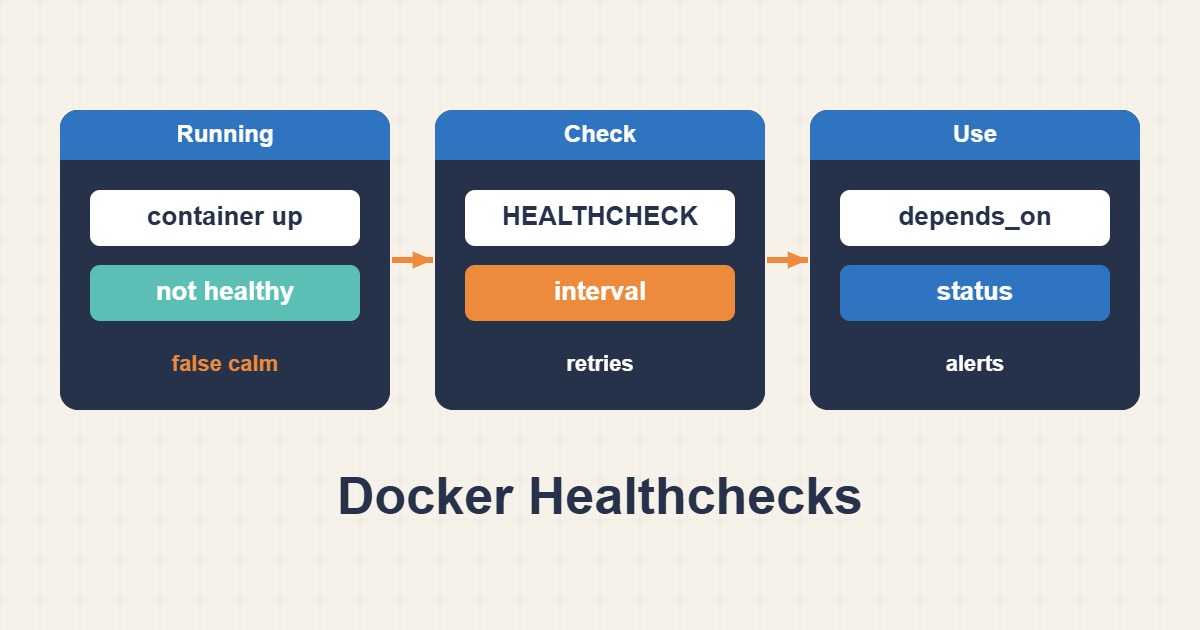
A healthcheck makes that distinction observable, but it does not itself repair or restart the application. Build a lightweight probe with a clear health contract and a practical failure-investigation path.
Scope and prerequisites
The example requires a local /health endpoint and curl inside the image. Avoid writes, heavy queries and sensitive output. Define separate contracts for liveness, readiness and dependency health. An external dependency outage must not accidentally become a restart storm across every application replica.
1. Collect evidence
Read the health status and probe log, not only docker ps. Exit codes, timeout and output distinguish missing binaries, wrong ports and invalid responses. Execute the probe inside the same container. A successful host-side request does not prove that the container namespace can reach the endpoint.
docker inspect --format "{{json .State.Health}}" web
docker exec web curl -fsS --max-time 3 http://127.0.0.1:8080/health
2. Make a controlled change
The Dockerfile probe targets localhost:8080. Choose start-period from real startup time and tune interval, timeout and retries together. curl -f treats 4xx/5xx as failures, but cannot detect an invalid body returned with 200. Add body validation when the health contract requires it.
# Add to the application Dockerfile; curl must already be installed.
HEALTHCHECK --interval=30s --timeout=5s --start-period=40s --retries=3 \
  CMD curl -fsS --max-time 3 http://127.0.0.1:8080/health || exit 1
3. Verify the outcome
Induce a controlled failure in staging and observe transitions from starting to healthy and then unhealthy. Docker Engine does not automatically restart a container merely because it is unhealthy; restart policies respond to main-process exit. Test traffic routing and remediation separately in your orchestrator.
docker inspect --format "{{.State.Status}} {{.State.Health.Status}}" web
docker inspect --format "{{json .State.Health.Log}}" web
Rollback and prevention
If the probe causes load or false positives, restore the previous image definition and roll it out. Removing healthchecks does not fix the application. Keep output short and secret-free, version the contract and monitor false positives. Missing probes must remain visible rather than silently appearing healthy.
Technical references
For related checks in this workflow, see Troubleshoot Docker DNS and Service-to-Service Networking and Prevent Docker Log Disk Exhaustion with Rotation.