
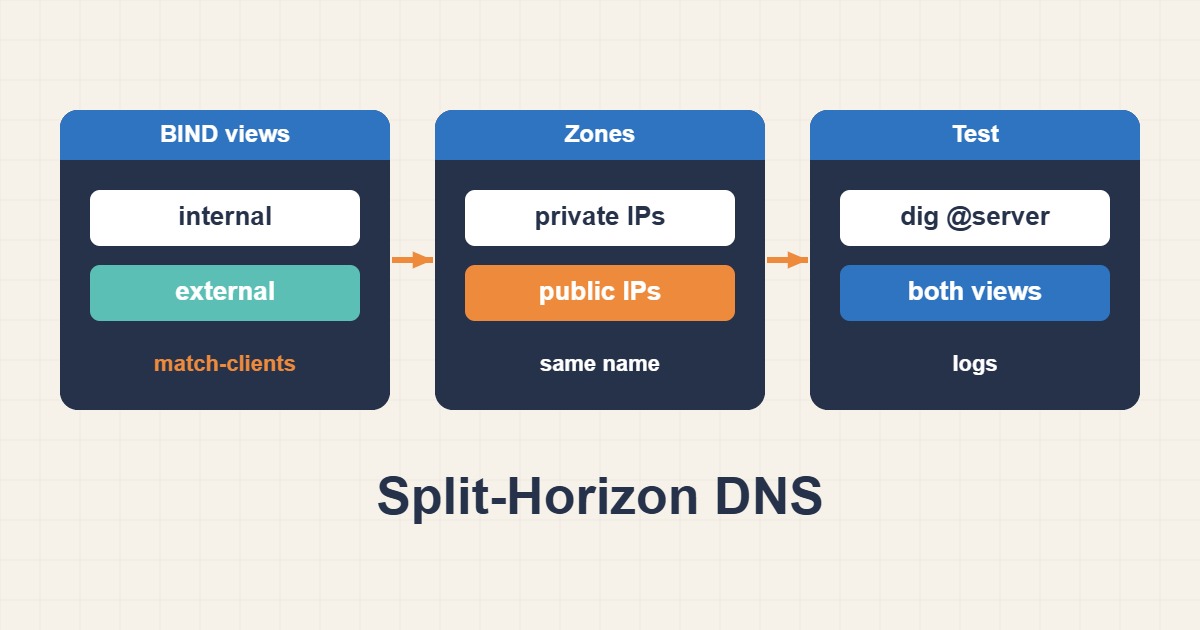
Split DNS controls this through resolver policy or authoritative views, but caching and source NAT can hide mistakes. Define view boundaries and test answers from both client networks.
Scope and prerequisites
The example is a BIND views skeleton, not a complete named.conf. Prepare valid zone files with SOA, NS and required records first. Existing zones must be reconciled with the views design. The 10.20.0.0/24 network is illustrative. Never introduce public recursion or expose private records unintentionally.
1. Collect evidence
From real internal and external clients, record the resolver, A/AAAA answers, TTL and authoritative flag. Querying a public resolver from inside does not necessarily exercise your internal view. If a resolver or NAT relays traffic, match-clients sees that sender’s address rather than the end user’s original address.
dig @10.20.0.53 app.example.com A
dig @203.0.113.53 app.example.com A
dig @10.20.0.53 app.example.com AAAA
2. Make a controlled change
Place the internal view before the catch-all public view; first match matters. This example disables recursion in both and is authoritative-only. Internal recursion needs separate ACL design. Update each zone’s SOA serial and coordinate secondary servers. A private A record alone cannot replace all records required by the zone.
// Skeleton: integrate all existing zones and prepare valid zone files.
acl internal_clients { 10.20.0.0/24; localhost; };
view "internal" {
    match-clients { internal_clients; };
    recursion no;
    zone "example.com" { type primary; file "/etc/bind/db.example.internal"; };
};
view "external" {
    match-clients { any; };
    recursion no;
    zone "example.com" { type primary; file "/etc/bind/db.example.external"; };
};
3. Verify the outcome
Validate configuration and both zone files before reload. Internal sources should receive the private answer, external sources the public one; test UDP and TCP. Preserve mail, CAA and IPv6 records in the internal view where needed. The previous TTL may temporarily retain old answers in downstream caches.
sudo named-checkconf
sudo named-checkzone example.com /etc/bind/db.example.internal
sudo named-checkzone example.com /etc/bind/db.example.external
# Only after every check passes:
sudo rndc reload
Rollback and prevention
Rollback configuration and zone content with an appropriate serial; lowering the serial can prevent secondary updates. Account for DNSSEC, client DoH and VPN behavior. A healthy public answer does not prove internal health. Monitor each view from its actual network rather than one central resolver alone.
Technical references
For related checks in this workflow, see Troubleshoot IPv6 Websites When IPv4 Works and Troubleshoot Docker DNS and Service-to-Service Networking.