
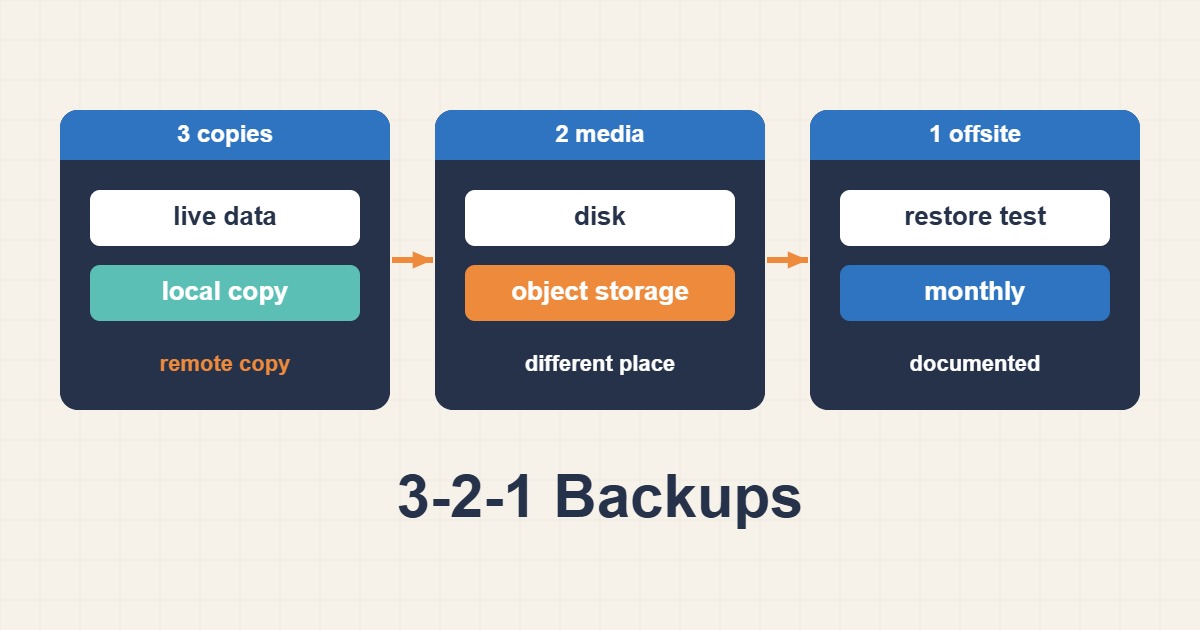
A backup that has never been restored is only an assumption. The 3-2-1 rule calls for three copies of data, on two different media types, with at least one copy offsite. For WordPress and web servers, that rule must be tied to recovery objectives and routine restore testing.
Define RPO and RTO
Recovery Point Objective is the maximum acceptable data loss, such as 15 minutes of transactions. Recovery Time Objective is the maximum acceptable service-restoration time. Without these targets, a backup design is often either unnecessarily expensive or insufficient during an incident.
Protect the complete service
- The WordPress database and dependent databases
- Uploads, custom plugins, and custom themes
- Web-server, PHP-FPM, cron, and service configuration
- Package versions and rebuild documentation
- Secrets and keys in a separate protected vault rather than a general archive
A virtual-machine snapshot is useful, but it is not an independent backup. If the same storage fails or is encrypted, its snapshots may disappear with it.
Build a real 3-2-1 layout
The first copy is production data. The second can live on separate local storage or a dedicated backup server. The third belongs in another location or account and should support immutability or object locking where possible. Production credentials should not be able to rewrite every historical generation.
Create a consistent database copy
Copying live MySQL data files can produce an inconsistent result. For InnoDB, use a transactional dump or a supported physical-backup tool:
mysqldump --single-transaction --quick --routines --triggers --databases wordpress > wordpress.sqlCoordinate the file archive with the database point in time. Busy sites may require a short maintenance window, an application-consistent snapshot, or a backup-aware database tool.
Encrypt, verify, and retain
Encrypt copies in transit and at rest. Checksums detect transfer corruption, but they do not prove that WordPress can start. Use daily, weekly, and monthly retention where appropriate, and prevent a mistaken synchronization job from deleting every generation.
sha256sum wordpress.sql site-files.tar.zst > SHA256SUMS
sha256sum -c SHA256SUMS
Run a restore drill
- Prepare an isolated staging environment with outbound email disabled.
- Retrieve a named offsite recovery point and verify its checksum.
- Restore files and the database with the correct ownership and permissions.
- Map a test hostname through DNS or the local hosts file.
- Test administration, media, forms, cron, permalinks, and critical user journeys.
- Record the actual recovery time and update the runbook.
If the restore follows a compromise, inspect and rebuild the site in an isolated environment before returning it to production. Follow the guide to clean WordPress malware and backdoors safely so infected files, database records, or persistent access are not introduced into the recovered environment.
Monitor the backup system
A green job status is not enough. Monitor backup age, size, file count, checksum results, duration, and the outcome of restore drills. Alerts must reach a channel that remains available when the production server is down.
Final checklist
Maintain three genuine copies, two independent media types, one offsite copy, encryption, deletion-resistant retention, health reporting, and a tested restoration. The goal is not to possess backup files; it is to restore the service within the agreed RTO.