
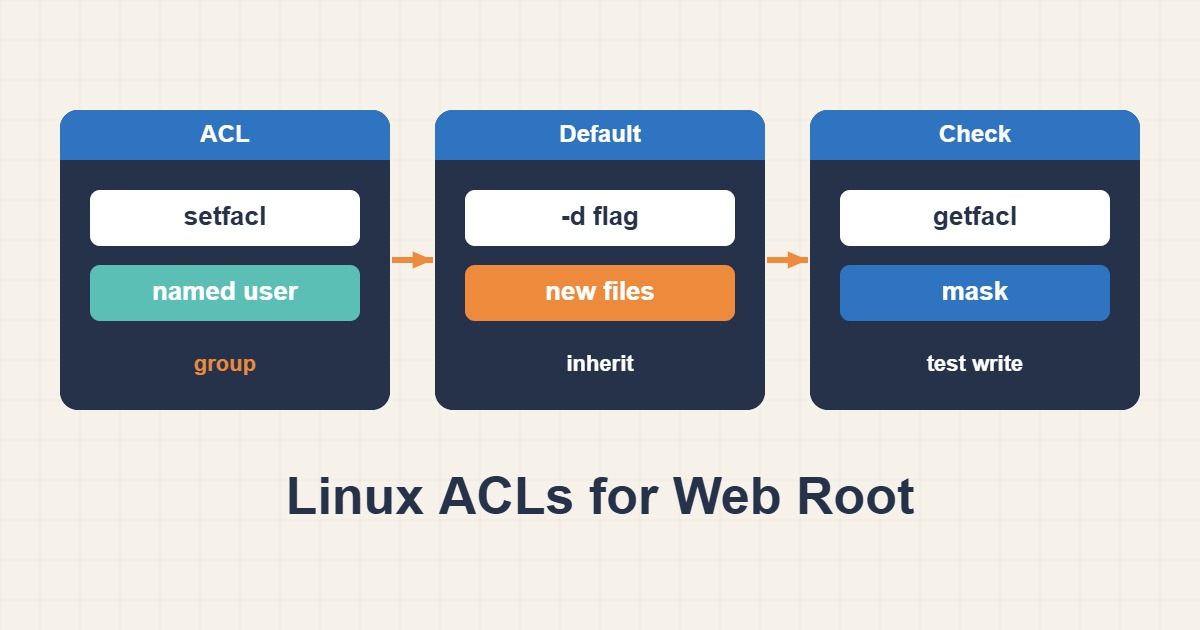
Sooner or later every web server runs into the same permission puzzle. A deploy user uploads the code, Nginx and PHP-FPM run as www-data and must read it, WordPress needs to write to its uploads folder, and a developer needs to edit one theme. Classic Unix permissions have one owner, one group and everyone else, so the quick fix is often chmod 777, which makes every file writable by every process on the machine. Access control lists, or ACLs, solve the puzzle properly by granting named users and groups specific rights on specific paths. This guide shows how to use setfacl and getfacl safely, including the default ACLs and the mask behaviour that surprise people.
1. Why classic permissions fall short
A normal file has an owner, one group and an “other” class. If the deploy user owns the files and the web server needs to read them, you can put the web server in the file’s group, but then the same group applies to everything else you add later. Each new person or service multiplies the problem, and the usual escape is to loosen permissions for everyone. ACLs let you say “this user may read, that user may write” without touching the owner or group at all.
2. Check that ACLs are available
getfacl /var/www/site
ls -ld /var/www/site
sudo apt install acl
Modern ext4 and XFS filesystems support ACLs by default, and the userland tools come in the acl package. getfacl shows the entries on a path, and a plus sign at the end of the permission string in ls -l output tells you a file already carries extra ACL entries. If a command reports that the operation is not supported, check that the filesystem was not mounted without ACL support.
3. The scenario we will solve
Suppose a site lives in /var/www/site. A user called deploy pushes releases and must be able to create and replace files. The web server runs as www-data and only needs to read the code, except for wp-content/uploads where it must write. Nobody else should be able to read the site at all. ACLs express exactly that.
4. Grant access to named users
sudo setfacl -m u:deploy:rwx /var/www/site
sudo setfacl -m u:www-data:rx /var/www/site
getfacl /var/www/site
The -m option modifies entries, and u:name:perms targets a user. After the commands, getfacl lists a user:deploy:rwx line and a user:www-data:r-x line next to the usual owner, group and other entries. Use g:groupname:perms in the same way to grant a whole group access.
5. Apply it recursively, with a capital X
sudo setfacl -R -m u:deploy:rwX,u:www-data:rX /var/www/site
sudo setfacl -R -d -m u:deploy:rwX,u:www-data:rX /var/www/site
The -R option walks the whole tree. The capital X in rwX is deliberate: it sets the execute bit only on directories and on files that are already executable, so ordinary PHP and image files do not suddenly become executable. The second command sets default ACLs, which we need next.
6. Default ACLs make new files inherit access
An ACL set on a directory applies only to what already exists. New files created later would not carry it. A default ACL, set with -d, is a template that new files and subdirectories inherit. Without it, the next release your deploy user uploads would not be readable by the web server and you would be back to debugging a 403. See Fix Nginx Permission Denied and 403 Errors if you are already looking at that error.
7. Understand the mask
Every ACL has a mask entry that caps the effective rights of named users and groups. When the mask is more restrictive than an entry, getfacl shows the real result in a comment:
# file: var/www/site/index.php
# owner: deploy
# group: deploy
user::rw-
user:www-data:rw-        #effective:r--
group::r--
mask::r--
other::---
Here www-data was granted write access, but the mask of r-- limits it to read. The mask changes whenever you run chmod on the group bits, which is why permissions seem to reset themselves after a deploy script runs chmod. Repair it, and keep deploy scripts from clobbering it:
sudo setfacl -m m::rwx /var/www/site/index.php8. A writable uploads directory, and nothing more
sudo setfacl -R -m u:www-data:rwX /var/www/site/wp-content/uploads
sudo setfacl -R -d -m u:www-data:rwX /var/www/site/wp-content/uploads
Give the PHP user write access only where the application needs it. Allowing writes to the whole site means a compromised plugin can rewrite your theme and plant a backdoor. Also make sure Nginx never executes PHP from the uploads directory, since a writable location that can run code is the classic WordPress compromise.
9. When plain groups and setgid are enough
ACLs are not always the simplest answer. If one team needs shared write access, a group with the setgid bit is easier to understand and works on every filesystem:
sudo groupadd webdev
sudo usermod -aG webdev deploy
sudo chgrp -R webdev /var/www/site
sudo find /var/www/site -type d -exec chmod 2775 {} +
sudo find /var/www/site -type f -exec chmod 664 {} +
The leading 2 in 2775 sets the setgid bit on directories, so new files inherit the webdev group. Choose ACLs when you need per-user rules that a single group cannot express, and groups when one team and one rule are enough.
10. Make sure copies keep the ACLs
rsync -aAX /var/www/site/ backup:/srv/site/
tar --acls -czf site.tar.gz /var/www/site
Many copy tools drop ACLs unless you ask. rsync needs -A, and tar needs --acls. A restore that quietly loses ACLs gives you a site that works on the old server and returns permission errors on the new one, so test a restore, not only a backup.
11. Removing entries
sudo setfacl -x u:deploy /var/www/site
sudo setfacl -b -R /var/www/site
The first command removes one entry, while the second strips every ACL entry recursively and returns the path to plain permissions. Review the output of getfacl before and after, particularly before a recursive removal on a production directory.
12. ACLs and SELinux are separate layers
If you run SELinux, a correct ACL does not guarantee access, because SELinux checks its own labels as well. When the permissions look right but access is still denied, check the SELinux context too, as described in Fix SELinux Web Access Denials Without Disabling Enforcement. The two systems are independent and both must allow the access.
13. Common mistakes
- Using
chmod 777to make an error go away. - Forgetting default ACLs, so new releases are unreadable.
- Ignoring the mask and wondering why granted rights do not apply.
- Using lowercase
xrecursively and making every file executable. - Giving the web server write access to the whole site.
- Copying files with a tool that silently drops ACLs.
14. Audit who has access
sudo getfacl -R -s /var/www/site | head -n 40The -s option skips files that carry only the base owner, group and other entries, so the output shows just the paths with extra ACL rules. Run it after a deploy or an incident to see exactly which users have been granted access, and compare the list with what you intended. An unexpected named user on a sensitive file is worth investigating before anything else.
15. A worked example
A team deploys a WordPress theme from CI as the deploy user. After applying the recursive and default ACLs from sections 5 and 6, a new release created by the CI job is readable by www-data immediately, with no chmod step in the pipeline. Only the uploads directory is writable by the web server. If a later deploy script resets the group bits and the site starts returning errors, getfacl shows an #effective comment explaining why, and fixing the mask restores access. This is an illustration of the workflow rather than a measurement from a real server. See also Fix Stale PHP Code After Deployment with OPcache for what to check after a deployment.
16. Quick checklist
- Check ACL support with
getfacland install theaclpackage if needed. - Grant named users the minimum rights, using capital
Xfor recursion. - Set default ACLs so new files inherit access.
- Watch the mask and avoid scripts that reset group bits.
- Limit write access to the uploads directory.
- Audit entries with
getfacl -R -safter deploys. - Preserve ACLs in backups and copies, and check SELinux if access is still denied.
More server guides are collected in the article archive.
Official references
setfacl(1) · getfacl(1) · acl(5) · chmod(1)