
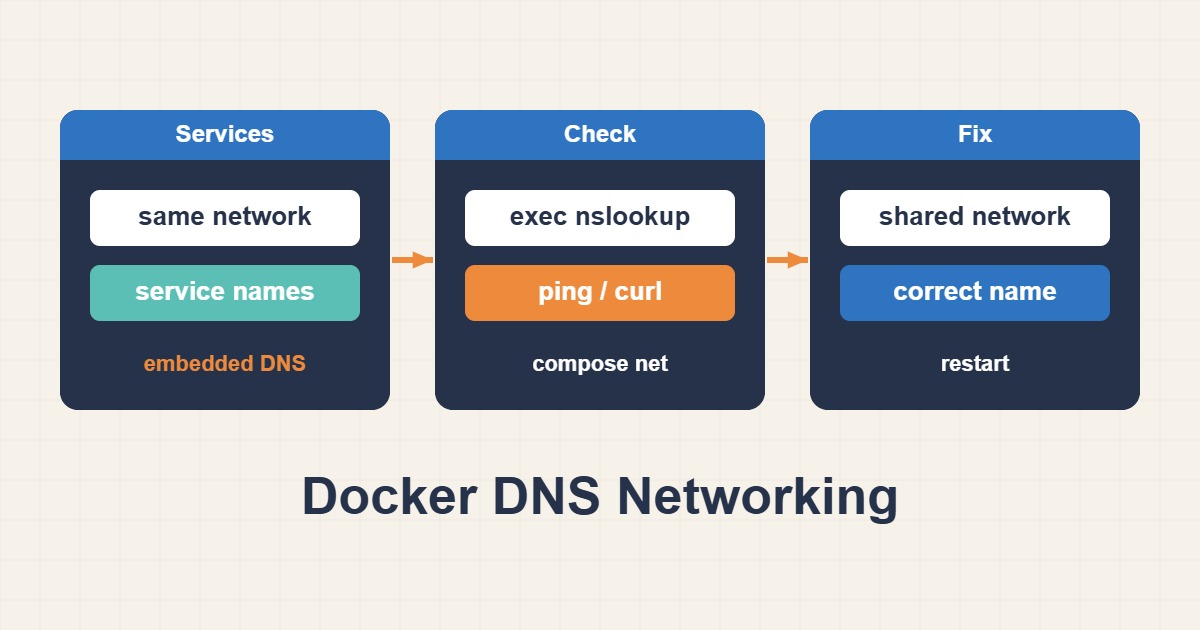
Service names, shared networks, internal ports and container resolvers are different layers. Diagnose name lookup, TCP reachability and application response in that order.
Scope and prerequisites
Compose normally resolves service names on the project network. The default bridge and user-defined networks do not behave identically. web and db are placeholders. Do not publish the database to the internet just to enable internal access. Minimal images may omit diagnostic tools.
1. Collect evidence
Compare both containers’ networks with inspect; an alias without a shared network is insufficient. Read resolv.conf inside the container. Custom networks normally use Docker’s embedded resolver at 127.0.0.11. External name queries are forwarded to host-configured resolvers, creating a separate failure path.
docker inspect --format "{{json .NetworkSettings.Networks}}" web
docker inspect --format "{{json .NetworkSettings.Networks}}" db
docker exec web cat /etc/resolv.conf
2. Make a controlled change
Fix shared-network membership in the project’s declarative configuration, not with a forgotten temporary attachment. Connect to db:3306, not localhost or the host-published port. localhost inside web means web itself. Hard-coded container IPs in hosts files are brittle because recreation can change addresses.
# Merge network membership into the existing compose file.
services:
  web:
    networks: [backend]
  db:
    networks: [backend]
networks:
  backend: {}
3. Verify the outcome
Successful lookup only returns an address. Test TCP independently with an available diagnostic tool. If TCP succeeds but the application fails, inspect TLS, credentials and database permissions. Test an external name separately; working public DNS does not establish healthy internal service discovery.
# Commands require getent/nc in the diagnostic environment.
docker exec web getent hosts db
docker exec web nc -vz -w 3 db 3306
docker exec web getent hosts example.com
Rollback and prevention
Rollback the Compose change and roll only affected services. Do not remove networks used by other workloads. For public resolver troubleshooting, 127.0.0.1 inside a container is not the host resolver. Distinguish DNS timeouts, NXDOMAIN and connection refusal in application logs and alerting.
Technical references
For related checks in this workflow, see Docker Healthchecks: Running Is Not the Same as Healthy and Split-Horizon DNS with BIND: Internal and Public Answers.