
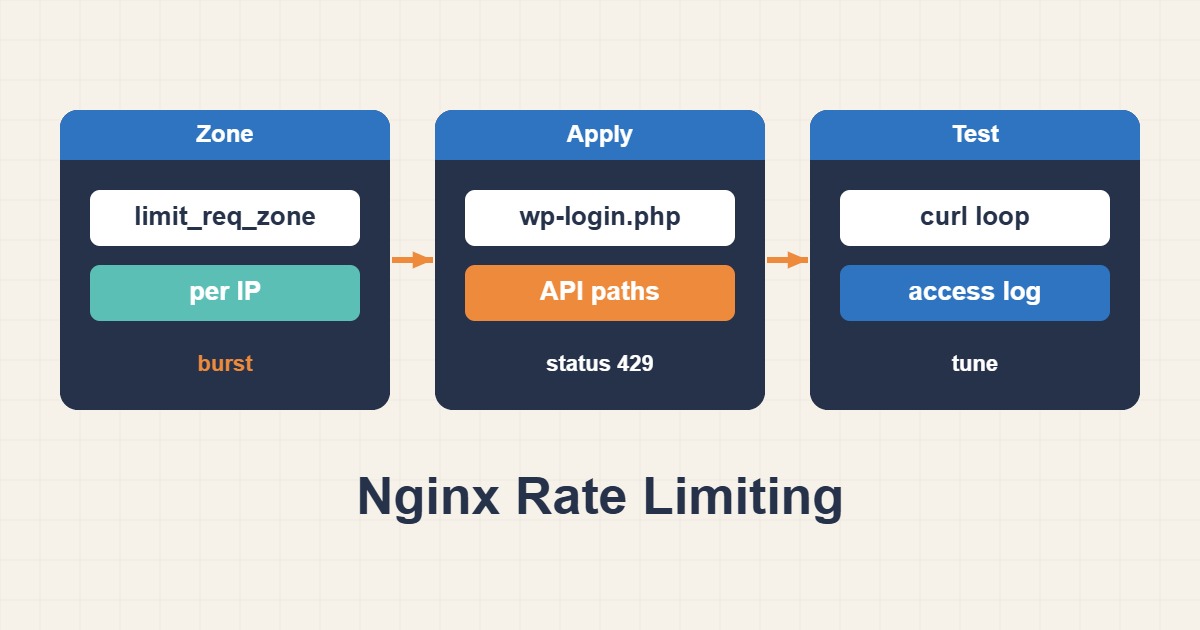
Nginx rate limiting can reduce brute-force attempts and abusive API traffic, but aggressive settings may block legitimate users behind shared NAT. Design limits around endpoints, identity, and observed traffic.
Define a Zone and Policy
limit_req_zone $binary_remote_addr zone=login:10m rate=5r/m;
location = /wp-login.php {
  limit_req zone=login burst=10 nodelay;
  include fastcgi_params;
}
limit_req_zone defines shared state and the base rate, while limit_req applies the policy. rate controls sustained traffic, burst permits short spikes, and nodelay rejects excess traffic immediately.
Preserve the Real Client IP
Behind a CDN or load balancer, trust forwarding headers only from known proxy ranges. Otherwise attackers can spoof the address and bypass controls. Login, password reset, and expensive API endpoints need separate policies.
Test and Monitor HTTP 429 Responses
nginx -t
systemctl reload nginx
awk '$9==429 {print $1}' /var/log/nginx/access.log | sort | uniq -c | sort -n
Monitor HTTP 429 responses, latency, false positives, and successful-login rate. Rate limiting complements MFA, WAF, credential policies, and application-level controls; it does not replace them.
Related Nginx Security and Troubleshooting Guides
- Troubleshoot Nginx 502 Bad Gateway with PHP-FPM
- Harden SSH on a Linux Server
- Clean WordPress Malware and Backdoors
Short answer
Nginx rate limiting should absorb legitimate bursts while throttling abuse. Measure login or API traffic from access logs, create a dedicated shared zone, and test a narrow location first. An overly strict rule can return 429 to real users, especially when many clients share one proxy address.
Common symptoms
- A sudden increase in POST requests to login or API routes
- Many 401 or 403 responses from a small address set
- PHP worker or CPU pressure without matching user growth
Likely causes
- Brute-force traffic and bots
- A broken client retry loop
- Incorrect real_ip handling behind a proxy or CDN
Diagnostic commands and sample output
awk '$7 ~ /login|api/ {print $1}' /var/log/nginx/access.log | sort | uniq -c | sort -nr | head
nginx -T | grep -n "limit_req"
nginx -t
Sample:
syntax is ok
test is successful
How to verify the fix
A controlled load test should return 200 within the allowed rate and 429 beyond the burst. Review access logs for limit_req entries and false positives.
Risks and rollback
A strict rule can block APIs, logins, or users behind NAT. Back up Nginx configuration and roll back by removing the scoped limit_req directive, testing syntax, and reloading.
Anonymized field scenario
A public API suffered PHP-FPM saturation from one client retrying immediately. A route-specific zone and short burst stabilized workers without increasing error rates for normal users.
Official references
Last reviewed: 2026-10-01