
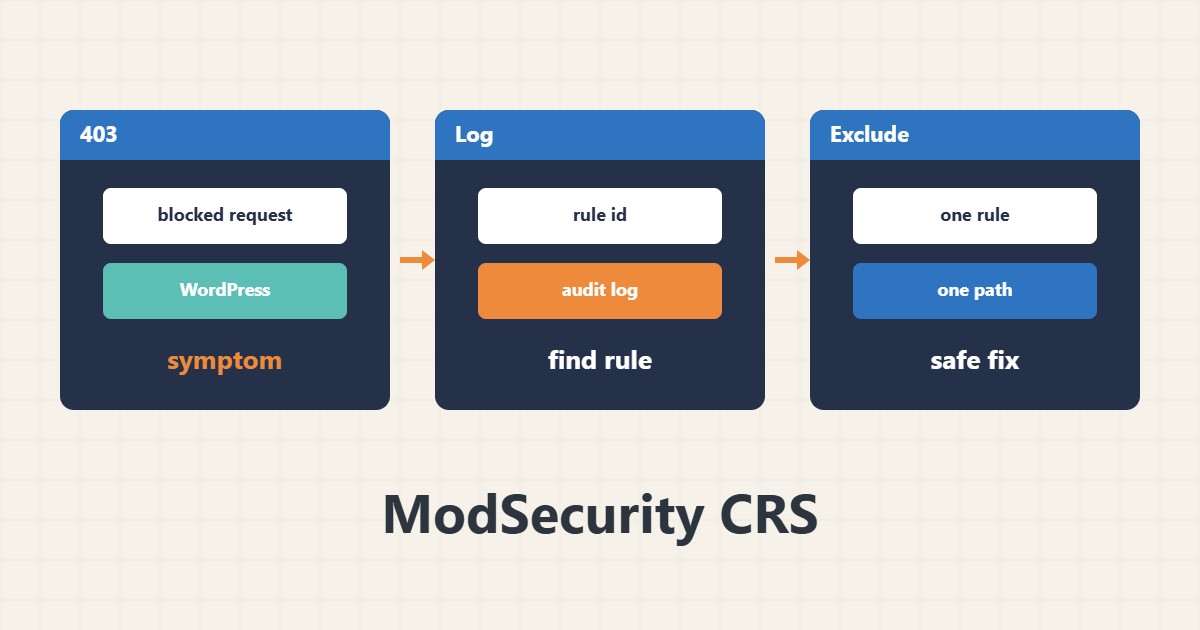
Sometimes saving a post or uploading a file in WordPress fails with a 403 even though the site itself is fine. If a WAF such as ModSecurity runs with the OWASP CRS rules, a legitimate request may have been blocked by mistake.
1. Find the rule in the log
Search the audit log or the web server error log around the request time and note the rule id. Log locations depend on the configuration:
grep -i modsecurity /var/log/apache2/error.log | tail -n 202. A narrow exclusion, not switching off the WAF
Disabling ModSecurity for the whole site lowers security. Exclude only that rule for that path. An example rule (the id is invented):
SecRule REQUEST_URI "@beginsWith /wp-admin/post.php" \
 "id:1000001,phase:1,pass,nolog,ctl:ruleRemoveById=942100"
3. Test after the change
Validate the configuration and reload the service, then repeat the same request. On shared hosting, ask the hosting support to add the exclusion instead of editing files yourself.
4. Illustrative example, not a measurement
Suppose (an illustrative case) saving a post that contains HTML code returns 403 and the log shows an SQL injection rule. Legitimate content resembled an attack pattern.
5. Common mistakes
- Turning ModSecurity off entirely to fix one error.
- Excluding for the whole site instead of one path.
- Changing a rule without noting its id and the reason.
6. Frequently asked questions
How do I know the 403 comes from the WAF? The server log shows a ModSecurity record with a rule id at the same time.
What is DetectionOnly mode? Rules are logged but do not block; useful for testing.
7. Quick checklist
- Note the exact time of the blocked request.
- Take the rule id from the log.
- Exclude only that rule for that path.
- Validate the configuration and reload.
- Test again.
If you need help reviewing performance or maintaining a server, see the server management services.
More server and WordPress guides are collected in the article archive.