
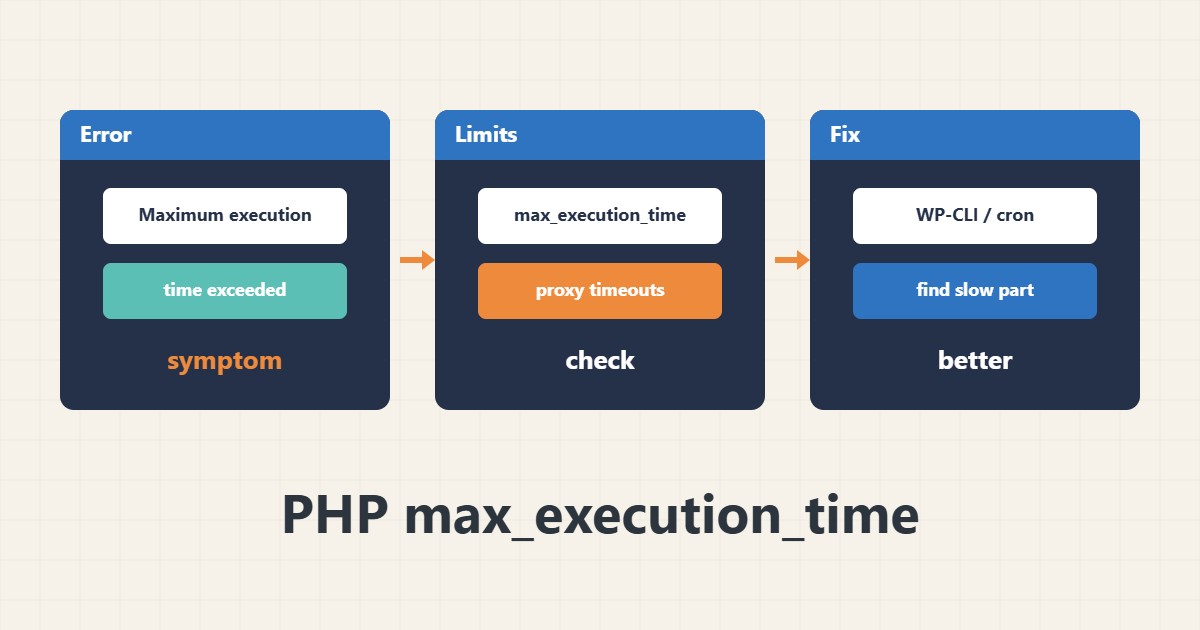
The message “Maximum execution time of 30 seconds exceeded” means a PHP script ran longer than allowed. It usually shows up during a large update, a data import or a backup run from inside WordPress.
1. Read the current value
Check the effective value in the environment that actually serves the site. A value of 0 means unlimited and normally applies only to the CLI:
php -i | grep max_execution_time2. It is not just one number
Even after raising max_execution_time, the web server or a proxy may cut the request earlier, for example an Nginx or Apache timeout or request_terminate_timeout in PHP-FPM. You then see 502 or 504 instead of the PHP error.
3. Better solutions
For heavy jobs, running through WP-CLI or cron from the command line does not depend on the web limit. If a plugin or a slow query is the cause, fixing it works better than raising the number.
wp plugin update --all4. Illustrative example, not a measurement
Suppose (an illustrative case) a plugin update stops at 30 seconds and finishes with 120. If an import still stops, a server timeout or a slow database is likely the cause.
5. Common mistakes
- Raising the number to hours without finding the cause.
- Forgetting web server and PHP-FPM timeouts.
- Running heavy jobs through the web at peak hours.
6. Frequently asked questions
What value is suitable? 30 to 60 seconds is enough for normal work; run heavy jobs from the command line.
Why do I get 504 after raising it? The web server or proxy closes the connection before PHP does.
7. Quick checklist
- Read the current value from the web environment.
- Identify the cause of slowness.
- Check web server timeouts.
- Run heavy jobs with WP-CLI.
If you need help reviewing performance or maintaining a server, see the server management services.
More server and WordPress guides are collected in the article archive.