
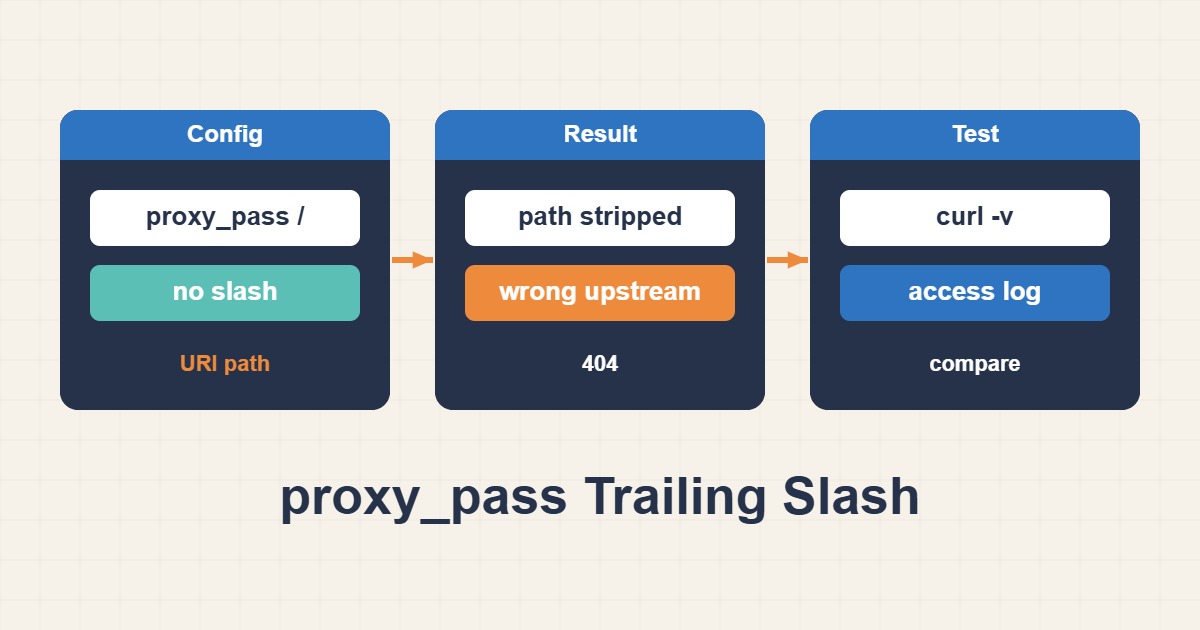
If an API works directly but returns 404 behind Nginx, the backend may be receiving a different path than you expect. A slash in proxy_pass can turn /api/users into /users or preserve the prefix. This guide covers ordinary prefix locations with a fixed HTTP upstream; regex locations, named locations and variables require separate reasoning.
1. Establish the backend path contract
Use the API contract or application access log to establish whether the router expects /users or /api/users. Larger timeouts and buffers will not solve a path mismatch. Compare a safe GET with a query string directly and through the public route. Keep the relevant Host and authentication context consistent so a virtual-host or authorization difference is not mistaken for URI rewriting.
2. A URI in proxy_pass replaces the prefix
In example A, the slash after the port supplies the URI /. Nginx replaces the normalized portion matching location /api/ with that URI, so /api/users?id=1 reaches /users?id=1. Merge the snippet into your existing server instead of creating a duplicate location. Replace the example port with the real listener. This behavior is path mapping, not a client-side redirect.
# Example A: strip /api/ from the upstream path
location /api/ {
    proxy_pass http://127.0.0.1:8080/;
    proxy_set_header Host $host;
}
3. No URI preserves the path in this case
In example B there is no slash after the port, so proxy_pass supplies only the upstream address. For an original request without rewriting, /api/users?id=1 keeps that path upstream. A and B are alternatives, not two simultaneous definitions. Previously rewritten requests have additional rules, so inspecting the last slash alone is insufficient when a configuration includes rewrites.
# Example B: preserve /api/ in the upstream path
location /api/ {
    proxy_pass http://127.0.0.1:8080;
    proxy_set_header Host $host;
}
4. Test boundary cases separately
Test /api without the trailing slash separately: it may redirect to /api/, affecting client expectations and request handling. Include encoded paths, repeated slashes and query strings in staging tests. Regex and named locations generally require proxy_pass without a URI. Variables and rewrite break also change the simple prefix-replacement rules. Do not pile up rewrites without tracing the entire request-processing path.
5. Verify redirects, cookies and the result
After nginx -t succeeds, reload and inspect the actual URI in the backend log. The curl example does not follow redirects, making Location visible. Correct GET routing does not automatically fix asset URLs, cookie paths or application-generated redirects under a new prefix. Configure the application base URL appropriately and test login, logout and authorized paths; proxy_redirect is not a universal link fixer. Accept only correct URI/query handling, no loops and working sessions. Restore, test and reload the prior configuration on regression.
sudo nginx -t
# Reload only after a successful configuration test:
sudo systemctl reload nginx
curl -sS -D - -o /dev/null 'https://api.example.com/api/users?id=1'
curl -sS -D - -o /dev/null 'https://api.example.com/api'