
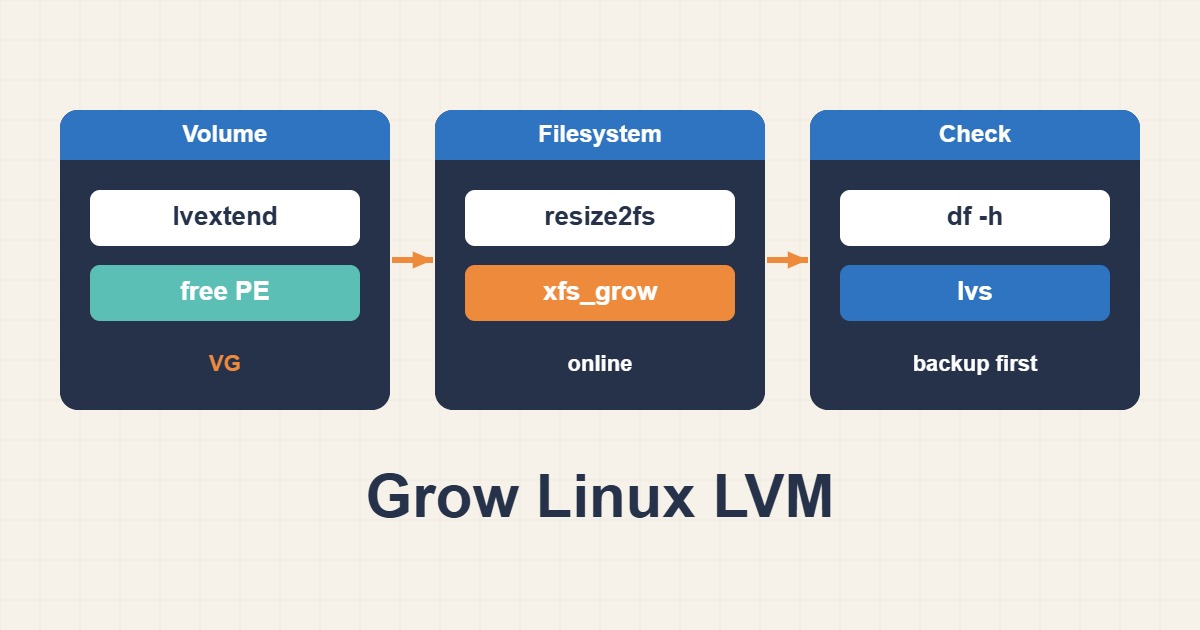
A larger disk, logical volume and filesystem are not the same operation. lvs can show new capacity while df still reports the old size because the filesystem was not grown. This guide covers a thick linear LV with existing free space in its VG and an ext4 or XFS filesystem. Thin pools, encryption, RAID and partition changes need separate procedures.
1. Identify the actual storage stack
The inspection commands are read-only; replace example paths deliberately. Confirm /srv/data is the intended mount point and SOURCE resolves to the correct LV: a subdirectory may belong to its parent filesystem. Check the LV segment type. Stop if it is thin, a snapshot, encrypted or otherwise outside this guide. A large physical disk alone does not prove the VG has allocatable free extents.
findmnt --target /srv/data
lsblk -f
sudo pvs
sudo vgs
sudo lvs -o lv_path,lv_size,segtype,devices
df -hT /srv/data
2. Validate backup and free capacity
Before changing storage, have a data backup with a tested restore route, console access and healthy underlying devices. vgcfgbackup saves LVM configuration metadata, not file contents. Compare VFree with the planned extension and reserve capacity for future needs; do not blindly consume +100%FREE. If the VG lacks free space, adding or growing a PV is a separate operation, not a reason to format a guessed device.
sudo vgcfgbackup vg_app
sudo lvextend --test -L +10G /dev/vg_app/lv_data
3. Extend only the confirmed LV
The +10G example adds ten gigabytes; it does not set the total size to ten gigabytes. lvextend –test does not simulate every real consequence or prove filesystem resizing support. After confirming the path, type and capacity, execute the real extension and inspect its result. If it fails or the LV size does not change, do not proceed to filesystem growth or blindly repeat the command.
# Example only: confirmed thick linear LV with sufficient VFree
sudo lvextend -L +10G /dev/vg_app/lv_data
sudo lvs /dev/vg_app/lv_data
4. Grow with the filesystem-specific tool
Choose only the branch matching the confirmed filesystem. resize2fs takes the ext4 block-device path, while xfs_growfs takes the mounted XFS filesystem’s mount point. Check tool versions and distribution support for online growth. lvextend -r can combine steps in supported environments, but both layers still need verification. Neither mkfs nor lvreduce belongs in this extension procedure.
# ext4 ONLY:
sudo resize2fs /dev/vg_app/lv_data

# XFS ONLY, already mounted at the confirmed path:
sudo xfs_growfs /srv/data
5. Verify and handle partial completion
After growth, lvs and df should reflect appropriate capacity and the application should read and write the intended mount. Check for new kernel or storage errors. If the LV grew but the filesystem did not, do not shrink the LV to undo it: preserve the state and diagnose the filesystem step. Storage growth has no simple universal rollback; backup restoration may be required. This guide does not cover shrinking, and XFS cannot be shrunk with this tool. Acceptance requires capacity and health at both layers, not merely a successful lvextend message.
sudo lvs /dev/vg_app/lv_data
df -hT /srv/data
sudo journalctl -k --since '-10 min' --no-pager