
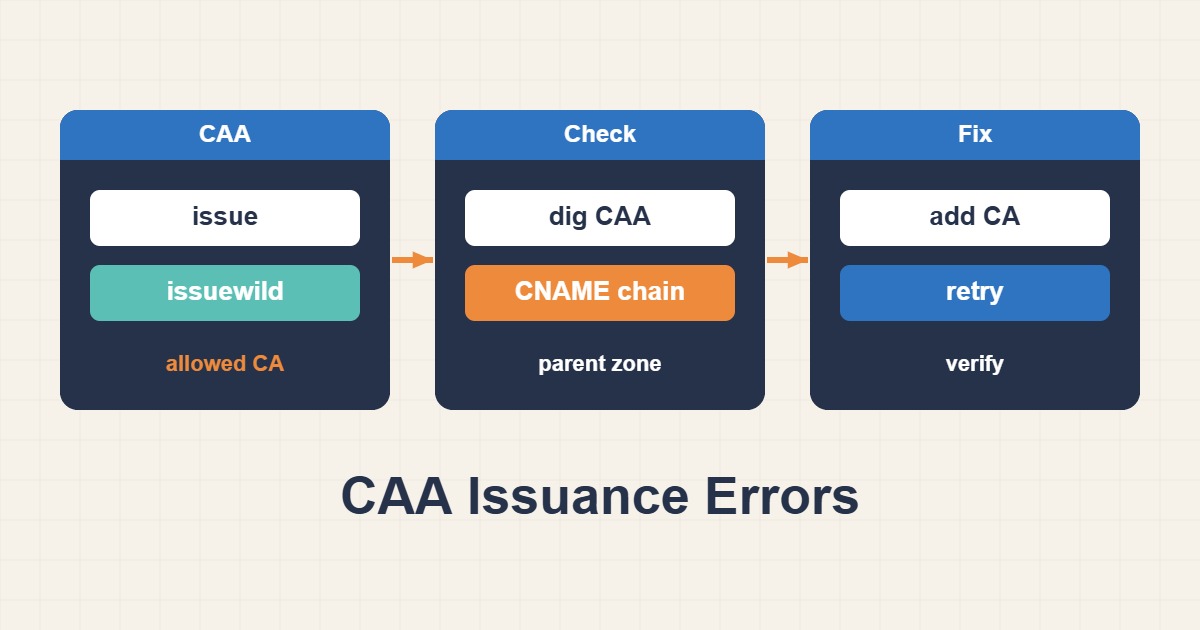
ACME domain validation can succeed while certificate issuance fails because of CAA. A CAA record authorizes certificate authorities; it neither creates a certificate nor proves domain control. Before deleting the record, distinguish the effective authorization policy from DNS lookup failures. Removing the restriction indiscriminately can hide the fault while weakening a deliberate security control.
1. Inventory every name and issuer
Check every requested SAN, including the apex, www and wildcard names. A CDN or hosting platform may use a different authority from your local ACME client. Obtain the CAA identifier from that authority’s official documentation; Let’s Encrypt uses letsencrypt.org. Multiple records of the same issue property are additive authorizations, not a list where only the first entry applies.
2. Trace the effective DNS policy
Query the exact requested name, then inspect its parent names when no applicable record is present. The nearest effective record set matters; a subdomain can override its parent. CAA lookup also follows CNAMEs, so inspect the alias target. Do not place an ordinary CAA record alongside a CNAME at the same name. Compare recursive answers with every authoritative nameserver.
dig CAA www.example.com +noall +answer
dig CNAME www.example.com +noall +answer
dig CAA example.com +noall +answer
dig NS example.com +short
# Replace this with an actual authoritative nameserver:
dig @ns1.example.net CAA example.com +noall +answer
3. Distinguish issue from issuewild
issue authorizes ordinary certificates and also controls wildcard issuance when no issuewild property is present. When issuewild exists, it supplies the wildcard policy. The example is zone syntax permitting Let’s Encrypt; do not remove other authorities needed by your services without review. Flags=0 is the usual choice. Avoid critical flags or accounturi restrictions unless you understand authority support and the ACME account being used.
example.com. 300 IN CAA 0 issue "letsencrypt.org"
# Optional: an explicit policy for wildcard issuance
example.com. 300 IN CAA 0 issuewild "letsencrypt.org"
4. Separate DNS errors from denial
An empty NOERROR answer is not the same as SERVFAIL, timeout or NOTIMP. A lookup error can block issuance even when you never configured CAA, because the authority cannot establish whether a restrictive record exists. Broken DNSSEC, mishandling unknown query types or a nameserver firewall can be responsible. Investigate DNS service behavior rather than disabling DNSSEC simply to make the request pass.
5. Verify DNS convergence and issuance separately
After editing, check all authoritative servers and allow for positive TTLs and negative caching. Different resolvers may temporarily disagree. Use the authority’s staging workflow for initial ACME tests rather than repeated production requests that consume rate limits. Acceptance requires correct policy for every name and successful issuance by the intended authority, not merely a successful local dig. Preserve the previous zone configuration and the existing certificate until verification; CAA does not replace renewal or validation workflows.