
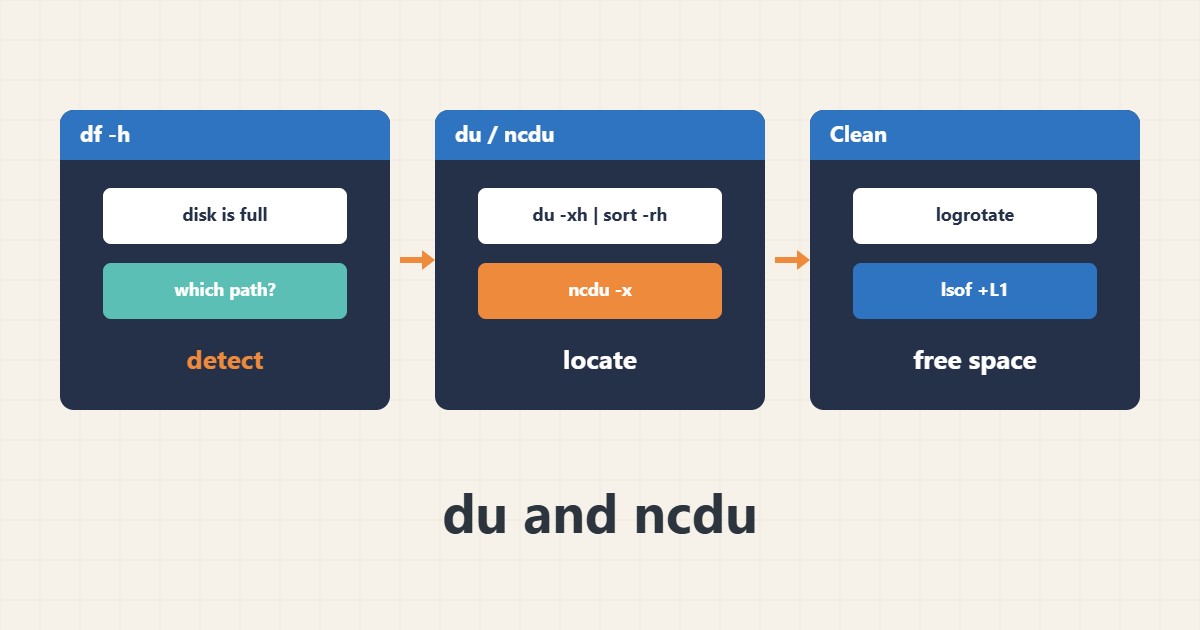
When df says the disk is full, the next step is to find where the space went. du reports directory sizes and ncdu does the same interactively.
1. List the heaviest directories
The -x option stops du from crossing into other filesystems so the result stays consistent with df:
du -xh --max-depth=1 /var | sort -rh | head -n 102. Interactive use of ncdu
ncdu scans a path and lets you step into directories with the arrow keys. If it is missing, install it from your distribution and run it only on the suspect path:
ncdu -x /var3. Space used but invisible
If the du total does not match df, a file may have been deleted while a process still holds it open. lsof lists such files, after which you can restart the owning service.
lsof +L14. Illustrative example, not a measurement
Suppose (an invented figure) the log directory under /var holds about 30 GB. Read the files and fix log rotation before deleting, rather than wiping blindly.
5. Common mistakes
- Running du on / without -x.
- Deleting an active log file instead of truncating it or configuring logrotate.
- Ignoring inodes when space is free but the disk reports full.
6. Frequently asked questions
Why do du and df disagree? Deleted-but-open files, snapshots and reserved blocks cause the difference.
Is ncdu safe on a live server? The scan uses I/O; run it on a limited path outside peak hours.
7. Quick checklist
- Check df -h first.
- Run du -xh on the suspect path.
- Use ncdu if needed.
- Check lsof +L1 for deleted-but-open files.
If you need help reviewing performance or maintaining a server, see the server management services.
More server and WordPress guides are collected in the article archive.