
Brotli is a compression algorithm that usually compresses text files such as HTML, CSS and JavaScript better than gzip. Modern browsers accept it only over HTTPS, so the site needs SSL first.
1. Prerequisites
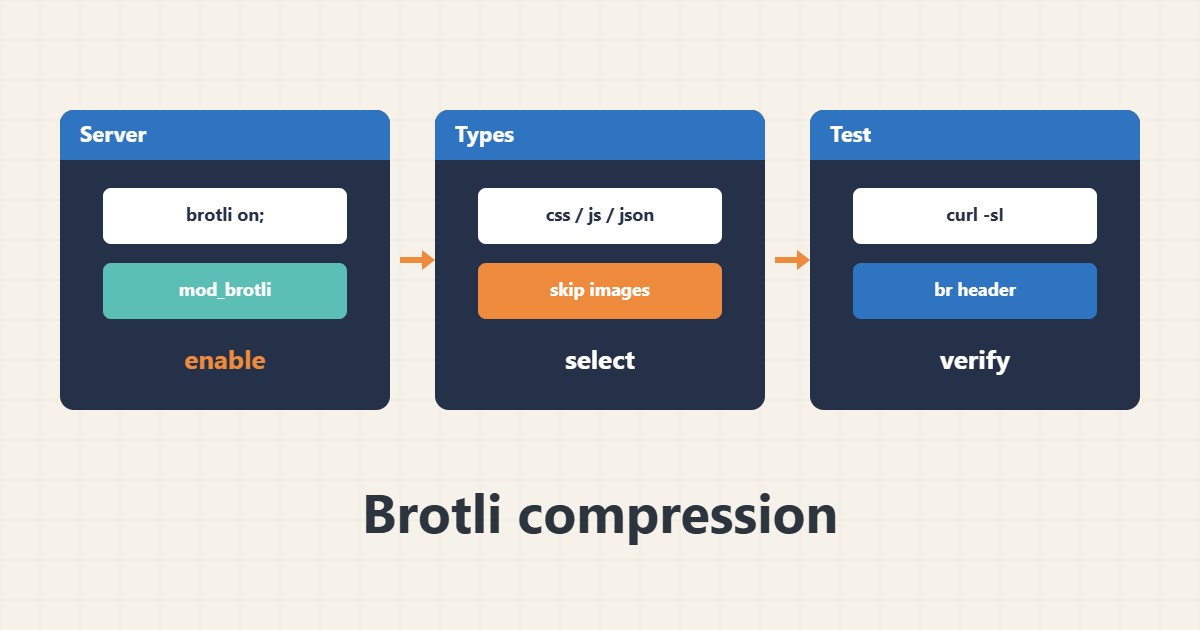
Nginx needs the brotli module installed and loaded, and Apache needs mod_brotli enabled. On shared hosting the setting is usually made in the control panel or by the provider support.
2. Nginx example
This is a sample; the module name and paths vary with how it was installed:
brotli on;
brotli_comp_level 5;
brotli_types text/css application/javascript application/json image/svg+xml;
3. Test the result
Send an Accept-Encoding header with curl and read Content-Encoding in the response. If you see br, it is active:
curl -sI -H "Accept-Encoding: br" https://example.com/ | grep -i content-encoding4. Illustrative example, not a measurement
Suppose (an invented figure) a CSS file is 20 KB with gzip and about 17 KB with Brotli. The gain is small per file but adds up across all pages.
5. Common mistakes
- A very high compression level on dynamic content that burns CPU.
- Compressing JPEG images or zip files again.
- Enabling it on both the server and the CDN without checking headers.
6. Frequently asked questions
Should I turn gzip off with Brotli? No; gzip is still needed for clients that do not support br.
Why do I not see br over plain HTTP? Browsers advertise Brotli only over HTTPS.
7. Quick checklist
- Make sure HTTPS is active.
- Enable the Brotli module.
- List the text MIME types.
- Check Content-Encoding with curl.
If you need help reviewing performance or maintaining a server, see the server management services.
More server and WordPress guides are collected in the article archive.