
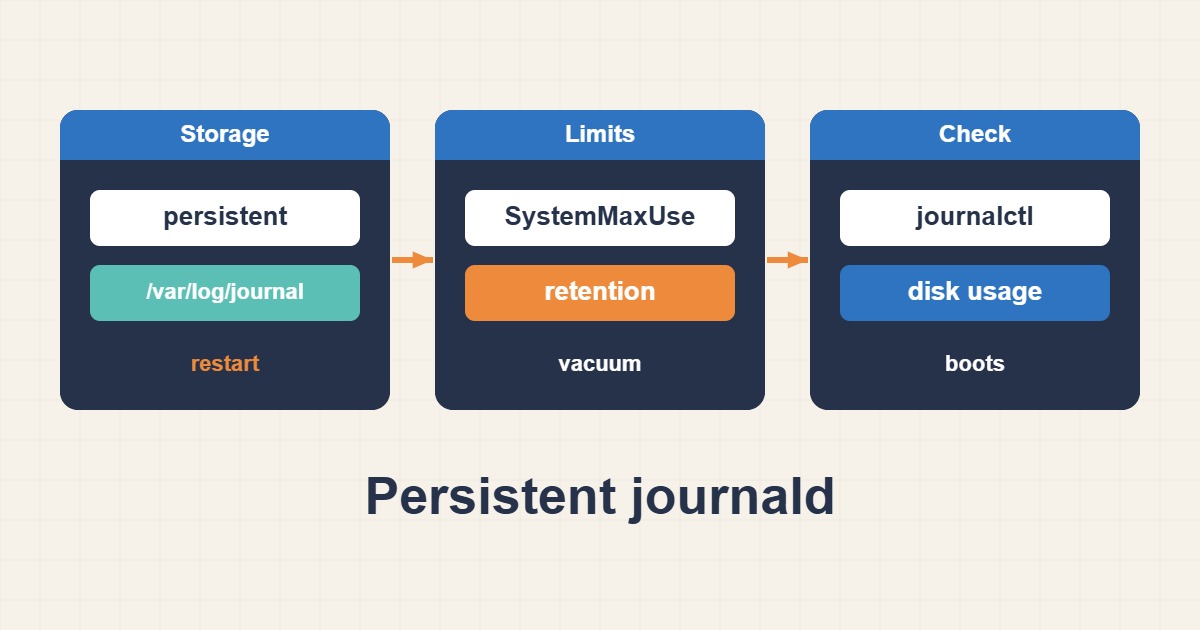
journald needs a persistence policy, a space budget and a retention window together. Configure durable logs and controlled cleanup without discarding evidence needed for investigation.
Scope and prerequisites
Application files such as access.log are separate from journald and need their own rotation policy. Before deleting anything, consider legal, security and centralized-storage requirements. Replace the illustrative 512M and fourteen-day values with budgets based on log volume, free space and organizational retention rules.
1. Collect evidence
disk-usage reports journal storage, while list-boots reveals retained boot histories. Storage=auto depends on the persistent directory being available; files under /run/log/journal alone are not durable across reboot. Export relevant incident windows to a protected location before any vacuum operation.
journalctl --disk-usage
journalctl --list-boots
df -h /var/log
2. Make a controlled change
Create a scoped drop-in. SystemMaxUse controls the budget and SystemKeepFree reserves free space. MaxRetentionSec is a retention limit, not a guarantee that every entry survives the full period; the space budget can remove older archives earlier. Restart and flush during an appropriate maintenance window.
# /etc/systemd/journald.conf.d/retention.conf
[Journal]
Storage=persistent
SystemMaxUse=512M
SystemKeepFree=1G
MaxRetentionSec=14day
3. Verify the outcome
After flushing, verify files under /var/log/journal and recent service entries. Following a planned reboot, journalctl -b -1 should show the previous boot. For immediate cleanup, rotate first and then vacuum: vacuum primarily removes archived journal files rather than the active file.
sudo systemctl restart systemd-journald
sudo journalctl --flush
sudo journalctl --rotate
# Destructive: removes old archived logs; export needed evidence first.
sudo journalctl --vacuum-time=14d
journalctl --disk-usage
Rollback and prevention
Restore the drop-in to roll back settings, but deleted logs do not return with configuration rollback. Never recursively delete /var/log as a cleanup shortcut. Monitor growth and free space and forward important events securely; a local size cap is not a trustworthy forensic archive.
Technical references
For related checks in this workflow, see Reliable Linux Job Scheduling with systemd Timers and Prevent Docker Log Disk Exhaustion with Rotation.