
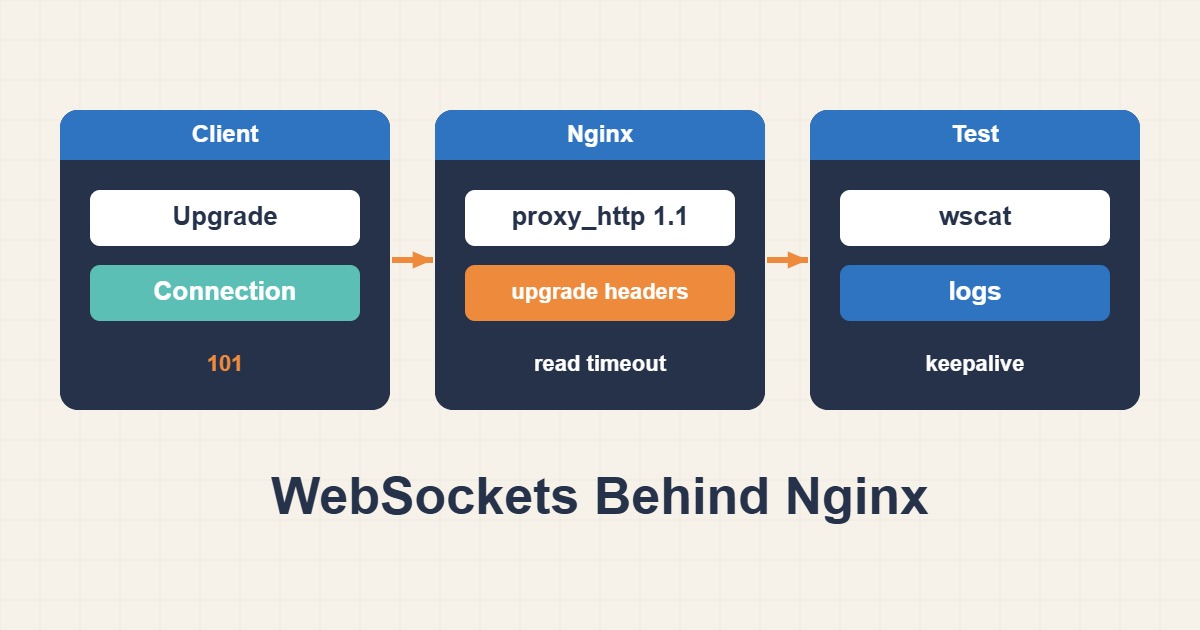
WebSockets require an upgrade handshake, a 101 response and a connection that survives idle periods. Diagnose the browser, Nginx and application independently before increasing timeouts.
Scope and prerequisites
This example proxies to an HTTP application on loopback, not FastCGI. Match /ws/ and port 3000 to the actual endpoint. Back up the active configuration and preserve TLS, authentication and the application’s Origin checks; an open tunnel must not bypass authorization.
1. Collect evidence
Inspect the browser’s handshake and response: 400 suggests request/header problems, 401/403 points to authorization and 502 points toward the backend. Test the application directly from the proxy host. Correlate disconnect timestamps with both logs; a fixed idle interval is a useful timeout clue.
curl -I http://127.0.0.1:3000/
sudo nginx -T | less
2. Make a controlled change
Upgrade and Connection are hop-by-hop headers and need explicit forwarding. Put the map in the http context and location inside the relevant server. Explicit HTTP/1.1 keeps the example compatible with older releases. Preserve the backend path: adding a URI to proxy_pass changes path rewriting.
# http context
map $http_upgrade $connection_upgrade {
    default upgrade;
    "" close;
}
# inside server
location /ws/ {
    proxy_pass http://127.0.0.1:3000;
    proxy_http_version 1.1;
    proxy_set_header Upgrade $http_upgrade;
    proxy_set_header Connection $connection_upgrade;
    proxy_set_header Host $host;
    proxy_read_timeout 75s;
}
3. Verify the outcome
After syntax validation and reload, confirm 101 and bidirectional messages in a real browser. Keep a session idle beyond the previous failure interval and test reconnection. A larger timeout is not a heartbeat: application ping intervals must fit every intermediary’s idle limit.
sudo nginx -t && sudo systemctl reload nginxRollback and prevention
If errors or connection consumption increase, restore the changed file, validate and reload. Monitor concurrent connections, session duration and handshake failures. proxy_read_timeout governs the interval between reads, not total session lifetime. Unlimited timeout growth cannot repair a stalled application or an upstream proxy limit.
Technical references
For related checks in this workflow, see Restore Real Client IPs Behind a Trusted Proxy in Nginx and Apache Reverse Proxy: Fix Redirect Loops and Host Mismatches.