
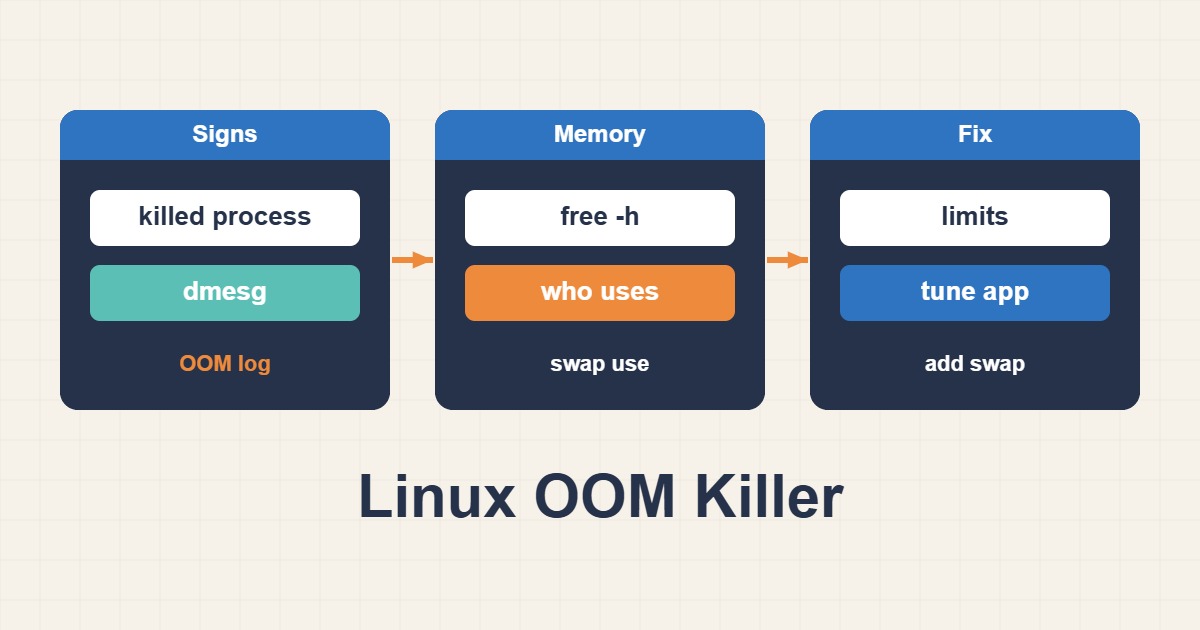
To troubleshoot Linux OOM Killer events safely, examine high memory usage, available memory, memory pressure, swap thrashing, cgroup memory limits, and signs of a memory leak instead of relying on the free column alone.
Troubleshoot High Memory Usage and OOM Killer Events
free -h
vmstat 1
ps aux --sort=-%mem | head
journalctl -k -g "Out of memory|Killed process"
The kernel log identifies the victim, OOM score, and memory state. The killed process is not always the root cause; another service may have consumed the memory first.
Check Cache, Swap Thrashing, and Memory Leaks
cat /proc/meminfo
swapon --show
sar -r 1 10
systemd-cgtop
Watch for steadily growing RSS, repeated swap-in and swap-out, and rising latency. Do not drop caches as a routine fix. Check container and systemd cgroup limits because a service can run out of memory while the host still has capacity.
Recover Safely
- Throttle the workload or worker pool causing pressure.
- Capture logs and process state before restarting.
- Correct service limits, pool sizing, and expensive queries.
- Add emergency swap only with appropriate sizing and security.
- Alert on available memory, swap activity, and OOM events.
Adding RAM without fixing a leak only postpones the incident. Validate the repair under realistic load.
Related Linux Server Troubleshooting Guides
- Diagnose High CPU Usage on a Linux Web Server
- Fix Linux Disk Full Errors, Logs, and Inodes
- Troubleshoot Nginx 502 Bad Gateway with PHP-FPM
Short answer
The OOM Killer runs when the kernel cannot satisfy memory allocations. Restarting a service or adding swap does not identify the cause; correlate kernel messages, memory PSI, working set, and service limits before changing capacity.
Commands and sample output
journalctl -k | grep -i "out of memory\|killed process"
free -h
cat /proc/pressure/memory
systemctl show myapp.service -p MemoryCurrent -p MemoryMax
Out of memory: Killed process 4217 (php-fpm) anon-rss:...How to verify the fix
Monitor MemoryCurrent, PSI, swap, latency, and restart count under representative load. No new OOM event should appear and service latency should return to baseline.
Risks and rollback
Increasing workers or MemoryMax can move the failure to the whole host. Change one variable, preserve the previous drop-in, and restore it if pressure or latency worsens.
Anonymized scenario
PHP-FPM exited with code 137 during peaks. Reducing children and repairing one memory-heavy endpoint stopped OOM events without adding swap.