
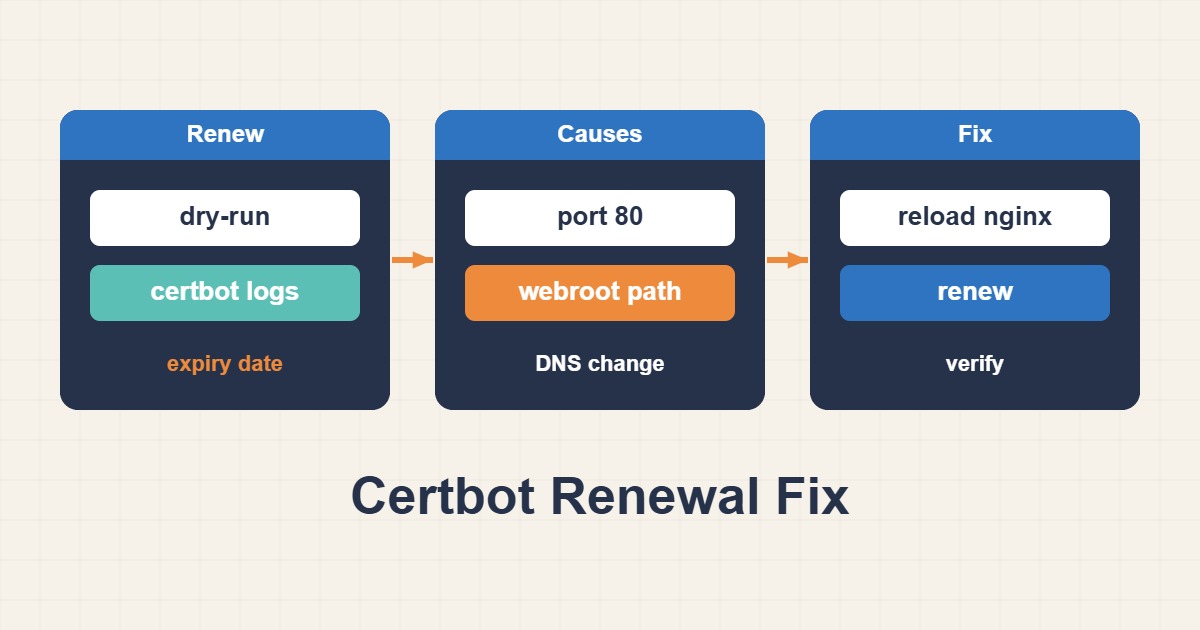
Let’s Encrypt renewal is usually routine, but stale DNS, a closed port 80, an incorrect proxy rule, or a disabled timer can allow a certificate to expire. Troubleshooting should follow the validation path from the public hostname to the certificate file and the final Nginx reload.
Establish the real certificate state
sudo certbot certificates
openssl s_client -connect example.com:443 -servername example.com </dev/null 2>/dev/null  | openssl x509 -noout -issuer -subject -dates
Compare the certificate on disk with the one clients receive. Certbot may have created a new file while Nginx still references another lineage or has not reloaded.
Run a safe renewal test
sudo certbot renew --dry-run
sudo journalctl -u certbot.timer -u certbot.service --since "7 days ago"
sudo tail -n 200 /var/log/letsencrypt/letsencrypt.log
The exact challenge error is more useful than the final summary. Repeated production attempts can approach issuance limits, so use dry-run or the staging environment while diagnosing.
Validate DNS and HTTP-01 reachability
A and AAAA records must reach the server that answers the challenge. A forgotten IPv6 record is a frequent cause because the certificate authority may choose it.
dig +short A example.com
dig +short AAAA example.com
curl -I http://example.com/.well-known/acme-challenge/test
HTTP-01 requires public access to port 80. Check NAT, cloud security groups, UFW, and CDN behavior. Normal HTTPS redirects are often acceptable, but cross-domain redirects, mandatory authentication, or broad rewrite rules can break the challenge.
Check Nginx and the webroot
sudo nginx -T | less
sudo nginx -t
sudo ss -lntp | grep ':80\|:443'
The webroot in the renewal configuration must match the active server block. Place a test file under .well-known/acme-challenge and retrieve it from outside the network. With the Nginx plugin, look for duplicate server names and conflicting default hosts.
Confirm scheduling and deployment
systemctl status certbot.timer
systemctl list-timers | grep certbot
sudo certbot renew --deploy-hook "systemctl reload nginx"
A deploy hook runs only after a successful renewal. Validate the Nginx configuration before reloading so a good certificate is not paired with a broken configuration.
When DNS-01 is a better choice
DNS-01 is preferable for wildcard certificates, servers without public port 80, and multi-edge architectures. Use the provider’s supported plugin and an API token with minimum privileges. Keep the token out of shell history and publicly readable files.
Final verification checklist
- DNS is correct, including IPv6.
- Port 80 is externally reachable for HTTP-01.
- The challenge path serves the expected file.
certbot renew --dry-runsucceeds.- The timer and deploy hook are active.
- Nginx reads the renewed lineage and reloads after
nginx -t. - An independent expiry monitor alerts before the renewal window becomes critical.
External monitoring matters: a healthy local timer does not prove that users are receiving the renewed certificate.