
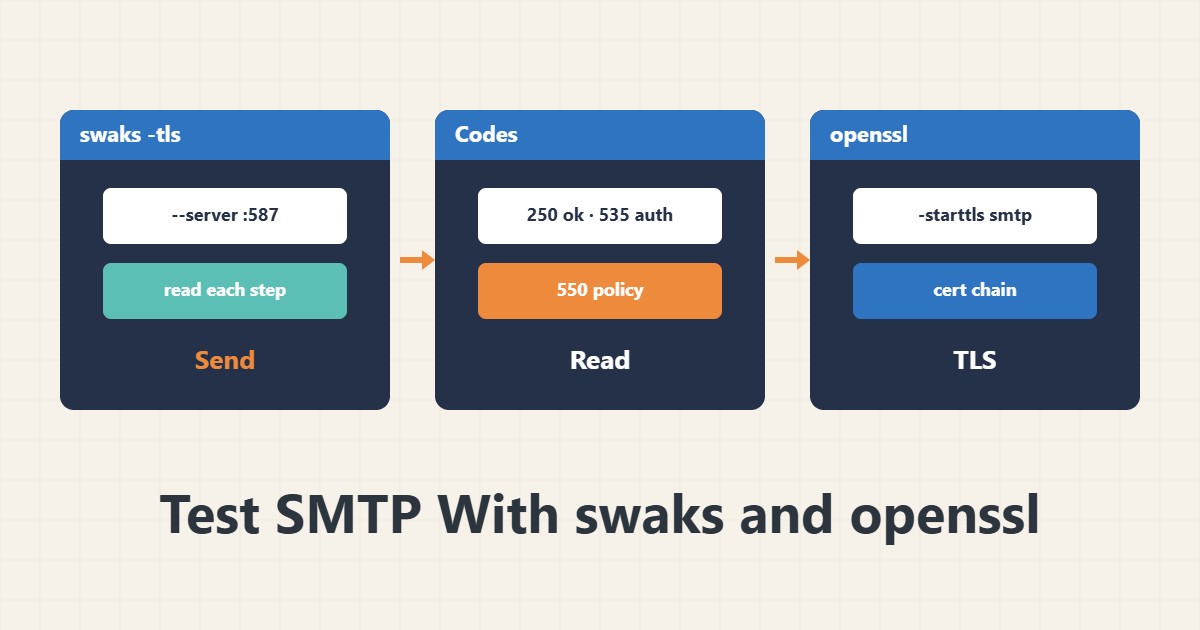
When mail does not arrive, guessing is useless; you must see the SMTP conversation. The swaks tool sends a test message and prints every step. This guide shows how to run and read it without exposing your credentials.
1. Install and first test
sudo apt install swaks
swaks --to you@example.com --from test@yourdomain.com --server smtp.yourdomain.com:587 -tls
The -tls option uses STARTTLS, and -tlsc is for a direct TLS connection (usually port 465). The output of each step is shown with <- and -> markers.
2. Authentication without leaking the password
swaks --to you@example.com --from test@yourdomain.com --server smtp.yourdomain.com:587 -tls --auth LOGIN --auth-user test@yourdomain.comIf you omit --auth-password, swaks asks for the password itself. Do not put the password on the command line, because it stays in shell history and the process list, and do not share the output without removing credentials.
3. Read the codes
250: the step succeeded.535: authentication failed (user or password).550: rejected by recipient policy or a blocklist.554: transaction failed, often because of spam detection.421and450: a temporary error, retried later.
The text after the code usually gives the reason; read it in full.
4. Test without sending
swaks --to you@example.com --server smtp.yourdomain.com:587 -tls --quit-after RCPTThis goes only up to the recipient step and sends no mail; it is useful for seeing whether the recipient is accepted. Outbound port 25 is closed at many providers.
5. Check TLS with openssl
openssl s_client -starttls smtp -connect smtp.yourdomain.com:587 -servername smtp.yourdomain.comThis shows the certificate chain and TLS version. For DNS and PTR use dig and the PTR record, and see WordPress setup in WordPress email via SMTP.
6. Illustrative example, not a measurement
Suppose the application’s mail was rejected. swaks showed the AUTH step failing with 535, so the problem was the password or user name, not DNS or spam. This scenario is an invented illustration, not a measurement.
7. Common mistakes
- Typing the password on the command line or sharing output that contains it.
- Testing with a From address on a domain without SPF.
- Ignoring the text of the error code.
- Assuming outbound port 25 is open.
8. Frequently asked questions
Is swaks only for testing? Yes; it makes the conversation transparent and is not a production sending tool.
What if it cannot connect to the port? A firewall or provider policy; test the connection with openssl or nc.
Do STARTTLS and direct TLS differ? The first upgrades a plain connection after connecting; the second is encrypted from the start.
9. Quick checklist
- swaks was installed and a connection tested.
- No password is on the command line.
- 250/535/550 codes were read.
- TLS was checked with openssl.
- DNS and PTR were checked.
If you need help reviewing performance or maintaining a server, see the server management services.
More server and WordPress guides are collected in the article archive.
Official references
swaks project page · RFC 5321: SMTP · openssl s_client documentation