
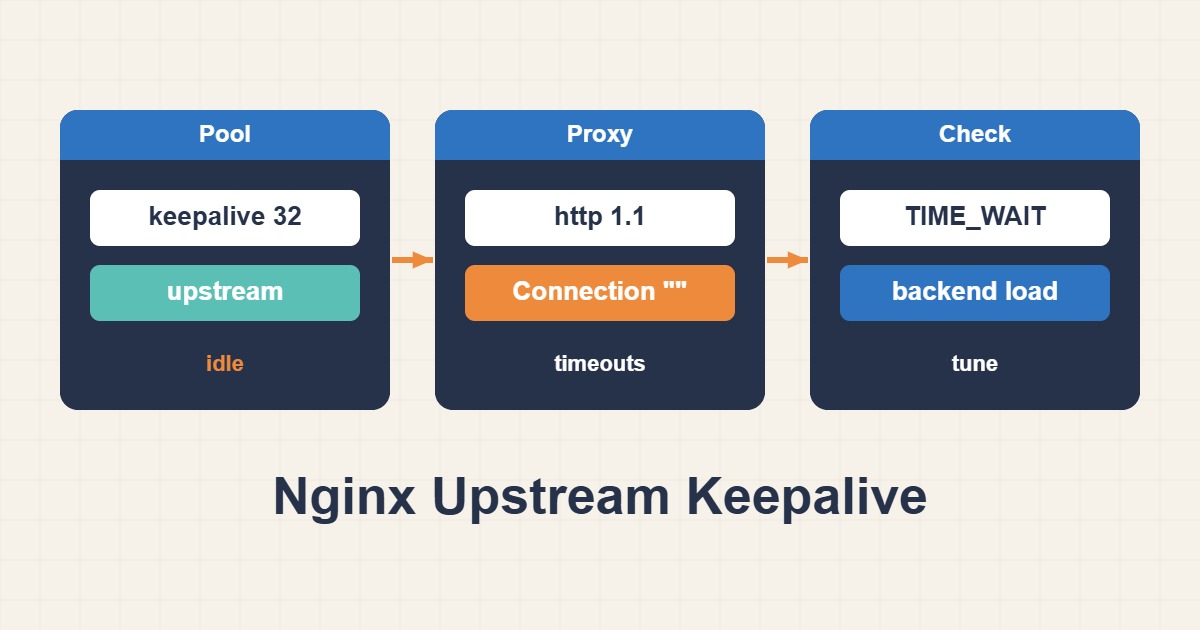
Opening a new TCP connection for every proxied request adds work to both Nginx and the application. Upstream keepalive lets a worker reuse an existing idle connection. It can reduce connection churn, but an oversized idle pool may consume backend connection capacity without increasing useful throughput. This guide covers ordinary HTTP reverse proxying, not PHP-FPM FastCGI or WebSocket tunnels.
1. Distinguish the two connection legs
Browser-to-Nginx keepalive and Nginx-to-application keepalive are separate. Enabling HTTP/2 on the public listener does not prove that backend connections are reused. Likewise, changing a client-side keepalive timeout is not a substitute for configuring the upstream pool. First draw the actual route: client, optional CDN, Nginx, then the application listener.
2. Record the version and baseline
Check the installed version and effective configuration before editing. Nginx 1.29.7 changed upstream keepalive defaults, including enabling an idle cache by default. Older distribution packages often need explicit configuration. The example below states its HTTP/1.1 behavior explicitly; do not assume a recent online manual matches the package on your server.
nginx -v
sudo nginx -T
Keep the configuration backup private: nginx -T output can expose internal routes and header values. Record backend open connections, request latency, error rate and connection creation rate under a representative workload. A fast single health request is not a performance benchmark.
3. Configure a deliberately small idle pool
# Inside the existing http {} context
upstream app_backend {
    server 127.0.0.1:8080;
    keepalive 16;
    keepalive_requests 1000;
    keepalive_timeout 15s;
}

# Inside the existing server {} context
location / {
    proxy_pass http://app_backend;
    proxy_http_version 1.1;
    proxy_set_header Connection "";
    proxy_set_header Host $host;
}
Merge these sections into the existing configuration; do not paste a second location / into the same server. Replace the address with your real backend. The backend must support persistent HTTP connections and correctly delimit responses. Explicit HTTP/1.1 and an empty Connection header avoid forwarding a connection-closing header. This ordinary HTTP location is not a WebSocket Upgrade configuration.
4. Understand what keepalive 16 does not mean
The number is a maximum cached idle connection count per worker for the upstream group, not a ceiling on active connections. With four workers, a pool of 16 may retain about 64 idle connections across the group, with active connections in addition. Other Nginx instances and backend clients add their own demand. The max_conns server parameter addresses active connections, but its accounting depends on shared-zone configuration and does not turn the idle pool into a universal total-connection cap.
keepalive_requests periodically closes a connection after a request count; keepalive_timeout controls how long an idle upstream socket can remain cached. They are not response timeouts. The values shown are a conservative starting example, not universal tuning advice. Align them with backend capacity and idle timeout policy rather than making every timeout larger.
5. Verify reuse with multiple signals
# Inside http {}
log_format upstream_timing '$request status=$status upstream=$upstream_addr '
                           'connect=$upstream_connect_time '
                           'header=$upstream_header_time '
                           'response=$upstream_response_time';
# Inside the target server {}
access_log /var/log/nginx/upstream-timing.log upstream_timing;
nginx -v
sudo nginx -t
# Run only after the configuration test succeeds:
sudo systemctl reload nginx
curl -sS -o /dev/null -w 'status=%{http_code} total=%{time_total}
' https://app.example.com/health
sudo tail -n 30 /var/log/nginx/upstream-timing.log
sudo ss -ntp '( dport = :8080 )'Replace the example hostname with an authorized staging or production endpoint. Generate a small, controlled set of safe GET requests and inspect backend connection acceptance metrics as well as socket state. Falling connect time is suggestive, but 0.000 can also result from timer resolution on a local fresh connection. A socket snapshot alone cannot prove reuse. Compare connection creation per request before and after under the same workload.
6. Diagnose regressions and roll back
- If the backend returns Connection: close, confirm its persistence settings and response framing.
- If resets or 502 errors appear after idle periods, inspect backend logs and compare idle timeout policies; do not hide the issue by blindly retrying writes.
- If available backend connections fall, reduce the idle pool and review worker count and all other clients.
- If results worsen, restore the backed-up configuration, run nginx -t, reload and repeat the baseline checks.
Acceptance checklist
Accept the change only when connection creation falls at a comparable request rate, backend capacity remains available, safe requests still return the expected status, and errors do not rise. Keepalive is transport reuse, not content caching and not a cure for slow application code. Related troubleshooting: the English article archive includes separate guides to 502 errors and slow upstream requests.