
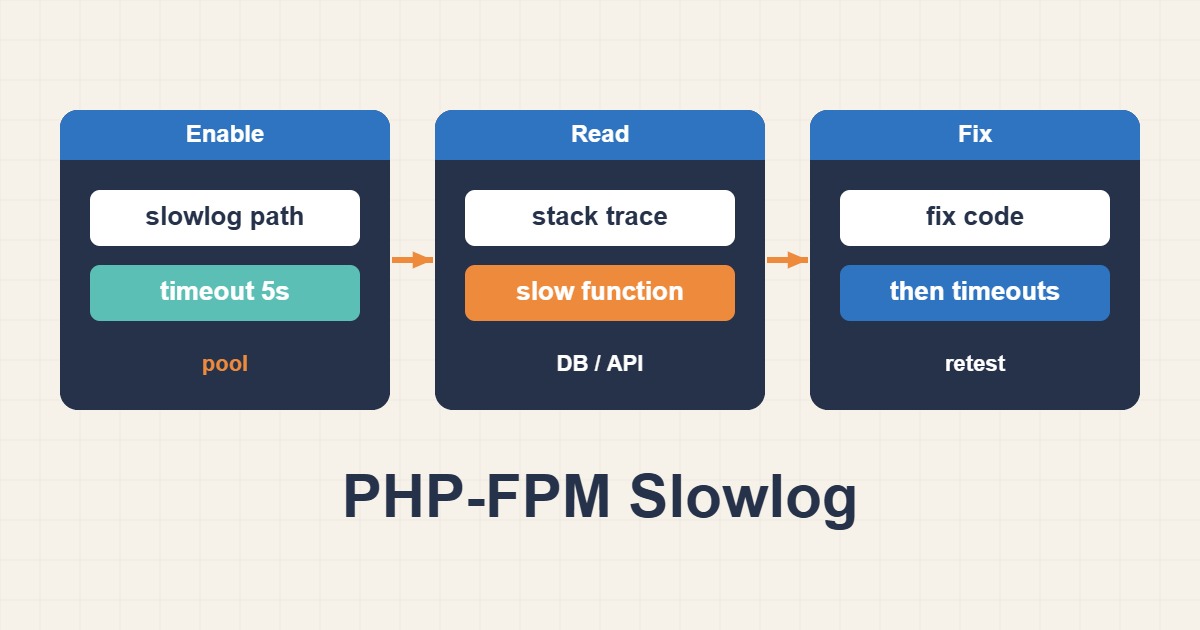
Raising timeouts may delay a 504 without fixing a slow query or an external API wait. PHP-FPM slowlog records a backtrace when a running request exceeds a configured threshold. Use it to identify recurring execution paths and correlate them with database, network and pool evidence rather than immediately adding workers or allowing requests to run indefinitely.
Scope and prerequisites
Identify the PHP version, service unit and effective pool first; php8.3-fpm is only an example. Arrange authorized access, a change window and a rollback path. Keep slowlog outside the document root with restricted permissions. Paths and function names can expose operational details, so review logs before sharing and define retention once the investigation ends.
1. Collect evidence
Record timestamps, request routes, latency, HTTP status and resource trends. Collect representative samples rather than drawing a conclusion from one failure. Compare upstream response time with total request time at the web server. If FPM status is already configured, read active workers and the listen queue through a protected administrative path; never expose the status endpoint publicly.
2. Make a controlled change
In the affected pool, add or carefully update slowlog and request_slowlog_timeout without creating duplicate directives. Five seconds is illustrative; choose a threshold that fits the workload. A trace depth of 20 is a starting point, and the depth directive requires PHP 7.2 or later. Provision the log location according to the distribution and security policy, not by granting world-writable permissions.
# In the affected pool configuration; paths and version are examples.
slowlog = /var/log/php8.3-fpm/site-slow.log
request_slowlog_timeout = 5s
request_slowlog_trace_depth = 20
3. Acceptance checks
Validate with the binary and configuration for the installed version, then perform a controlled reload. Reproduce a representative request and correlate slowlog timestamps with access logs. Repeated database calls need query and plan evidence; an HTTP-client stack needs destination latency and timeout checks. Measure a scoped fix over comparable runs, including errors, pool queueing and memory rather than latency alone.
# Confirm the correct binary, configuration path and unit first.
sudo php-fpm8.3 -t
sudo systemctl reload php8.3-fpm
sudo tail -n 80 /var/log/php8.3-fpm/site-slow.log
sudo journalctl -u php8.3-fpm --since "15 minutes ago" --no-pager
Common mistakes and diagnostic limits
A snapshot does not prove the displayed line is the root cause; it may show an ordinary wait. Time spent queued before a worker starts is not fully represented by that trace. request_slowlog_timeout captures a trace, while request_terminate_timeout can kill the worker. If traces are missing and FPM reports ptrace or permission errors, inspect container, kernel and security policy rather than blindly disabling protections.
Rollback and prevention
After gathering evidence, choose whether to retain slowlog for monitoring or return the threshold to its previous value; zero disables slow-request logging. Validate before reloading again. Keep unrelated worker and application timeout settings unchanged. Acceptance requires repeatable latency improvement without worse errors, queueing or memory pressure. An empty slowlog alone does not demonstrate a faster application.
Related reading
For the next step, read Tune PHP-FPM and Fix 504 Gateway Timeout: A Practical Pool Guide.