
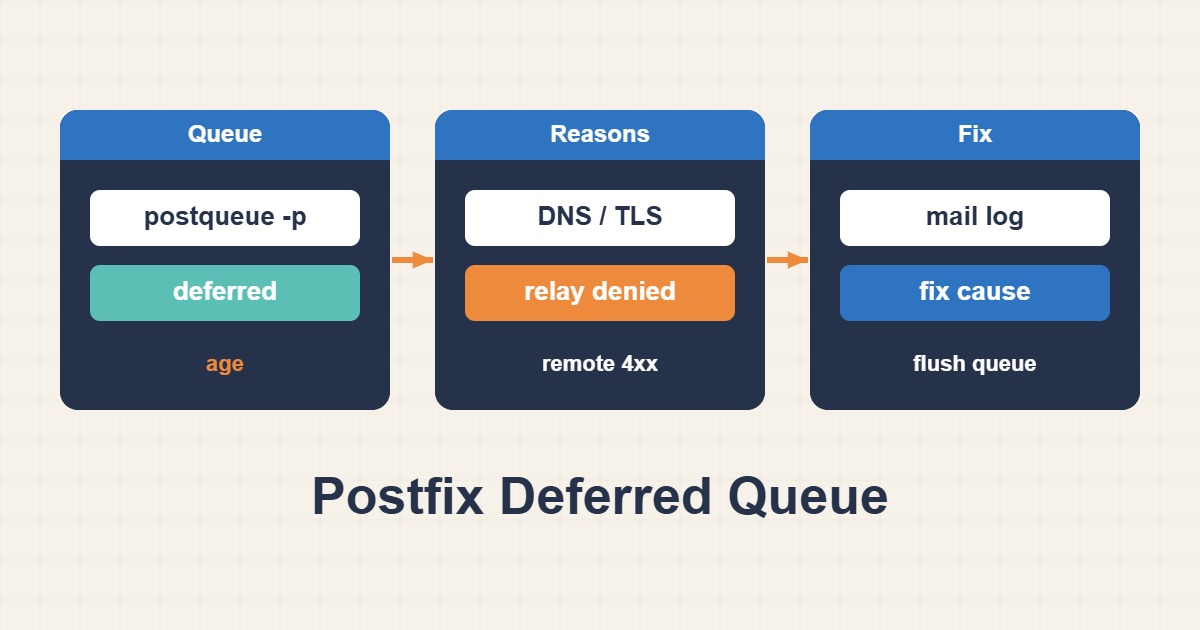
A Deferred message is not necessarily broken. The destination may be temporarily unavailable, DNS may fail, or a policy may reject the sender. Read the reason attached to each queue item before retrying.
Inspect queue and logs
postqueue -p
mailq
journalctl -u postfix --since '1 hour ago'
postcat -q QUEUE_ID
4xx responses are temporary; 5xx responses are usually permanent. Follow the Queue ID across logs. Message content may be sensitive, so restrict access.
Test DNS and connectivity
dig +short MX example.net
dig +short A mail.example.net
nc -vz mail.example.net 25
Check MX, A/AAAA, sender reverse DNS, IPv6 routing, and outbound firewall policy. A timeout, refusal, and policy rejection require different fixes.
Validate TLS and sender identity
openssl s_client -starttls smtp -connect mail.example.net:25 -servername mail.example.netVerify system time, CA chain, hostname, HELO, SPF, DKIM, and DMARC. Do not disable certificate verification to hide the error.
Retry carefully
postqueue -f
postsuper -r QUEUE_ID
postsuper -d QUEUE_ID
Repeated flushing does not fix the cause and may harm reputation. Requeue only after repair. Monitor deferred rate, oldest-message age, and queue growth; store relay credentials in protected maps.
Short answer
A deferred message means Postfix considers delivery temporarily unsuccessful and keeps the message in its queue. Read the reason for each queue ID, then test DNS, network reachability, TLS, and the remote response separately. Deleting the queue before diagnosis destroys useful evidence and potentially deliverable mail.
Common symptoms
- The active or deferred queue grows continuously
- Logs repeat connection timeout, host-not-found, or TLS failures
- One destination domain receives repeated retries
Likely causes
- Incorrect MX, resolver, or reverse DNS
- Blocked outbound TCP 25 or a route failure
- Remote throttling or poor sender reputation
- TLS negotiation or certificate failure
Diagnostic commands and sample output
postqueue -p
postcat -q QUEUE_ID
journalctl -u postfix --since "30 min ago"
dig +short MX example.net
Sample:
connect to mx.example.net[203.0.113.10]:25: Connection timed outHow to verify the fix
After fixing the cause, run postqueue -f and observe the queue over two retry cycles. Logs should show status=sent and a 2xx response from the destination.
Risks and rollback
postsuper -d permanently deletes queued mail. Record queue IDs and metadata first and back up the spool when policy requires recovery.
Anonymized field scenario
On a multi-domain mail server, only one destination remained deferred. MX resolution worked, but an outbound TCP 25 route was dropped. Correcting the firewall drained the queue with status=sent.
Official references
Last reviewed: 2026-10-01