
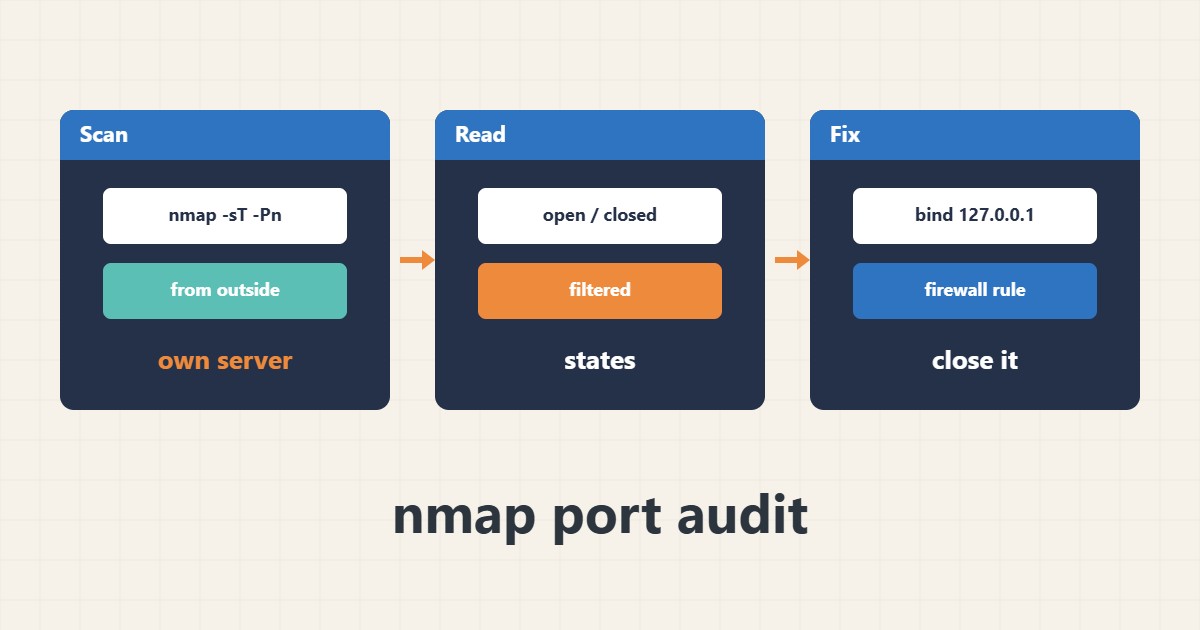
Sometimes a service such as a database or admin panel unintentionally listens on all addresses. nmap lets you see from outside which ports an attacker would see. Scanning is only acceptable on servers you own or have written permission to test.
1. A simple scan
From a machine outside the server network, scan the common ports. The address is an example:
nmap -sT -Pn example.com2. Reading the result
open means a service answers, closed means the host answers but nothing listens, and filtered means a firewall drops the packets. Normally only 80, 443 and SSH should show up and the MySQL port must not be open from outside.
3. What to do about an unexpected port
Bind the service to 127.0.0.1 or add a firewall rule, then repeat the scan to confirm. To cover more ports use a port range:
nmap -sT -Pn -p 1-1024 example.com4. Illustrative example, not a measurement
Suppose (an illustrative case) the scan shows port 3306 as open. The database is reachable from the internet and must be limited to the local address or the firewall right away.
5. Common mistakes
- Scanning other people’s servers or networks without permission.
- Scanning from the server itself and drawing conclusions about the outside view.
- Forgetting IPv6 during the check.
6. Frequently asked questions
Can a scan harm the server? A simple scan is usually harmless but may be logged and flagged by intrusion detection.
How often should I scan? After every firewall change or new service installation.
7. Quick checklist
- Make sure you are authorized to scan.
- Scan from outside the network.
- Close unwanted ports.
- Scan again.
If you need help reviewing performance or maintaining a server, see the server management services.
More server and WordPress guides are collected in the article archive.