
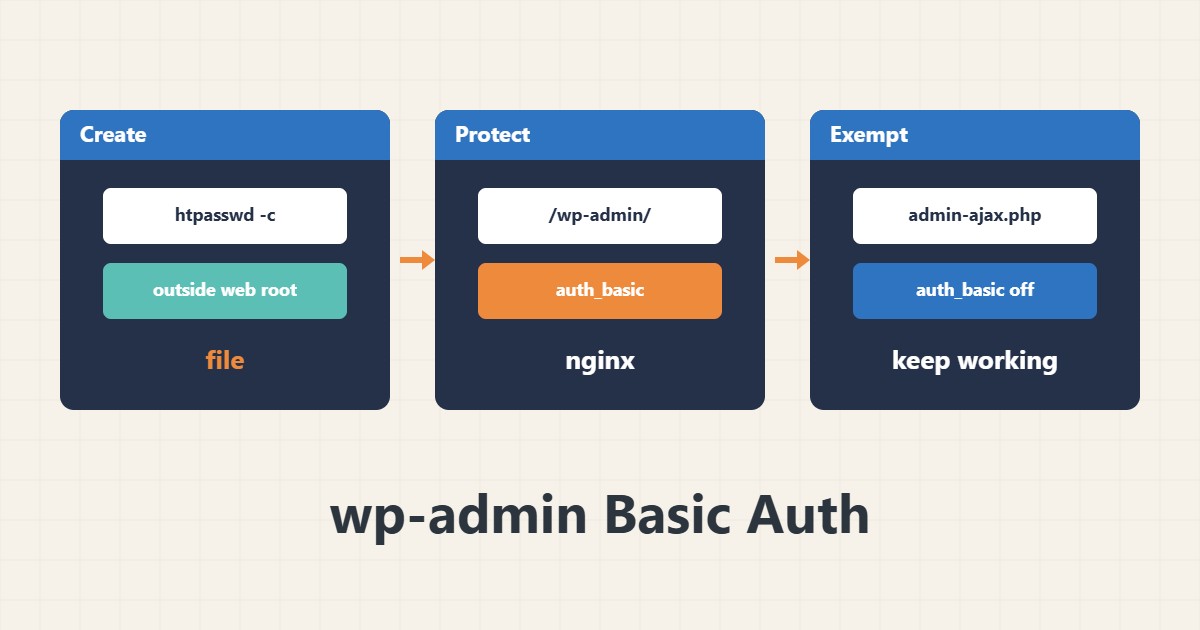
The WordPress login is a target for password-guessing attacks. Basic Auth adds a second password at the web server level, before the request reaches PHP, which reduces useless attempts. It does not replace a strong password or two-factor authentication; it is only an extra layer.
1. Create the password file
Create the file outside the public web root. The user name is an example, and do not type the password on the command line; the tool prompts for it:
htpasswd -c /etc/nginx/.htpasswd-wp admin_site2. Enable it on Nginx
Protect only the wp-admin path and exempt admin-ajax.php, because themes and plugins call it from outside the dashboard as well:
location /wp-admin/ {
    auth_basic "Restricted";
    auth_basic_user_file /etc/nginx/.htpasswd-wp;
}
location = /wp-admin/admin-ajax.php {
    auth_basic off;
}
3. Test and limits
Without credentials you should get 401, and with them you can log in. Make sure the REST API and cron are not blocked. On Apache the equivalent uses AuthType Basic in htaccess or the vhost:
curl -I https://example.com/wp-admin/4. Illustrative example, not a measurement
Suppose (an illustrative case) hundreds of failed login requests appear in the log every day before enabling it. With Basic Auth they are rejected with 401 and never reach PHP or the database.
5. Common mistakes
- Blocking admin-ajax.php and breaking forms and plugins.
- Placing the htpasswd file in a downloadable path.
- Relying on Basic Auth over plain HTTP; the password leaks without HTTPS.
6. Frequently asked questions
Does this make the site fully secure? No; it is one extra layer and strong passwords, updates and two-factor are still needed.
What if I forget the password? You must regenerate the file with server access, so keep an alternative access path.
7. Quick checklist
- Enable HTTPS.
- Create the htpasswd file outside the web root.
- Exempt admin-ajax.php.
- Test the 401 response with curl.
- Check forms and login.
If you need help reviewing performance or maintaining a server, see the server management services.
More server and WordPress guides are collected in the article archive.
Official references
Apache authentication howto · nginx auth_basic module · WordPress hardening guide