
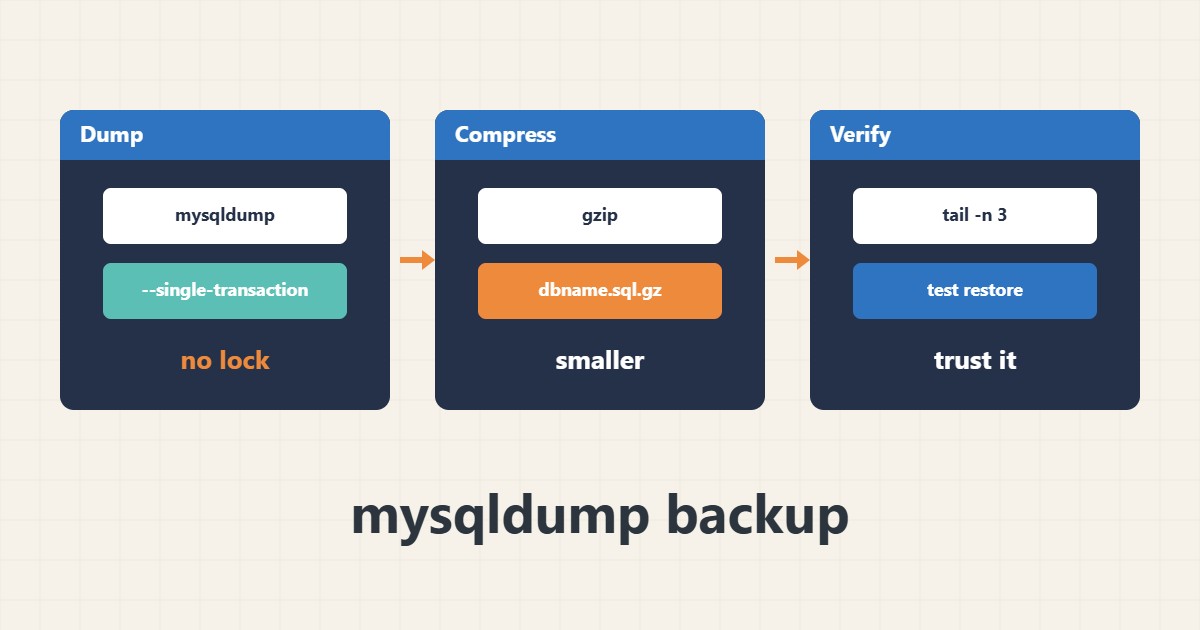
A WordPress database backup is only worth something if it is taken without disturbing the site and can be restored. mysqldump is the standard tool, but its default options may lock tables for a while.
1. Recommended command
For InnoDB tables, –single-transaction takes a consistent view without blocking writes. Do not put the password on the command line; use a user option file instead:
mysqldump --single-transaction --routines --triggers dbname | gzip > dbname.sql.gz2. Limitations
The option gives consistency only for transactional tables such as InnoDB. With MyISAM tables a fully consistent lock-free dump is not possible, so pick a low-traffic window.
3. Check the output
Look at the file size and read its end; a complete dump finishes with a “Dump completed” line. The best test is restoring into a scratch database:
zcat dbname.sql.gz | tail -n 34. Illustrative example, not a measurement
Suppose (an invented figure) a 1 GB site produces a gzip dump of about 150 MB. If the file is only a few kilobytes, the command most likely failed.
5. Common mistakes
- Leaving the password in shell history.
- Not checking the exit code and the end of the file.
- Keeping backups only on the same server.
6. Frequently asked questions
Will the site lock without single-transaction? Tables may be locked during the dump and the site can slow down.
How often should I back up? It depends on how fast data changes; busy sites need daily or more frequent backups.
7. Quick checklist
- Use single-transaction for InnoDB.
- Compress the output.
- Check the end of the file.
- Test a restore into a scratch database.
- Keep a copy off the server.
If you need help reviewing performance or maintaining a server, see the server management services.
More server and WordPress guides are collected in the article archive.