
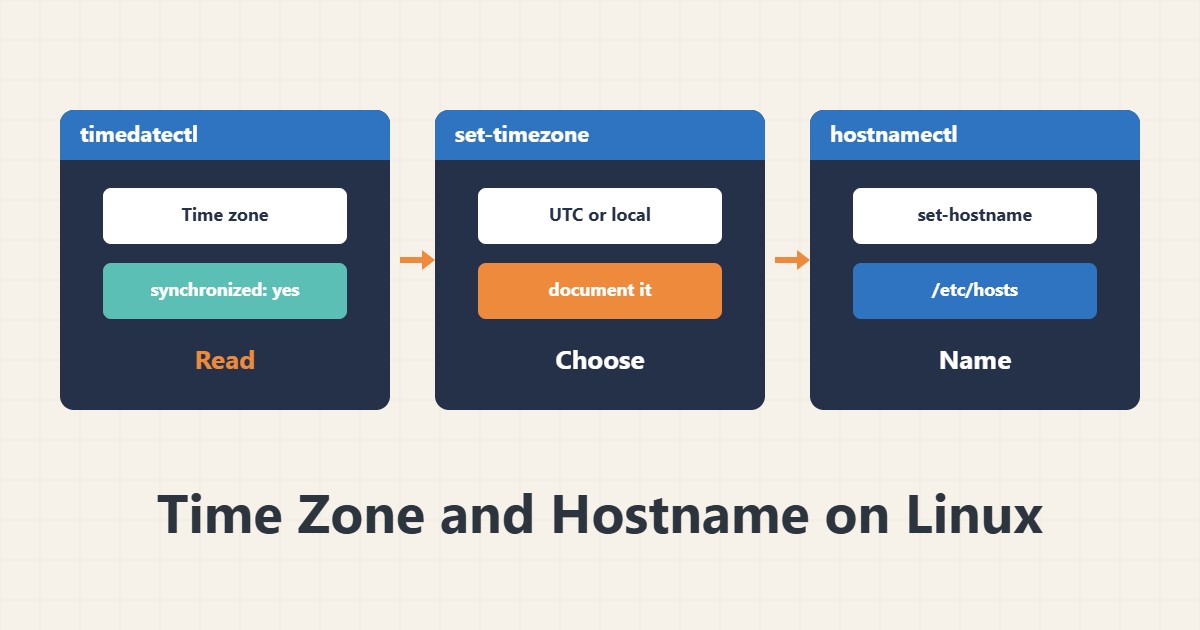
A wrong server clock or name has small, annoying effects: logs that do not match real time, cron running an hour late, or email introduced with the wrong name. This guide covers three key commands.
1. Time status
timedatectlThe output shows the time zone, local and UTC time and the System clock synchronized state. If the last one says no, the clock is not syncing with a time source.
2. Choose a time zone
timedatectl list-timezones | grep Tehran
sudo timedatectl set-timezone Asia/Tehran
For servers, many prefer UTC so logs from several servers compare easily and daylight saving does not cause trouble. Both choices are valid; what matters is making it deliberately and documenting it. A time zone change affects cron scheduling, so review it afterwards.
3. Clock synchronisation
sudo timedatectl set-ntp true
timedatectl timesync-status
This turns on the system NTP service. If timesync-status is unavailable, chrony or ntpd is used and you should check that service instead.
4. Hostname
hostnamectl
sudo hostnamectl set-hostname server01.example.com
After changing it, check /etc/hosts so the new name points to the internal address. On some cloud services cloud-init resets the name at boot, so enable preserve_hostname. A mail server’s name must match its PTR record.
5. Locale
localectl status
sudo localectl set-locale LANG=en_US.UTF-8
A wrong locale can change sort order and output characters of commands. UTF-8 is the safe choice for servers.
6. Illustrative example, not a measurement
Suppose users said the backup “at 3 a.m.” did not run, when it actually ran at 6:30 a.m. timedatectl showed the server time zone was UTC. The schedule was set with that zone in mind and the confusion ended. This scenario is an invented illustration, not a measurement.
7. Common mistakes
- Changing the time zone without reviewing cron.
- Setting the clock by hand instead of NTP.
- Changing the hostname without updating /etc/hosts.
- Choosing a time zone without telling the team.
8. Frequently asked questions
UTC or local time? Both are valid; UTC makes comparing several servers simpler.
Why did the clock change after reboot? NTP may be off or the hardware clock wrong.
How does hostnamectl differ from /etc/hostname? hostnamectl manages that file and applies the change immediately.
9. Quick checklist
- timedatectl was checked.
- The time zone was chosen deliberately and documented.
- NTP is active.
- Hostname and /etc/hosts agree.
- cron and email were reviewed after the change.
If you need help reviewing performance or maintaining a server, see the server management services.
More server and WordPress guides are collected in the article archive.